35
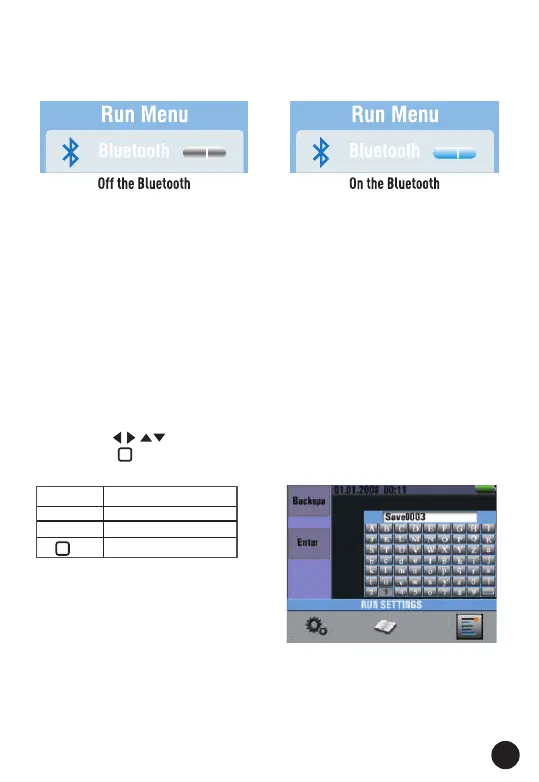
Note: Bluetooth Connect:
1. Turn on the Bluetooth function on the instrument using Menu Button
2. Turn on the Bluetooth of the Smartphone, press the Meterbox Pro
icon and enter into the home interface. Then press Connect Device
icon on the home interface, Bluetooth device name will appear.
3. Touch the device name listed in Bluetooth devices list to connect the
meter.
Detailed information about Meterbox Pro available on the APP help file.
Meterbox Pro for Android: Please search in Google Play with keyword
Meterbox Pro, download and run.
Meterbox Pro for iOS: Please search in the Apple Store with keyword
Meterbox Pro, download and run.
7.1. Bluetooth
• Press the "◄" and "►" Button to select the on or off bluetooth.
• Then ESC Button to esc and save.
7.2. Data Record
• Press the " " Button to select the characters press
• Press the " " Button to enter characters.
Note: Data recording shortcuts, press the left button.
Items Menu
F1 Button Backspa
F2 Button Enter Data Record
Enter characters



 To Next Page