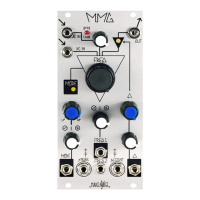
Time Stretch
24
Splice 1
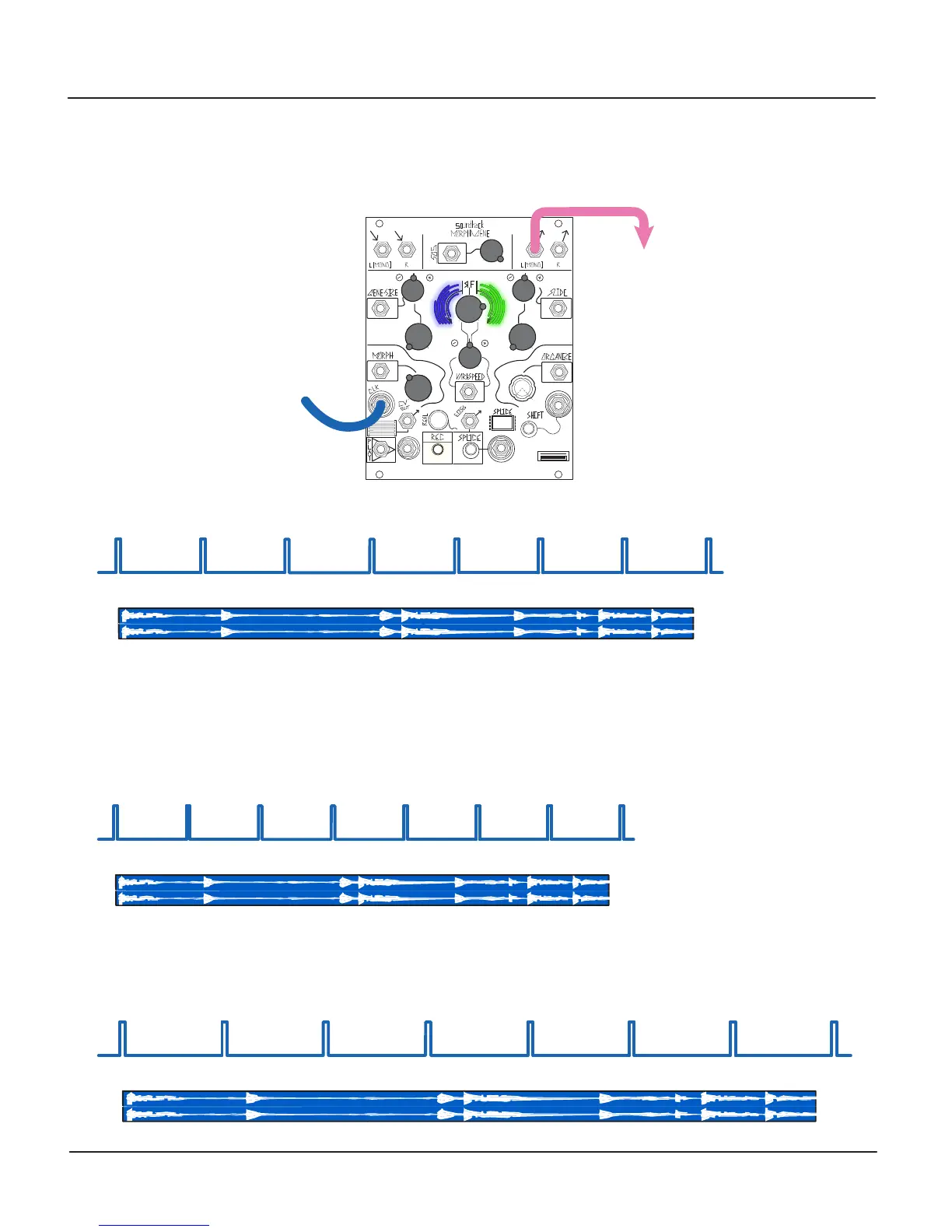
With an External Clock source patched the CLK IN, setting the Morph panel control to 11:00 changes the Morph Activity Window
to Blue in order to indicate Time Stretch. In this mode, the External Clock source synchronizes the currently-selected Splice with
each Clock or Gate.
Increasing the External Clock Rate results in Time Shifting of the currently-selected Splice:
Decreasing the External Clock Rate results in Time Stretch of the currently-selected Splice:
Splice 1
Splice 1
Clock Source:
Output:


 To Next Page