BOXER SERIES 10-20 KVA PRODUCT DESCRIPTION
AG-SD-109 Publishing Date: 13.10.2015 Revision No: 0 Rev. Date:
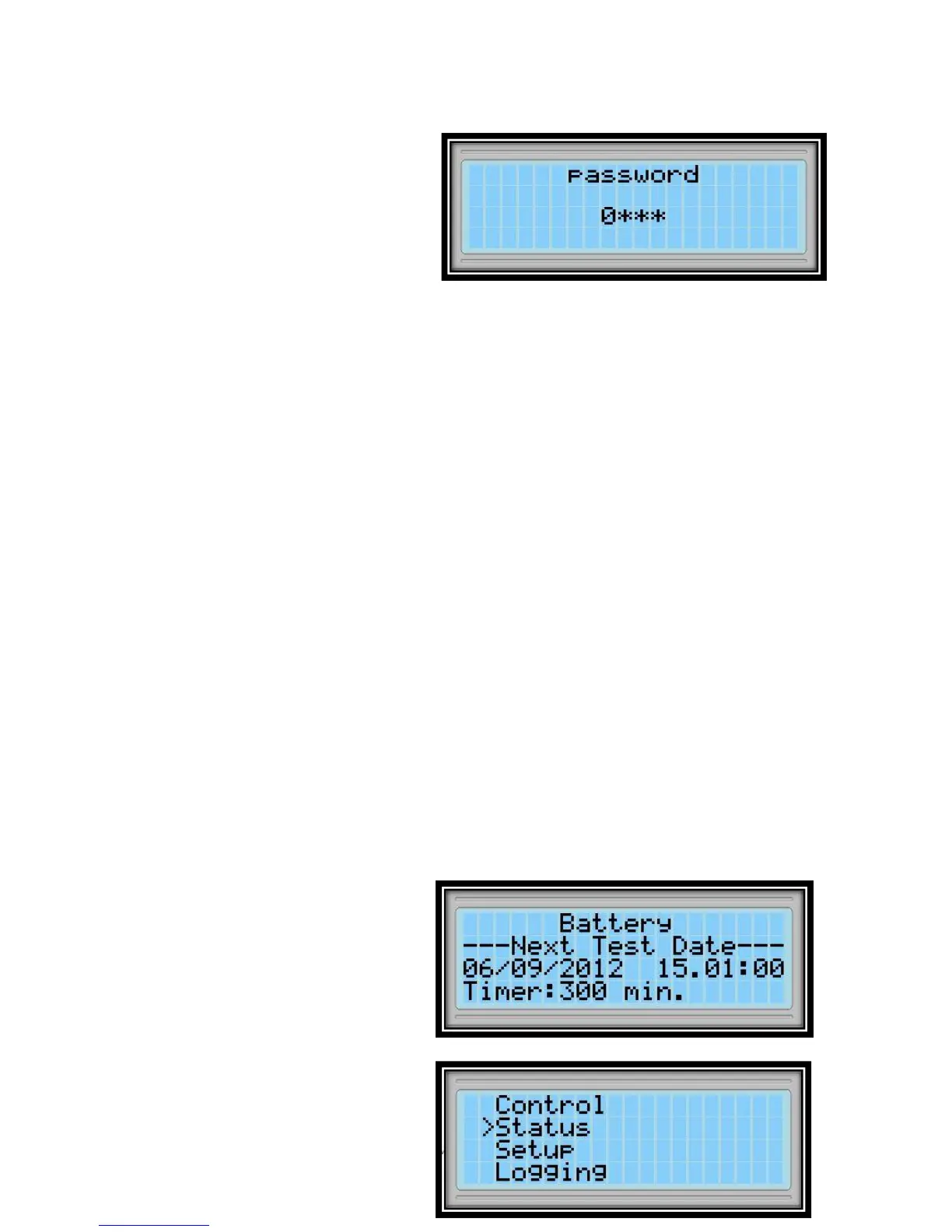
2.4.4 Password Protected Menus
Some menus such as the control menu
are password protected. To enter
password choose each digit with
UP/DOWN buttons and confirm with
ENT button.
User level password is: 0000
2.4.5 Control Menu
The followings can be done in the control menu:
Start Start the UPS.
Stop Stop the UPS.
Switch to BYPASS Switch to static BYPASS mode.
Switch to UPS Switch to online mode.
Bat. Quick Test Start the quick battery test.
Bat. Capacity Test Start the deep battery test.
Stop Battery Test Stop the battery test.
Battery status test, drains the 10% of battery energy and reports batteries which has more
capacity than 10% as “Good”, less capacity than 10% as “Replace” according to the test results.
After the device is started and every 24 hours, it automatically performs a quick battery test, if
test counter value is zero.
Note: Batteries must have been fully charged and kept in floating situation for 1 hour before
performing the quick battery test.
Batteries must have been fully charged and kept in floating situation for 5 hour before
performing the battery status test.
Battery tests are performed by directing the power to the mains, independently from the loads.
If the mains values gets out of limits during the test, test is cancelled.
Following Status> Battery menu, how
many minutes left to start the test can
be observed.
If “Stop Battery Test” is chosen from
the menu, the UPS cancels the battery
test and goes back to the previous
operating state.
2.4.6 Status Menu









 To Next Page