makerbot.com/docs/replicator 11
Here are a few tips about using the LCD Interface Panel:
A solid red M means The Replicator is working. Look at the LCD screen or the application for
status.
A blinking red M means The Replicator is waiting for user input.
YOUR KEY TO THE WORLD OF MAKERBOTTING
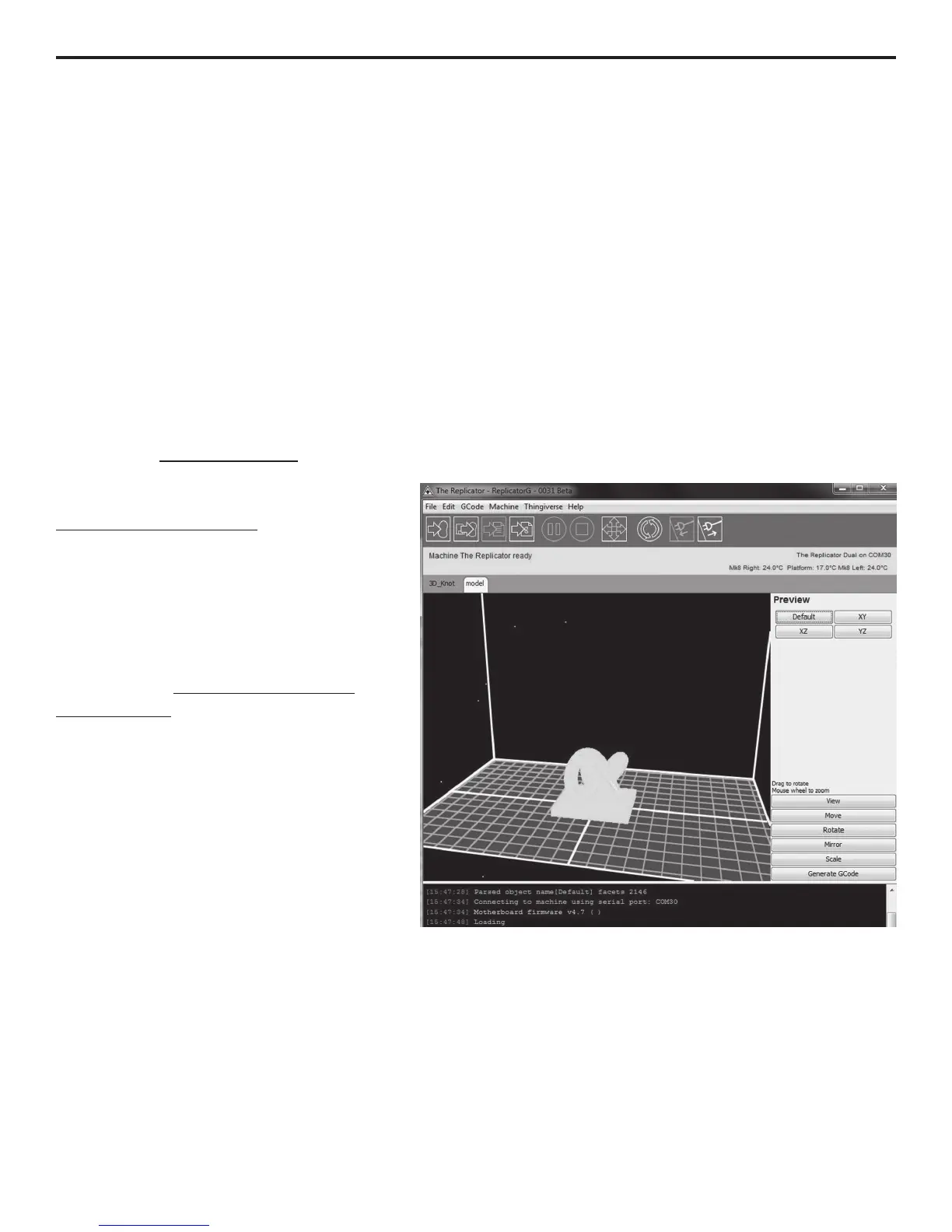
ReplicatorG is software that allows you to prepare new prints for The Replicator. You’ll need to
install ReplicatorG in order to print your own designs and the universe of objects
available at thingiverse.com.
To get started, go to
replicat.org/installation
If you’re using Windows, you’ll want to
run the installer before you connect
time.
Head over to makerbot.com/docs/
replicator/fre to continue your 3D
adventure.
ReplicatorG Software Interface
NEXT STEPS



 To Next Page