10 The Replicator™
Setup Guide
STEP 11.
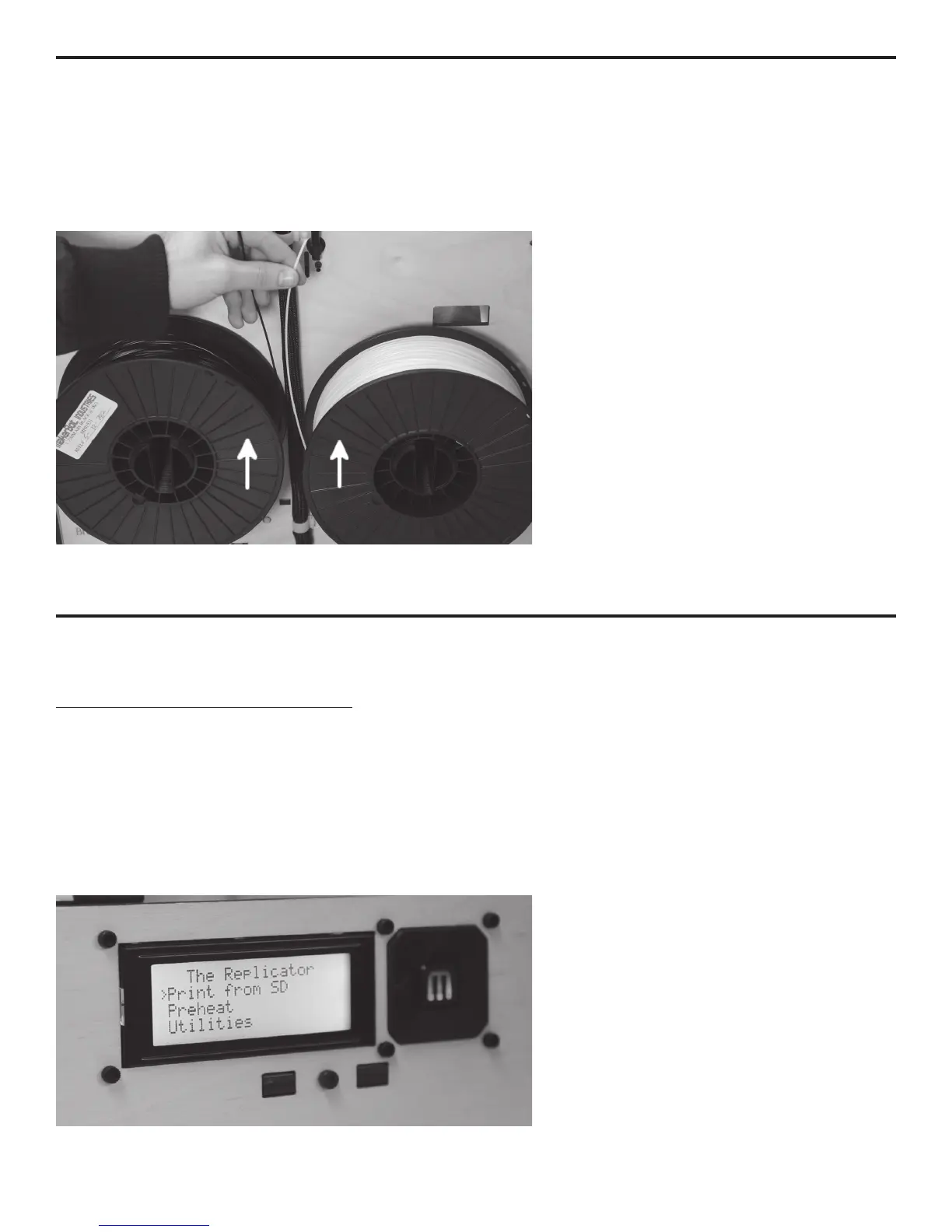
MOUNT THE FILAMENT SPOOLS
Open up your box(es) of Filament
and hang the spool(s) on the Spool
Holder(s). When a spool is securely
on, it will lock into place. Mount spools
so they’ll feed plastic up from the
center. If you have two spools, they
Guess what? You’re done with the
initial hardware setup! Take a moment
to relax and prepare for calibration
and printing.
NEXT STEPS
makerbot.com/docs/replicator/fre
Here’s a preview of what you’ll learn:
LET YOUR REPLICATOR TELL YOU WHAT TO DO
directions carefully and you’ll be up and running in a few minutes.
Step 11. Make sure your spools of lament feed plastic up from the center.
Follow Instructions on LCD Interface Panel.
INITIAL HARDWARE SETUP



 To Next Page