MAKERBOT SKETCH MANUAL
PAGE 26
EXTRUDER CALIBRATION
Calibration should be run if you are noticing any print quality issues, or if the extruders are changed.
You can access the calibration script on the MakerBot Sketch by going to Settings > Utilities > Calibration on the
printer’s touch screen.
MAINTAINING THE BUILD PLATE
The surface of the MakerBot Sketch build plate, known as the Grip Surface, allows for better print adhesion and print
quality compared to other types of build surfaces.
Go to HTTPS://STORE.MAKERBOT.COM/ to order more build plates.
MONTHLY MAINTENANCE
Please apply grease to the printer guide rods every 30 days of regular use or if the printer has not been used for an
extended period of time.
OTHER ISSUES
For help with issues not covered in this chapter, please go to SUPPORT.MAKERBOT.COM.
THE GUIDE TUBE
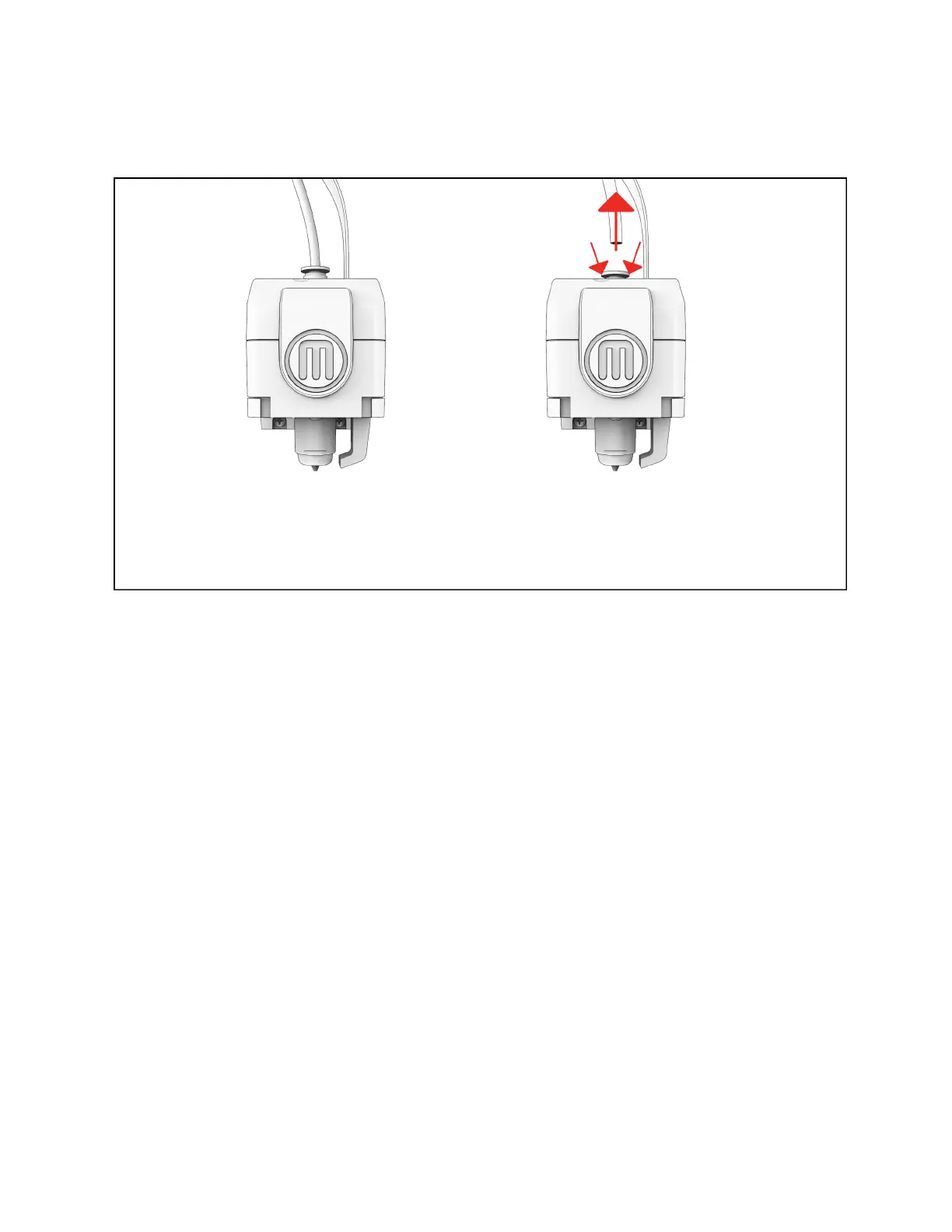
Press down on the guide tube connector, then pull the guide tube up.













 To Next Page