33
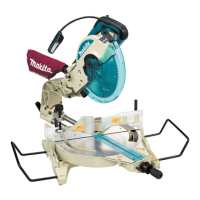
Pull out the Lamp Box keeping pushing lightly the upper posi-
tion of it as illustrated on the left.
Pull out the fluorescent tube and then replace it with Makita
original new one.
Replacing carbon brushes
Remove and check the carbon brushes regularly. Replace
when they wear down to the limit mark. Keep the carbon
brushes clean and free to slip in the holders. Both carbon
brushes should be replaced at the same time. Use only iden-
tical carbon brushes.
Use a screwdriver to remove the brush holder caps. Take out
the worn carbon brushes, insert the new ones and secure
the brush holder caps.
After replacing brushes, plug in the tool and break in brushes
by running tool with no load for about 10 minutes. Then
check the tool while running and electric brake operation
when releasing the switch trigger. If electric brake is not
working well, ask your local Makita service center for repair.
1. Limit mark
1
001145
1. Brush holder cap
2. Screwdriver
2
1
002463


 To Next Page
 Loading...