Using the system
42
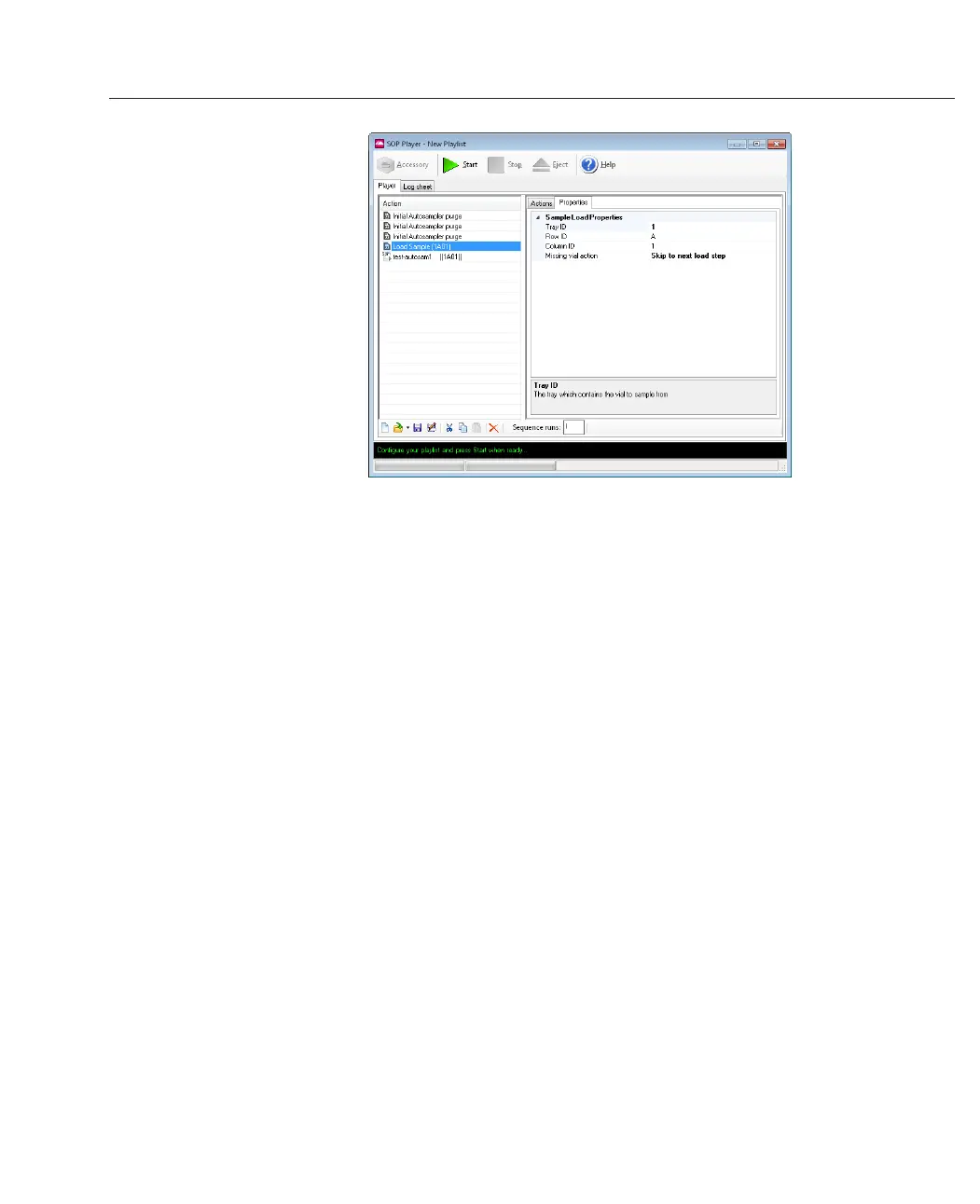
The position of the vial to be analyzed is identified by Tray, Row, and Column (the default
starting position is Tray 1, Row A, Column 1). To edit these settings click the relevant prop-
erty and enter the correct number/letter.
To change the Sample Name click on the SOP icon and enter the correct title in the Prop-
erties tab. This will be displayed in the ‘Sample Name’ column of the measurement file.
To complete the playlist sequence, a wash step can be added at the end to remove the
sample from the flow cell and clean the system ready for the next sample vial.
This sequence of steps can be repeated to build up a playlist for a sequence of vials.
Single vial
The single position option is shown with no first and last position. Any vial in either tray
can be selected for the analysis.



 To Next Page