2-94
IT
EN PL
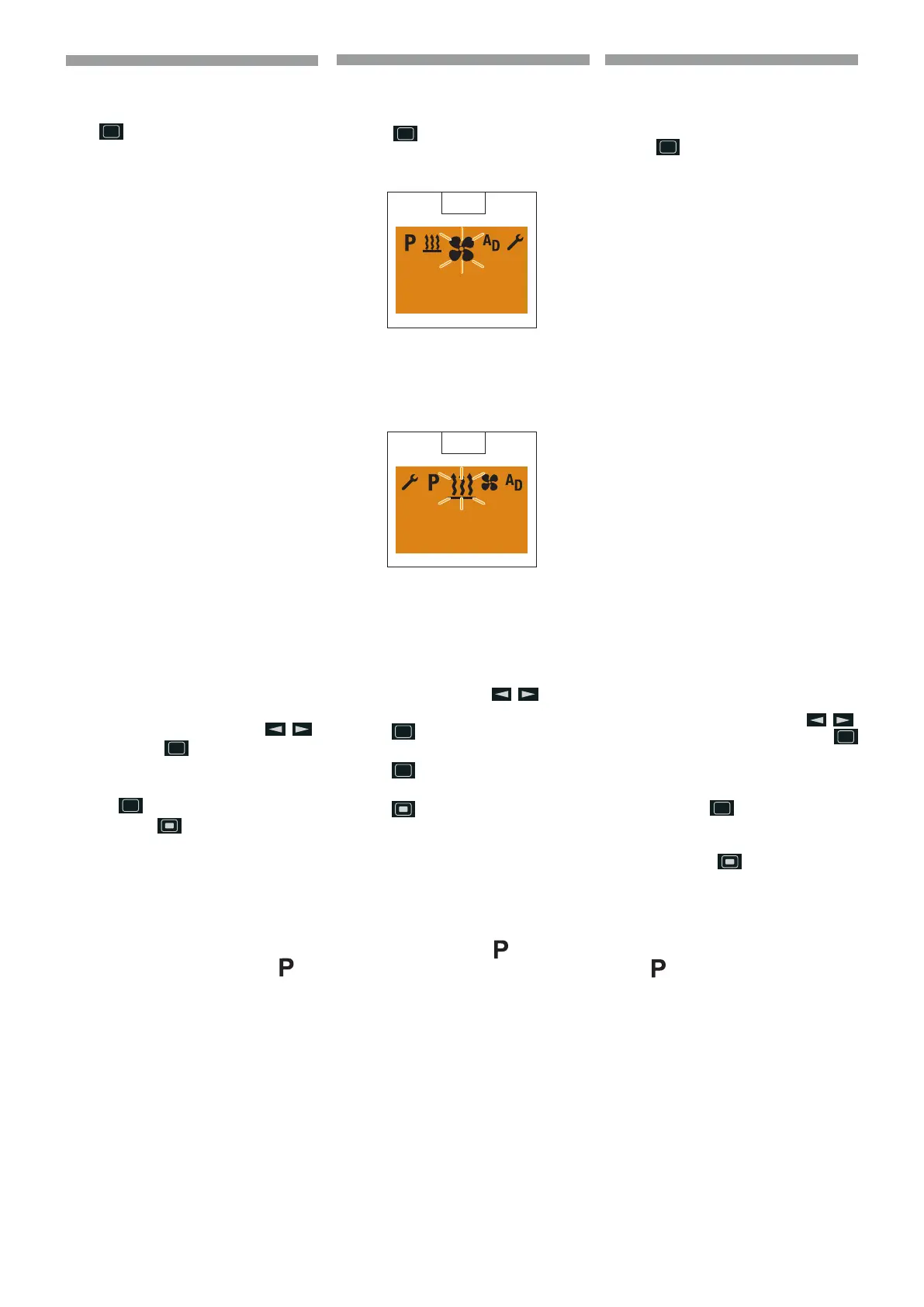
VENTILATI ON OFF with Shortpress
Display ON, the Ventilat ion menu item is
displayed.
Press the
Shortpress button for less
than 2 seconds.
Heater O (
56).
After the Ventilat ion O display the Start
display appears.
If the vehicle lighting is O the display ligh-
ting goes out after 10 seconds (
57).
p
Please note! The heater
switches o, an active add-
on unit remains in operation.
The following actions are possible
during the Ventilation O display:
Use the
but-
ton to select a menu item.
Shortpress button, the
Start display appears, if the
Shortpress button is
pressed a gain, Display O.
Shortpress button, the Venti-
lat ion submenu is displayed.
General information on programming
the preset time
The programming of the
preset time is
carried out in menu item .
The EasyStart Timer can be
used to program 3 preset times.
The 3 preset times can either all take pla-
ce on one weekday or can be distributed
between dierent weekdays.
3 weekday ranges are a vailable to choose
from, these can each be started daily with a
preset time.
Weekday ranges:
Sat – Sun 2x Heat ing / Ventilation
Mon – Fri 5x Heat ing / Ventilation
Mon – Sun 7x Heat ing / Ventilation
If the system is activated with programmed
weekday range, all weekdays are worked
through consecutively; after that renewed
programming is required.
56
21 °C
O
57
17:30
21 °C
Ventilazione O con Shortpress
Display On, viene visualizzata l’opzione
Ventilazione del menu.
Tasto
Shortpress, per meno di 2
secondi.
Riscaldatore O (
56).
Dopo l’indicazione Ventilazione O viene
visualizzata la videata iniziale.
In Illuminazione veicolo O dopo 10 se-
condi si spegne l’illuminazione del display
(
57).
p
Avvertenza! Il riscaldatore si
spegne, un apparecchio supple-
mentare attivo rimane in fun-
zione. Mentre è attiva l’indica-
zione Ventilazione O si possono
eseguire le seguenti operazioni:
Selezionare un’opzione del
menu con il tasto
.
Tasto
Shortpress, viene
visualizzata la videata inizia-
le, nuovo azionamento tasto
Shortpress, Display O.
Tasto
Shortpress, viene vi-
sualizzato il sottomenu Ventila-
zione.
Avvertenze generali sulla programmazi-
one del orario di preselezione
La programmazione dell’orario di prese-
lezione viene eseguita nell’opzione
del
menu.
Con EasyStart Timer si possono program-
mare 3 orari di preselezione. I 3 orari di
preselezione possono essere assegnati a un
giorno della settimana oppure essere distri-
buiti a diversi giorni della settimana.
Si possono selezionare anche 3 periodi di
giorni della settimana, che si possono av-
viare rispettivamente ogni giorno con un
orario di preselezione.
Periodi di giorni della settimana:
Sa. – Do. 2 volte Riscaldamento / Ventilazione
Lu. – Ve. 5 volte Riscaldamento / Ventilazione
Lu. – Do. 7 volte Riscaldamento / Ventilazione
Se si attiva un periodo di giorni della set-
timana programmato, vengono elaborati
tutti i giorni della settimana in successione,
poi occorre fare una nuova programmazio-
ne.
Wentylacja wyłączona przez krótkie
naciśnięcie /Shortpress/
Wyświetlacz włączony, wyświetlana jest
opcja menu Wentylacja.
Przycisk
Shortpress, naciśnięcie
trwające mniej niż 2 sekundy.
Ogrzewanie wyłączone (
56).
Po wskazaniu Wentylacja wyłączona,
wyświetlany jest ekran początkowy.
Kiedy oświetlenie pojazdu jest wyłączane,
po 10 sekundach wyłącza się podświetlenie
wyświetlacza (
57).
p
Ostrzeżenie! Ogrzewanie wyłąc-
za się, aktywne urządzenie do-
datkowe działa nadal. Kiedy
aktywne jest wskazanie Wen-
tylacja wyłączona, można wy-
konać następujące operacje:
Wybrać opcję menu za po-
mocą przycisku
.
Krótkie naciśnięcie przycisku
/Shortpress/ powoduje wyświet-
lenie ekranu początkowego,
ponowne krótkie naciśnięcie pr-
zycisku
/Shortpress/ powo-
duje wyłączenie wyświetlacza.
Krótkie naciśnięcie /Shortpress/
przycisku
powoduje wyświet-
lenie podmenu Wentylacja.
Uwagi ogólne na temat programowania
wstępnego ustawienia godzin
Wstępne ustawienie godzin programuje się
w opcji
menu.
Za pomocą EasyStart Timer można zapro-
gramować 3 wstępne ustawienia godzin. 3
wstępne ustawienia godzin można przypi-
sać do jednego dnia tygodnia lub rozdzielić
je na różne dni tygodnia.
Można również wybrać 3 przedziały dni ty-
godnia, które mogą się rozpoczynać odpo-
wiednio każdego dnia o określonej wstęp-
nie godzinie.
Przedziały dni tygodnia:
So – Nd. 2 razy Ogrzewanie / Wentylacja
Pn. – Pt. 5 razy Ogrzewanie / Wentylacja
Pn. – Nd. 7 razy Ogrzewanie / Wentylacja
Jeżeli uaktywnia się zaprogramowany pr-
zedział dni tygodnia, przetwarzane są kole-
jno wszystkie dni tygodnia, po czym potr-
zebne jest ponowne programowanie.
648870 IT-EN-PL (04/05/2015)










 To Next Page