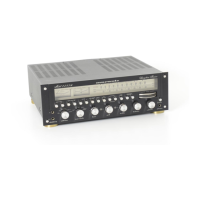
PREPARATION FOR USE
REAR PANEL CONNECTIONS
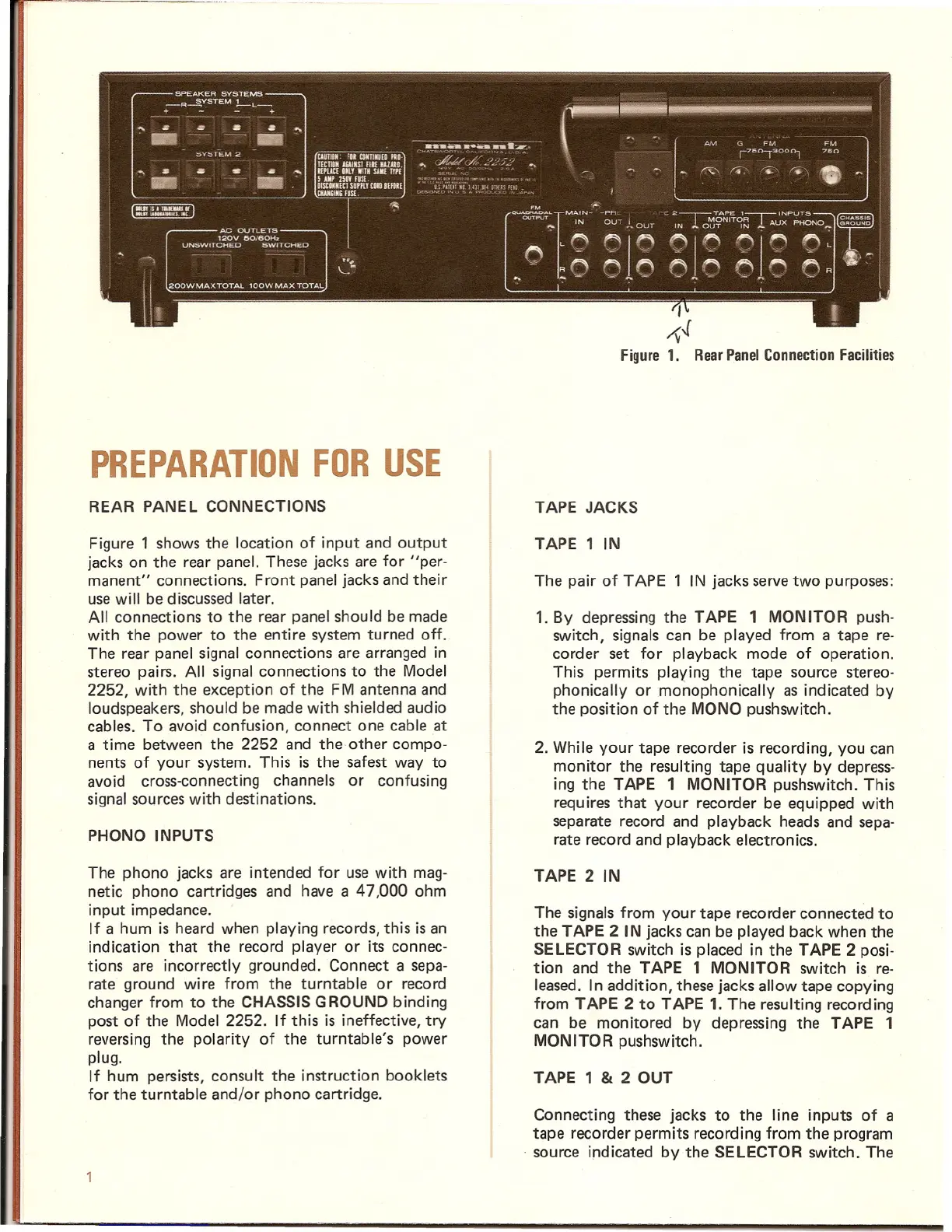
Figure 1 shows the location of input and output
jacks on the rear panel. These jacks are for "per-
manent" connections. Front panel jacks and their
usewill be discussedlater.
All connections to the rear panel should be made
with the power to the entire system turned off.
The rear panel signal connections are arranged in
stereo pairs. All signal connections to the Model
2252, with the exception of the FM antenna and
loudspeakers, should be made with shielded audio
cables. To avoid confusion, connect one cable at
a time between the 2252 and the other compo-
nents of your system. This is the safest way to
avoid cross-connecting channels or confusing
signal sources with destinations.
PHONO INPUTS
The phono jacks are intended for use with mag-
netic phono cartridges and have a 47,000 ohm
input impedance.
If a hum is heard when playing records, this is an
indication that the record player or its connec-
tions are incorrectly grounded. Connect a sepa-
rate ground wire from the turntable or record
changer from to the CHASSIS GROUND binding
post of the Model 2252. If this is ineffective, try
reversing the polarity of the turntable's power
plug.
If hum persists, consult the instruction booklets
for the turntable and/or phono cartridge.
,
~-l
Figure 1. Rear Panel Connection Facilities
TAPE JACKS
TAPE 1 IN
The pair of TAPE 1 IN jacks servetwo purposes:
1. By depressing the TAPE 1 MONITOR push-
switch, signals can be played from a tape re-
corder set for playback mode of operation.
This permits playing the tape source stereo-
phonically or monophonically as indicated by
the position of the MONO pushswitch.
2. While your tape recorder is recording, you can
monitor the resulting tape quality by depress-
ing the TAPE 1 MONITOR pushswitch. This
requires that your recorder be equipped with
separate record and playback heads and sepa-
rate record and playback electronics.
TAPE 2 IN
The signals from your tape recorder connected to
the TAPE 2 IN jacks can be played back when the
SELECTOR switch is placed in the TAPE 2 posi-
tion and the TAPE 1 MONITOR switch is re-
leased. In addition, these jacks allow tape copying
from TAPE 2 to TAPE 1. The resulting recording
can be monitored by depressing the TAPE 1
MONITOR pushswitch.
TAPE 1
& 2 OUT
Connecting these jacks to the line inputs of a
tape recorder permits recording from the program
source indicated by the SELECTOR switch. The



 To Next Page