3. Selection Modes for Service-related Operations
3.1. Actions
Select diagnostic mode (service path check mode), 232C standby clear mode, Operation Info mode or TUNER STEP
mode(U and N model only).
3.2. Starting up
Hold down buttons "
ZONE SELECT
" and "
BACK
" at the same time and press the power button to turn on the power.
Select the mode using the button "
CURSOR
f
/
d
", and press the button "
ENTER
" to commit the selection.
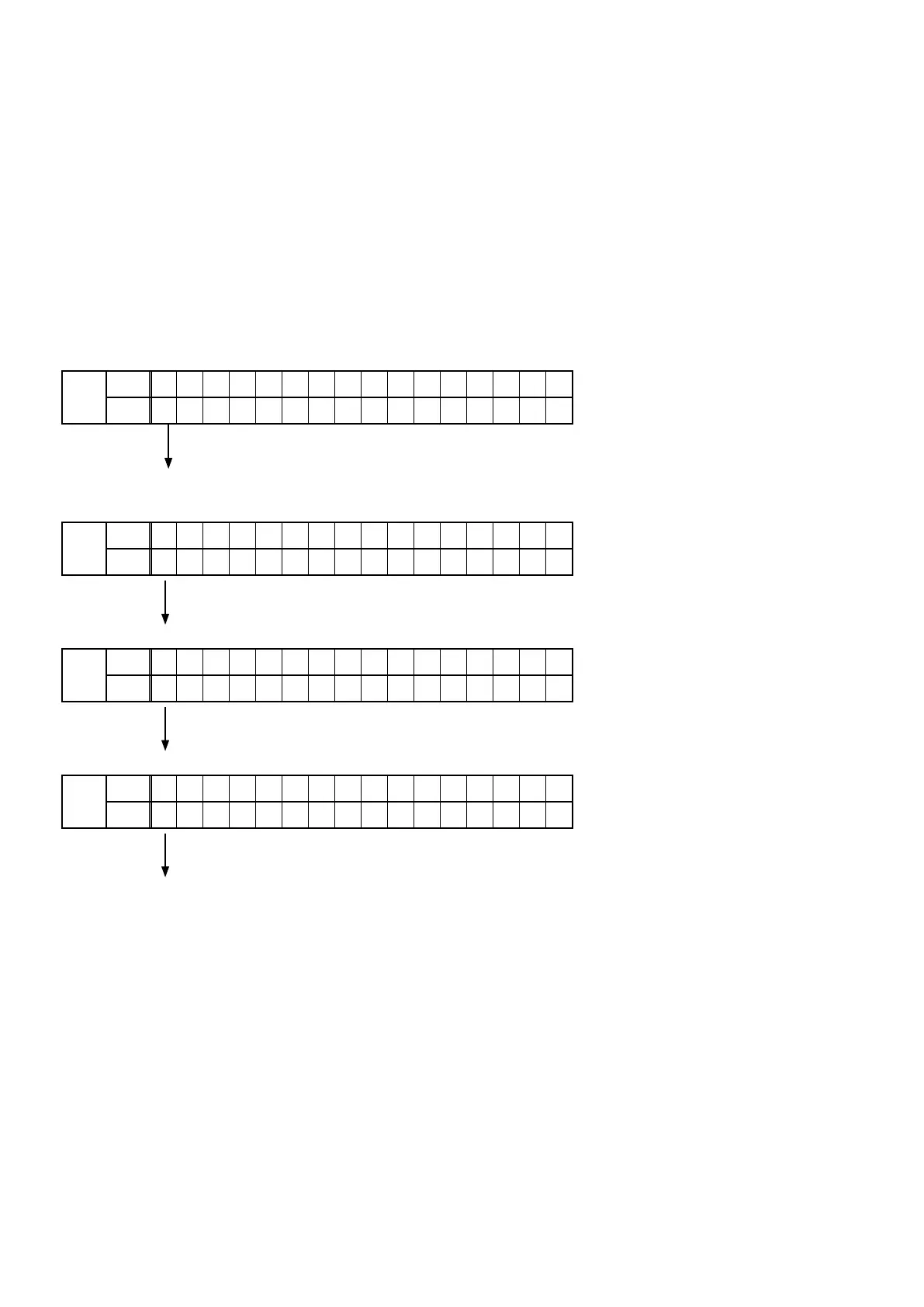
3.3. Displaying and Selecting Each Mode
The information shown on the display changes each time the button "
CURSOR
f
/
d
" is pressed.
Press the button "
ENTER
" to set the currently displayed mode and restart the device.
q
FLD
L1
– 1 . S E R V I C E C H E C K
L2
3 . R S 2 3 2 C R E S E T
Service Path Check Mode:
The Video and Audio paths can be checked.
This function is convenient for conrming problem paths in the product and executing a path
check after repair.
w
FLD
L1
1 . S E R V I C E C H E C K
L2
– 3 . R S 2 3 2 C R E S E T
Switches from 232C standby mode to normal standby mode.
e
FLD
L1
3 . R S 2 3 2 C R E S E T
L2
– 4 . O P I N F O
Operation Info for the unit can be checked.
r
FLD
L1
4 . O P I N F O
L2
– 5 . T U N E R F R Q S E T
Enables reception STEP of the ANALOG TUNER to be changed.
3.4. Canceling the mode
Press the power button to turn off the power.
24



 To Next Page