3.7. TUNER STEP mode (N only)
3.7.1. Actions
This is a special mode for enabling reception STEP of the ANALOG TUNER to be changed.
3.7.2. Starting up
Hold down buttons "
ZONE SELECT
" and "
BACK
" at the same time and press the power button to turn on the power.
Select the "
5. TUNER FRQ SET
" using the button "
CURSOR
f
/
d
", and press the button "
ENTER
" to commit the selection.
3.7.3. Displays
Start this unit in TUNER STEP mode, select using button "
CURSOR
0
/
1
" and enter using button "
ENTER
".
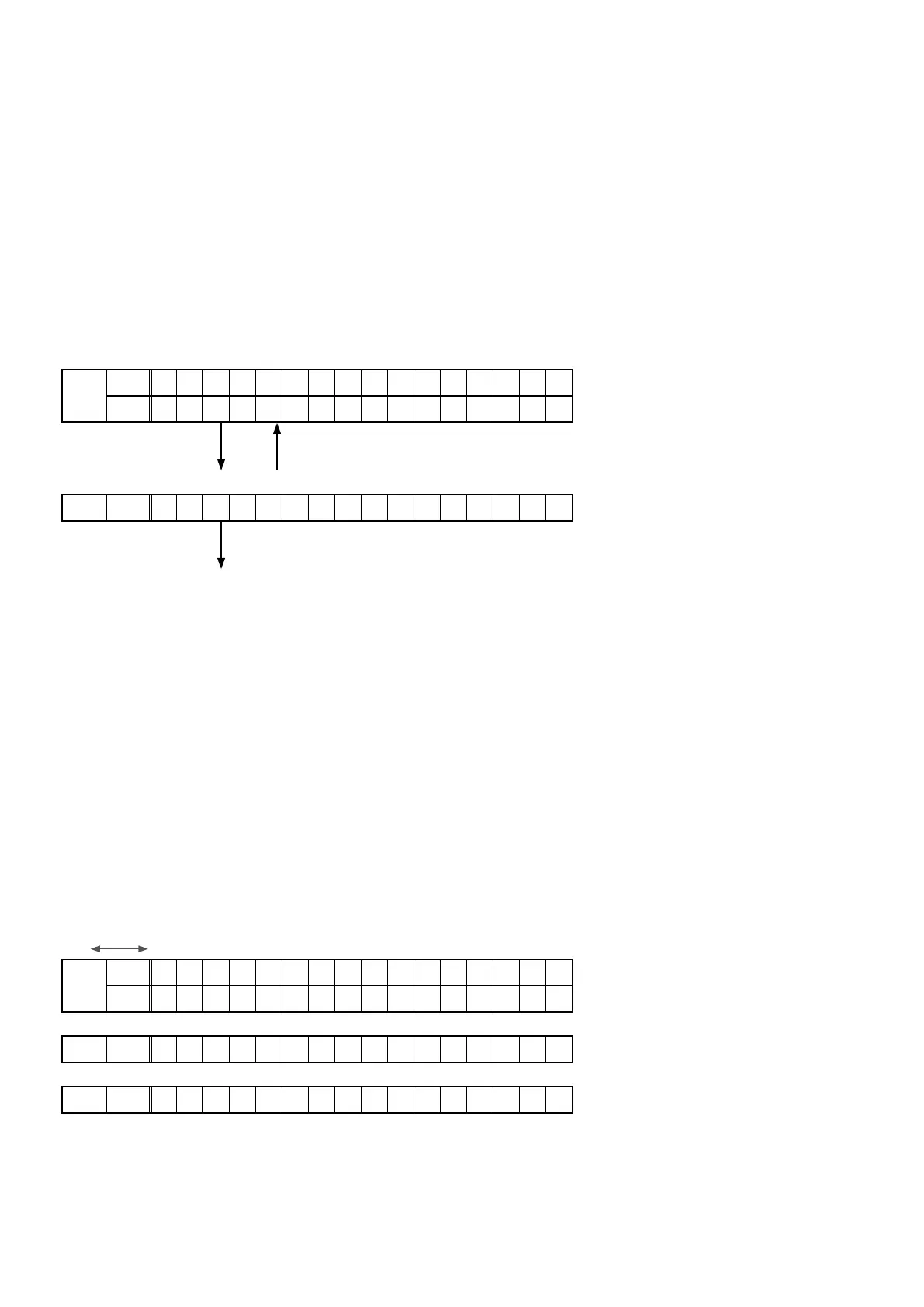
The following information is displayed in the following order.
(1) AM9kHz/FM50kHz selected
FLD
L1
* T U N E R F R Q S e t
L2
< A M 9 / F M 5 0 >
"
CURSOR
0
" "
CURSOR
1
"
(2) AM10kHz/FM200kHz selected
FLD L2
< A M 1 0 / F M 2 0 0 >
"
ENTER
"
(3) Press the power button to turn off the power.
(4) Press the power button to turn on the power.
4. Additional Source mode
4.1. Actions
• The Additional Source setting is added for the custom installer. When the setting is "ON", AUX3-7 is added as a Source.
It is possible to add the number of Sources for use by assigning various input connectors in Input Assign Menu.
• The added AUX3-7 is displayed and available for selection in the Source related settings such as Input Setup in Setup
Menu.
• The default setting is "
OFF
".
4.2. Starting up
Hold down buttons "
SLEEP
" and "
A-DSX
" at the same time and press the power button to turn on the power.
4.3. Operations
1. After the POWER ON sequence, FLD displays the indication for the Additional Source mode.
2. Press the "
CURSOR
0
/
1
" buttons to select the setting.
ON OFF
FLD
L1
* A d d S o u r c e M o d e
L2
< O F F >
• ON is selected
FLD L2
< O N >
• OFF is selected
FLD L2
< O F F >
3. Press the "
ENTER
"buttontoconrmthesetting.
70



 To Next Page