Upgrade (Auro-3D)
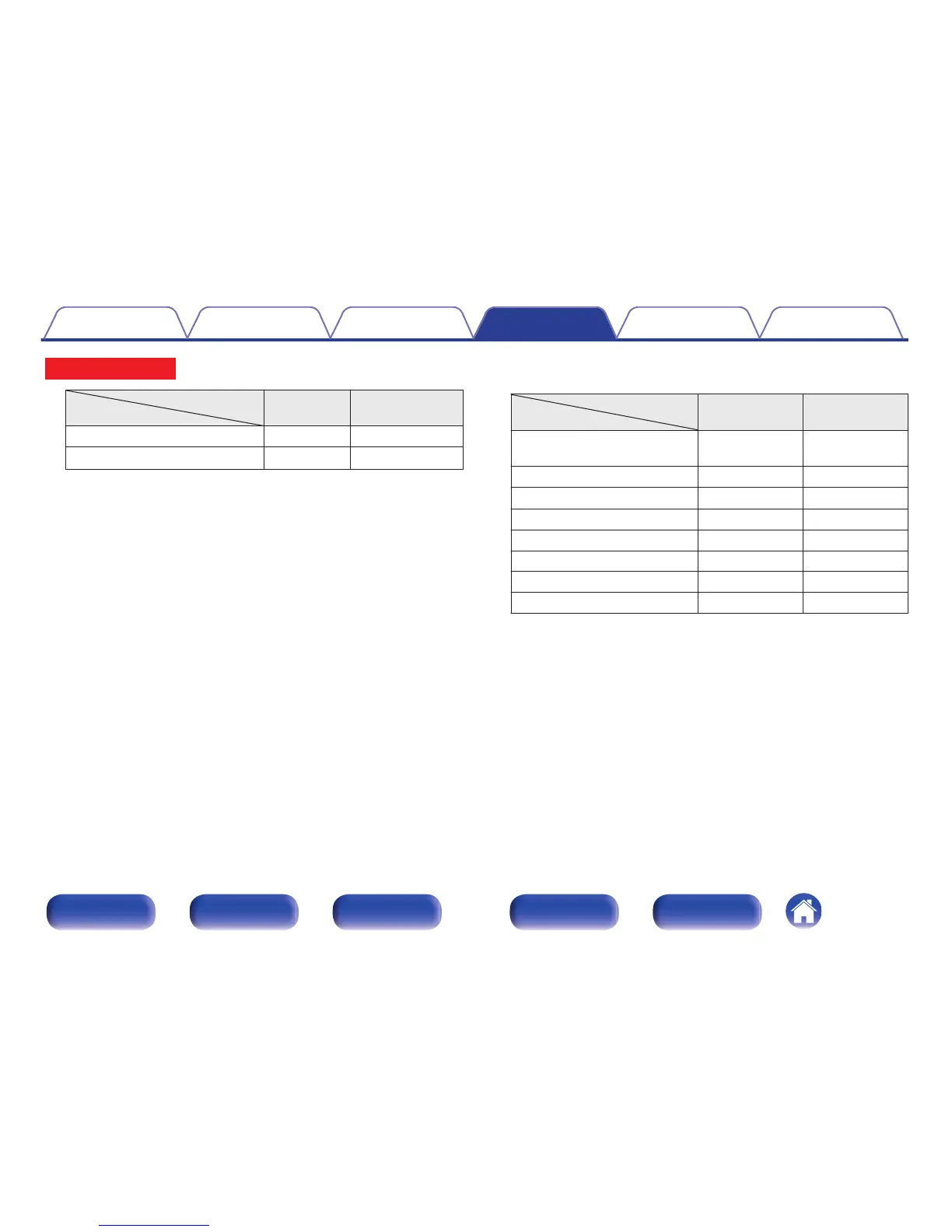
AUDIO OUT connectors
Select items
HEIGHT1 HEIGHT2
Front Height & Surr. Height Front Height Surround Height
Front Height & Rear Height
Front Height
Rear Height
z
z
For the best Auro-3D experience surround height speakers are recommended,
however you may substitute rear height speakers in place of surround height
speakers.
GWhen “Height Speakers” is set to “Using Dolby Speakers”H
Select the height channels used for the two pair.
AUDIO OUT connectors
Select items
HEIGHT1 HEIGHT2
Front Dolby
(Default)
Front Dolby Not assigned.
Surround Dolby Surround Dolby Not assigned.
Back Dolby
z
Back Dolby Not assigned.
Front Dolby & Top Rear Front Dolby Top Rear
Front Dolby & Rear Height Front Dolby Rear Height
Front Height & Surr. Dolby Front Height Surround Dolby
Top Front & Surr. Dolby Top Front Surround Dolby
Front Dolby & Surr. Dolby Front Dolby Surround Dolby
z
When “Pre-out for Bi-Amp” setting is “FRONT WIDE”, you can make this
setting.
Contents
Connections Playback Settings Tips Appendix
239
Front panel Display Rear panel Remote Index



 To Next Page