T
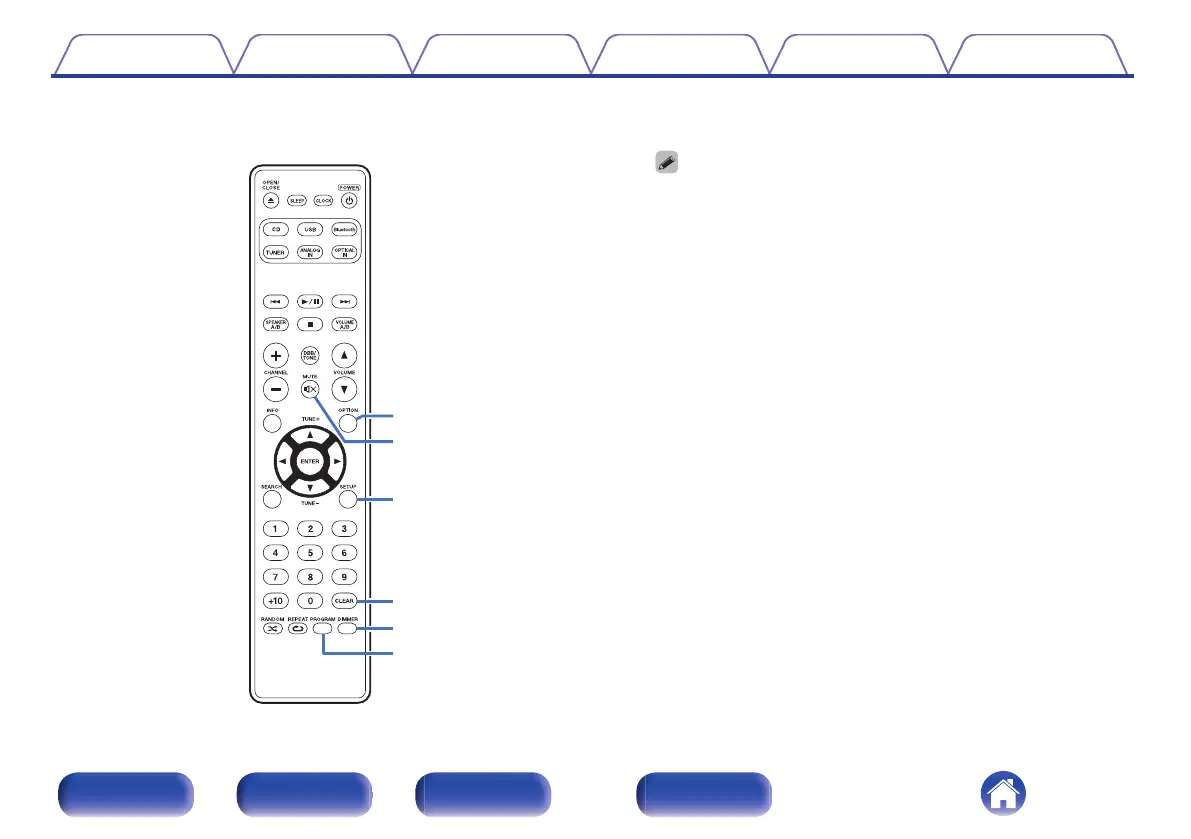
OPTION button
0
This displays the option menu on the display.
0
An option menu is not displayed for some input sources.
0
This switches the playback range on a data CD. (v p. 37)
U
MUTE button (O)
This mutes the output audio. (v p. 31)
V
SETUP button
The setting menu is displayed on the display. (v p. 64)
W
CLEAR button
This cancels the settings.
X
DIMMER button
Adjust the display brightness of this unit. (v p. 57)
Y
PROGRAM button
This sets program playback. (v p. 34)
Contents
Connections Playback Settings Tips Appendix
18
Front panel Rear panel
Remote control
unit
Index















 To Next Page