o
Contents
Connecting speakers 20
Connecting a digital device 24
Connecting an analog device 25
Connecting a USB memory device to the USB port 26
Connecting a DAB/FM antenna 27
Connecting the power cord 28
NOTE
0
Do not plug in the power cord until all connections have been completed.
0
Do not bundle power cords with connection cables. Doing so can result in
humming or noise.
o
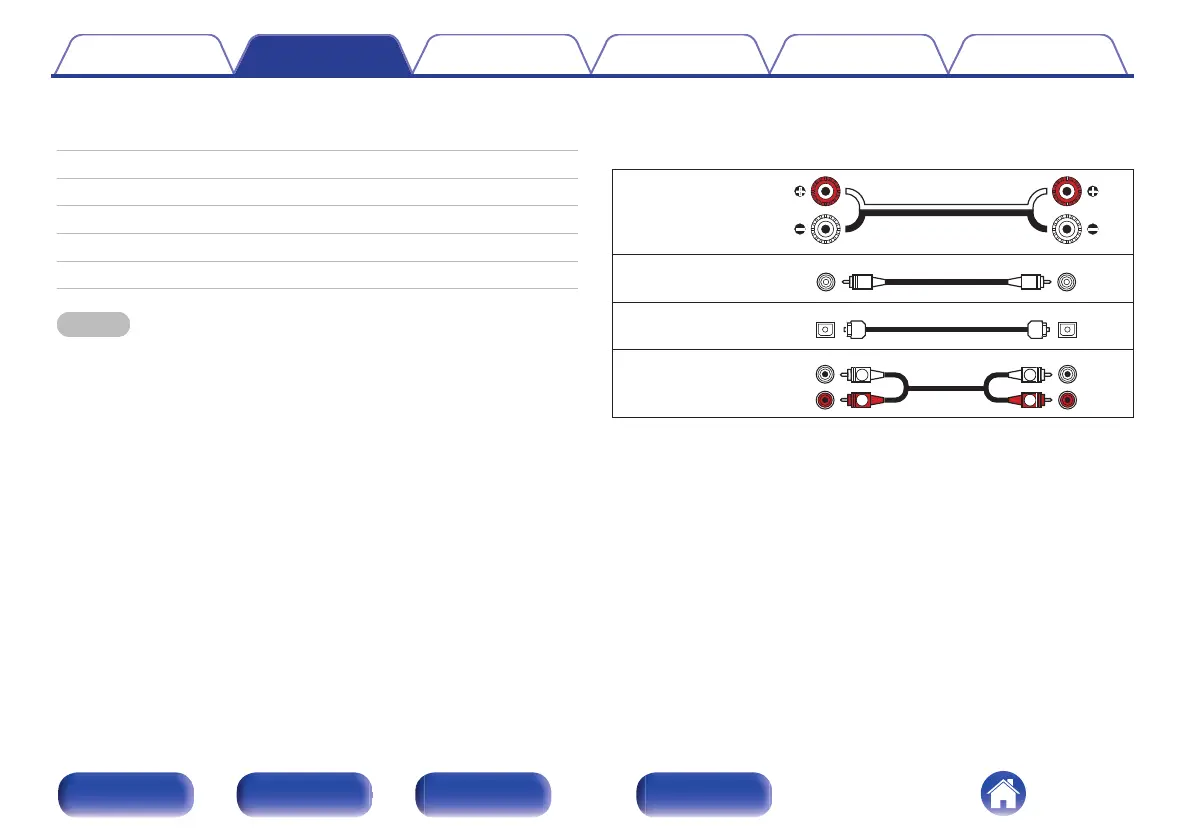
Cables used for connections
Provide necessary cables according to the devices you want to
connect.
Speaker cable
.
Subwoofer cable
.
Optical cable
.
Audio cable
.
Contents Connections Playback Settings Tips Appendix
19
Front panel Rear panel
Remote control
unit
Index















 To Next Page