17
NAMES AND
FUNCTIONS
BASIC
CONNECTIONS
BASIC
OPERATIONS
BASIC
SETTINGS
PRACTICAL CON-
NECTIONS
ADVANCED
OPERATIONS
IF YOU EXPERIENCE
PROBLEMS
MISCELLANEOUS
PRACTICAL
CONNECTIONS
ENGLISH
PRACTICAL CONNECTIONS
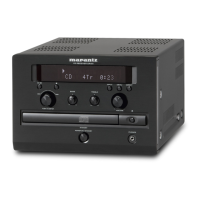
REMOTE CONTROL CONNECTION
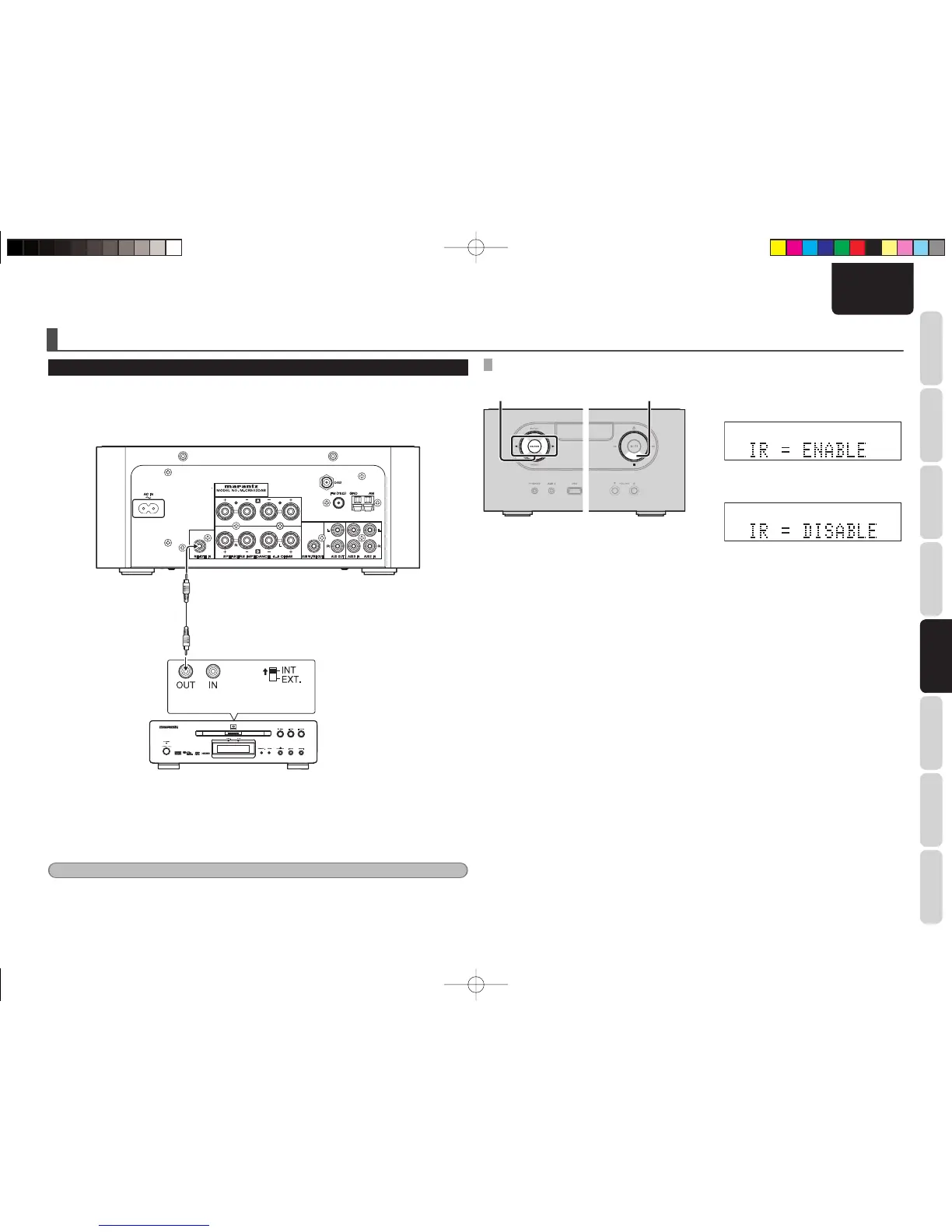
• The REMOTE IN jack is intended for connecting devices equipped with a remote control connector such
as a Marantz DVD player.
• The unit can be controlled using the remote sensor of a Marantz DVD player connected to the unit. Be
sure to set “IR=DISABLE” when controlling in this way.
Marantz DVD player
Remote control Remote control
switch
SETTING THE REMOTE CONTROL
3. 2.
1. Put the power of the unit into standby
mode.
2. Turn on the power while holding down the
7 button.
3. Select “IR=DISABLE” using the 1/2 buttons
and then press the ENTER button.
• The unit cannot be controlled using the
remote controller while “IR=DISABLE” is
set.
• To restore original settings, repeat Steps
1. and 2., select “IR=ENABLE” and
press the ENTER button.
Note:
When making this remote control connection, be sure to set the remote control switch, located on the rear panel
of the device that is connected to the unit, to INT..
M-CR502TDAB01ENG.indd17M-CR502TDAB01ENG.indd17 09.2.41:35:34PM09.2.41:35:34PM



 To Next Page