31
NAMES AND
FUNCTIONS
BASIC
CONNECTIONS
BASIC
OPERATIONS
BASIC
SETTINGS
PRACTICAL
CONNECTIONS
ADVANCED OP-
ERATIONS
IF YOU EXPERIENCE
PROBLEMS
MISCELLANEOUS
ADVANCED
OPERATIONS
ENGLISH
ADJUSTING THE AUDIO LEVEL BALANCE
BETWEEN SPEAKERS A AND B
With the output of Speaker A fi xed, the audio level
of Speaker B can be adjusted within the range –6
dB to +6 dB.
1. Press the MODE button on the unit for 3 or
more seconds or the SET UP button on the
remote controller.
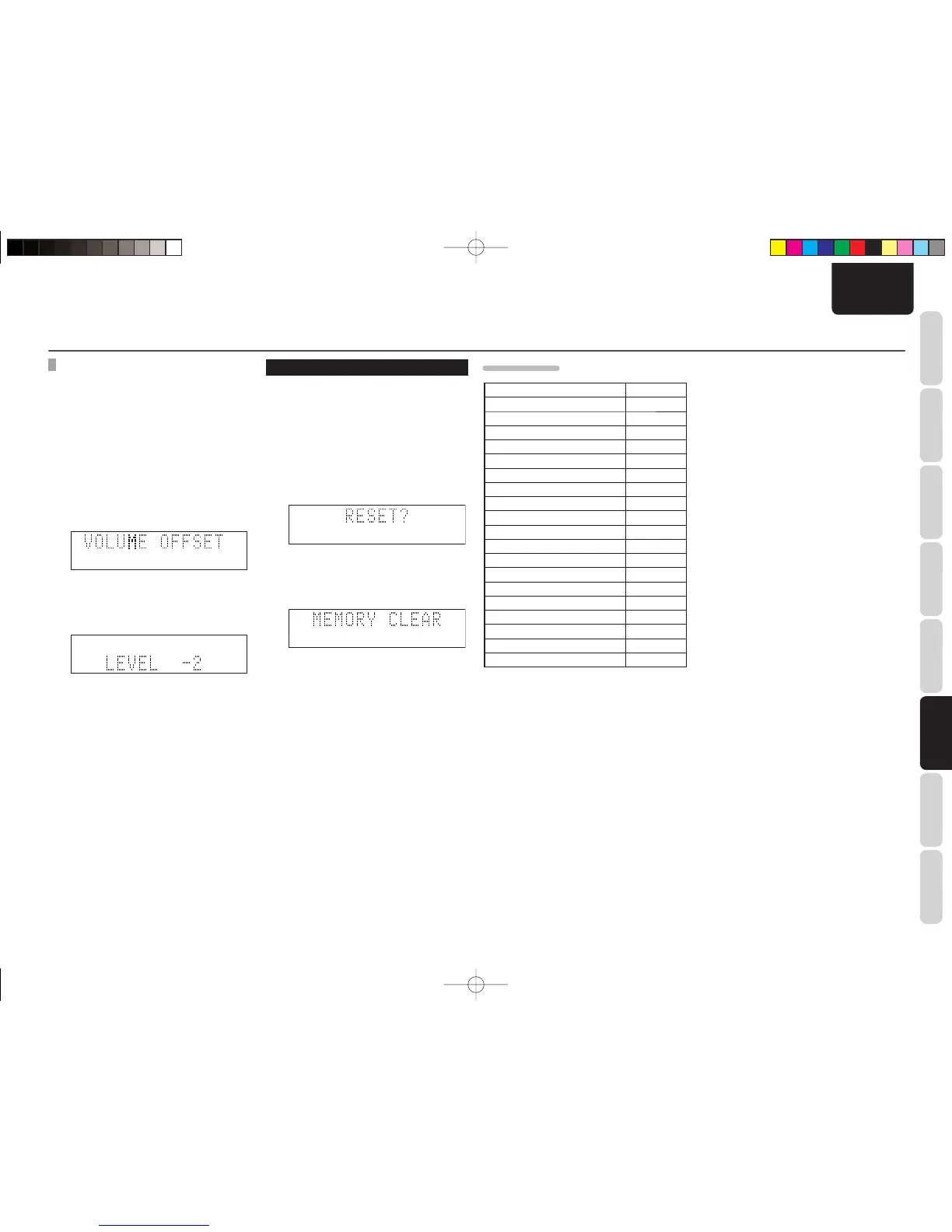
2. Select “VOLOFFSET” from the menu using
the 1/2 buttons on the unit or the VOLUME
buttons on the remote controller and then
press the ENTER button.
3. Adjust the audio level for Speaker B using
the 1/2 buttons on the unit or the VOLUME
buttons on the remote controller, and then
press the ENTER button.
PERFORMING RESET
• All settings can be returned to default status.
• Reset is selected on the unit.
1. Put the power of the unit into standby
mode.
2. Press the ON/STANDBY button while
holding down the MODE button.
“RESET?” will fl ash on the display panel at
this time.
3. Press the ENTER button to confi rm.
“RESET COMPLETE” will be displayed on
the display panel for 1 second at this time
and then reset is complete.
ADVANCED OPERATIONS
DEFAULT STATUS
INPUT CD
Volume 0
Dimmer OFF
ECO MODE OFF
Speaker settings A
Tuner preset channels Not set
TREBLE 0
BASS 0
BALANCE CENTER
Clock Not set
Wake-up timer Not set
Sleep timer Not set
SPK A FLAT
SPK B FLAT
VOLUME OFFSET 0
FM STEREO/MONO STEREO
IR ENABLE
RT OFF
CT OFF
DRC OFF
M-CR502TDAB01ENG.indd31M-CR502TDAB01ENG.indd31 09.2.41:35:43PM09.2.41:35:43PM















 To Next Page