Resetting factory settings
Perform this procedure if the display is abnormal or if operations cannot be performed.
Various settings are reset to the factory default values. Make settings again.
.
1
When power is switched to standby.
2
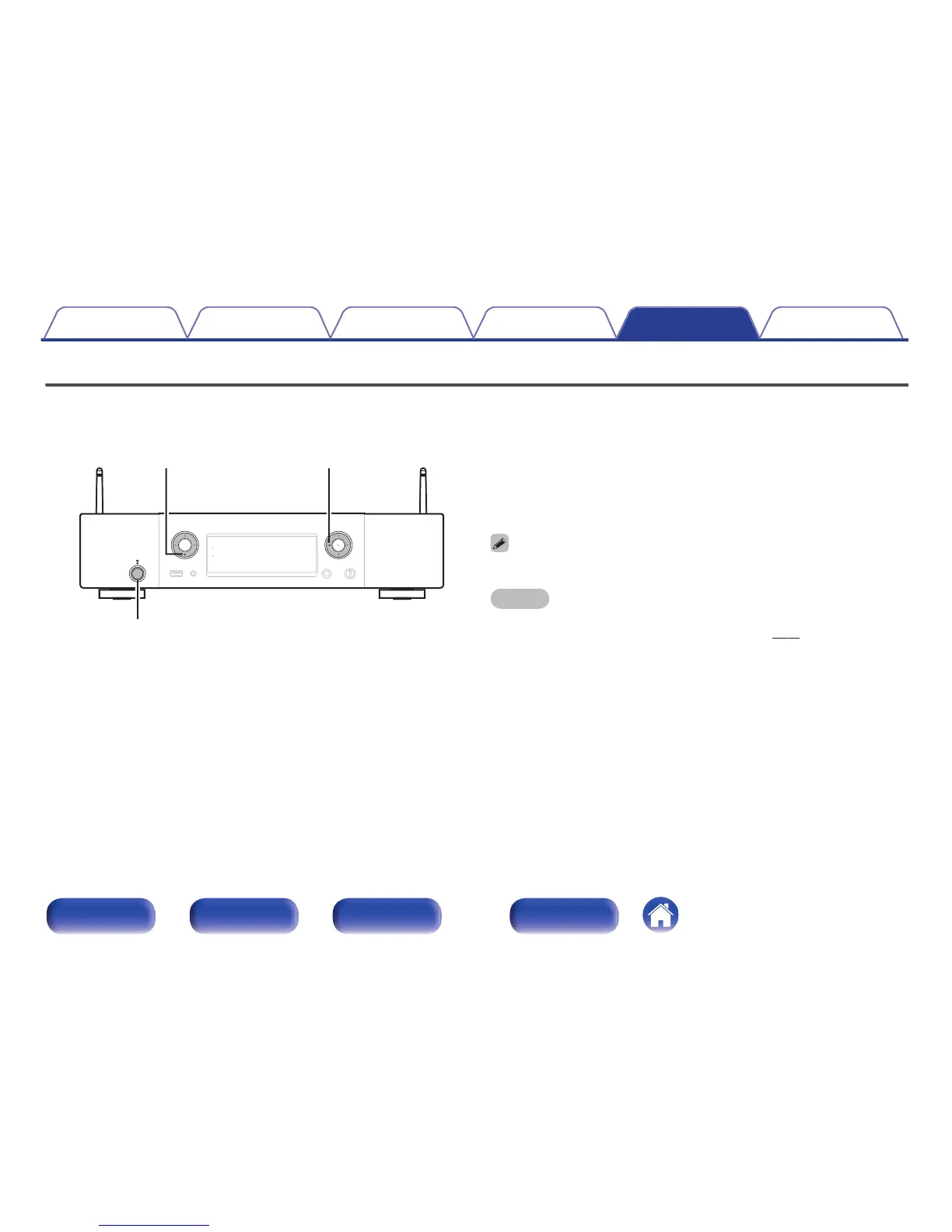
Press the X button while pressing i and 8 together
on this unit.
“Initialized” appears in the display.
If “Initialized” does not display in step 2, start over from step 1.
NOTE
Audio output level is not returned to the default settings.
Use “Audio Out” in the menu to change the settings. (v p. 87)
Contents Connections Playback Settings Tips Appendix
113
Front panel Rear panel
Remote control
unit
Index



 To Next Page