Inputting characters
On this unit, the names displayed for Friendly Name and search, screens
can be changed as desired. You can also enter characters to search
Internet radio stations and music files.
For inputting characters, there are two methods, as shown below.
Method Operations
Using the number buttons
0
Operating with the remote control.
0
Multiple characters are assigned to a
button, and each time the button is
pressed, a character is switched.
Using the cursor buttons
0
Operating with the remote control or the
main unit.
0
Use uio p and ENTER to input
characters.
o
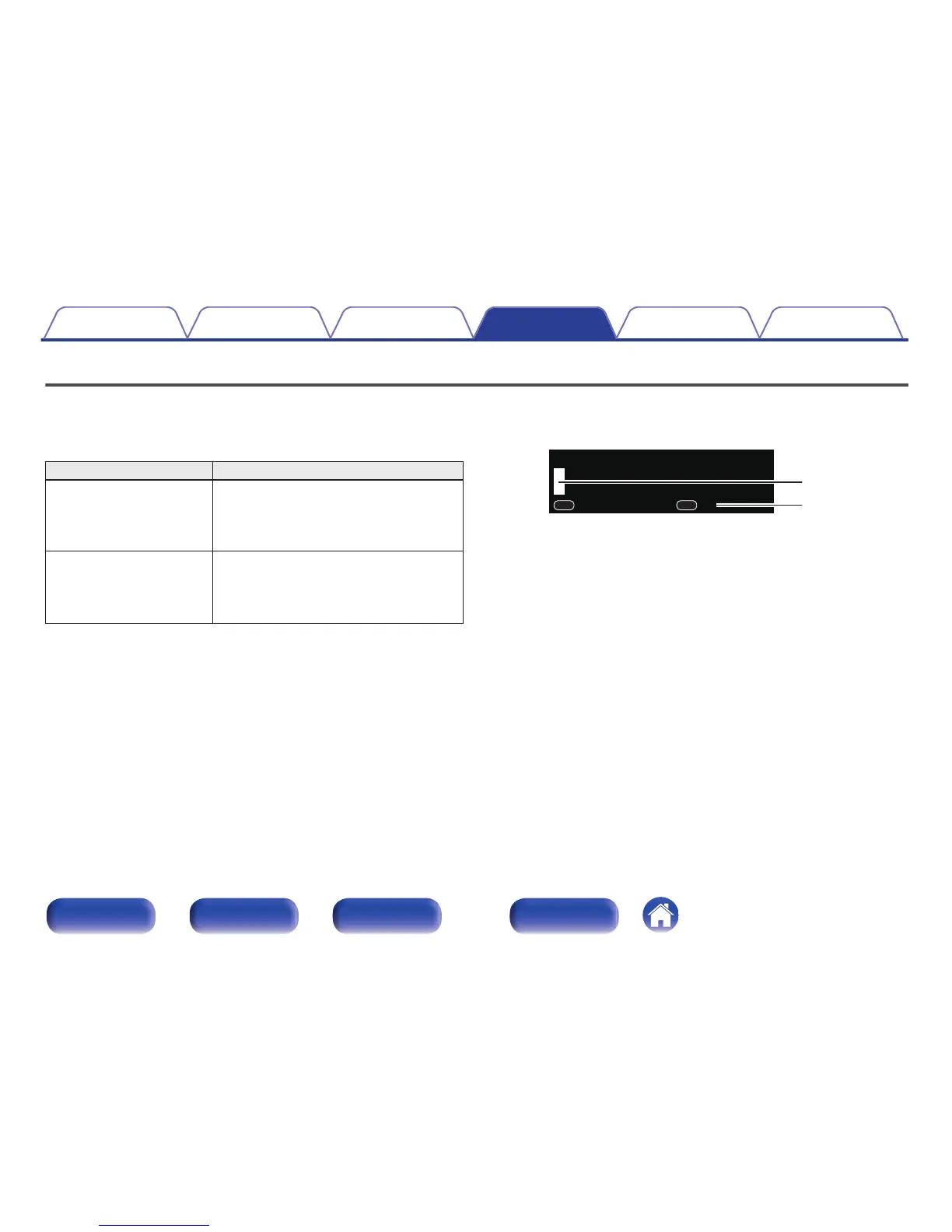
Display of an input screen
GFriendly name inputH
.
zThe current input character type is displayed.
(Use +10 to switch the character type.)
a : Lower case
A : Upper case
1 : Numerics
Contents Connections Playback Settings Tips Appendix
85
Front panel Rear panel
Remote control
unit
Index



 To Next Page