o
Using the number buttons
1
Display the screen for inputting characters.
2
Use o p to move the cursor to the character that you
wish to change.
3
Press +10 to select the character type (upper case,
lower case, or numeric characters), and press 0 – 9 to
select the desired character.
0
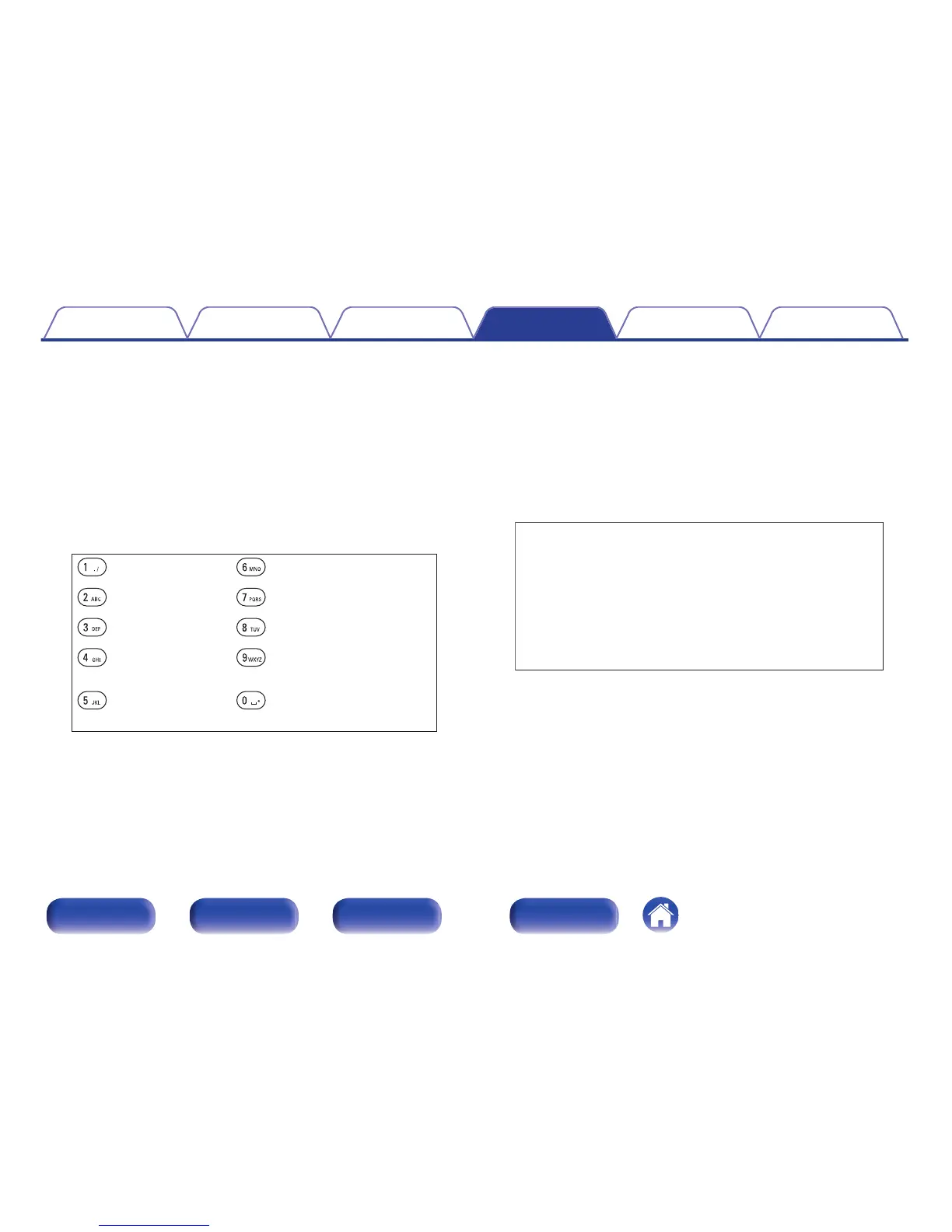
The types of characters that can be input are as shown below.
.
( )
1 . @ - _ / : m n o M N O 6
a b c A B C 2 p q r s P Q R S 7
d e f D E F 3 t u v T U V 8
g h i G H I 4 w x y z W X Y Z 9
j k l J K L 5
0
z + , ; < =
> ? [ \ ] ^ ` { | }
% & ‘ ( )
! “ # $
Space
4
Repeat step 2 and 3 to change the name then press
ENTER to register it.
o
Using the cursor buttons
1
Display the screen for inputting characters.
2
Use o p to move the cursor to the character that you
wish to change.
3
Use ui to change the character.
0
The types of characters that can be input are as shown below.
.
abcdefghijklmnopqrstuvwxyz
ABCDEFGHIJKLMNOPQRSTUVWXYZ
z + , - . / : ; < = > ? @
! “ # $ % & ‘ ( )
[ \ ] ^ _ ` { | } ~
0123456789
GLower caseH
GUpper caseH
GSymbolsH
GNumbersH
(Space)
0
Press CLEAR to delete the character.
0
Press 9 to insert a space.
4
Repeat step 2 and 3 to change the name then press
ENTER to register it.
Contents Connections Playback Settings Tips Appendix
86
Front panel Rear panel
Remote control
unit
Index



 To Next Page