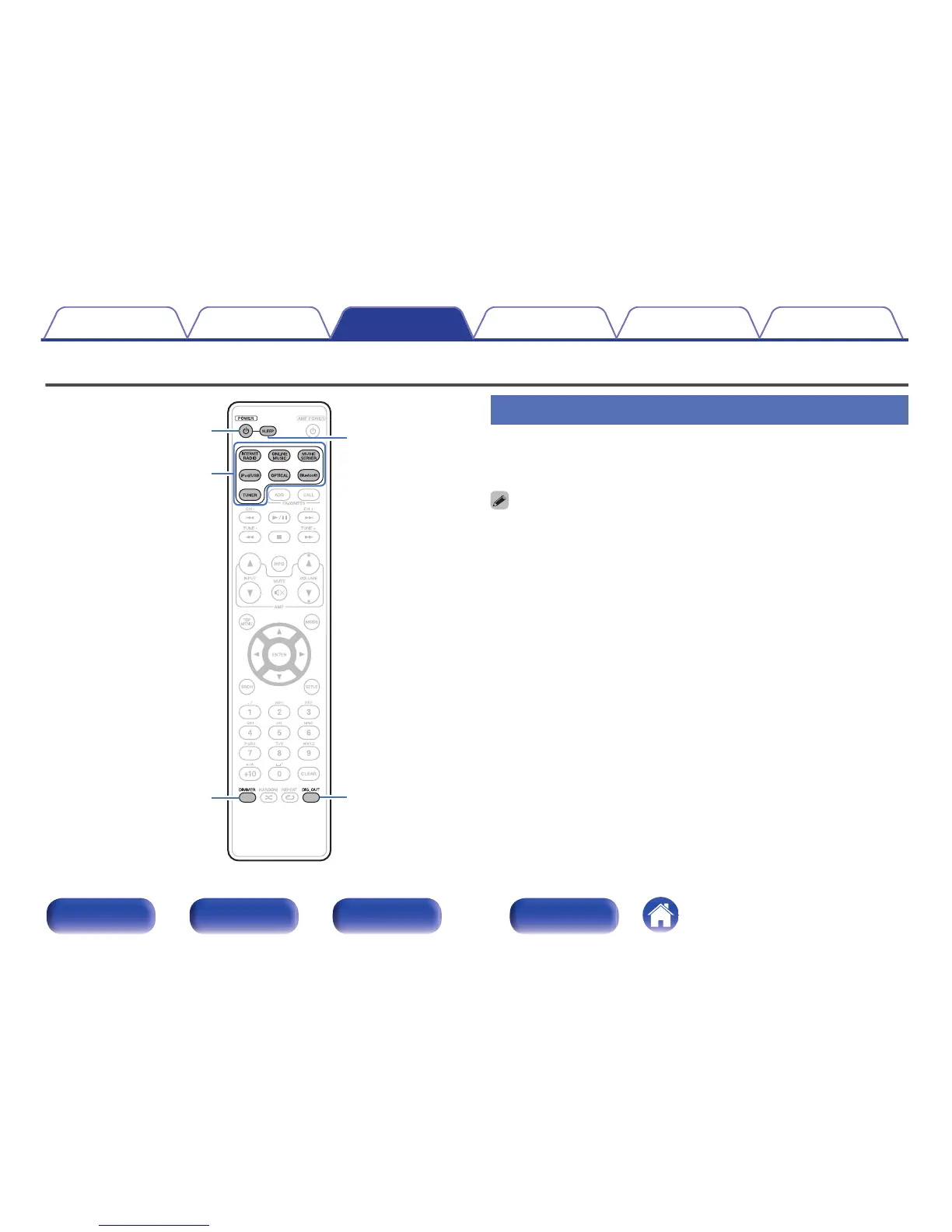
Turning the power on
1
Press POWER X to turn on power to the unit.
The power indicator turns off.
0
You can also switch the power to standby by pressing X on the main unit.
0
When you turn on the power of this unit for the first time after purchasing it, the
“Quick Setup” menu starts up. For details on “Quick Setup” operations, see the
separate “Quick Start Guide”.
0
If you cancelled “Quick Setup” menu or changed the network environment,
perform “Setup” – “Quick Setup”.
Contents Connections Playback Settings Tips Appendix
35
Front panel Rear panel
Remote control
unit
Index



 To Next Page