Menu map
For menu operations, see the following page.
By default, this unit has recommended settings defined. You can customize this unit based on your existing system and your preferences.
o
Quick Setup
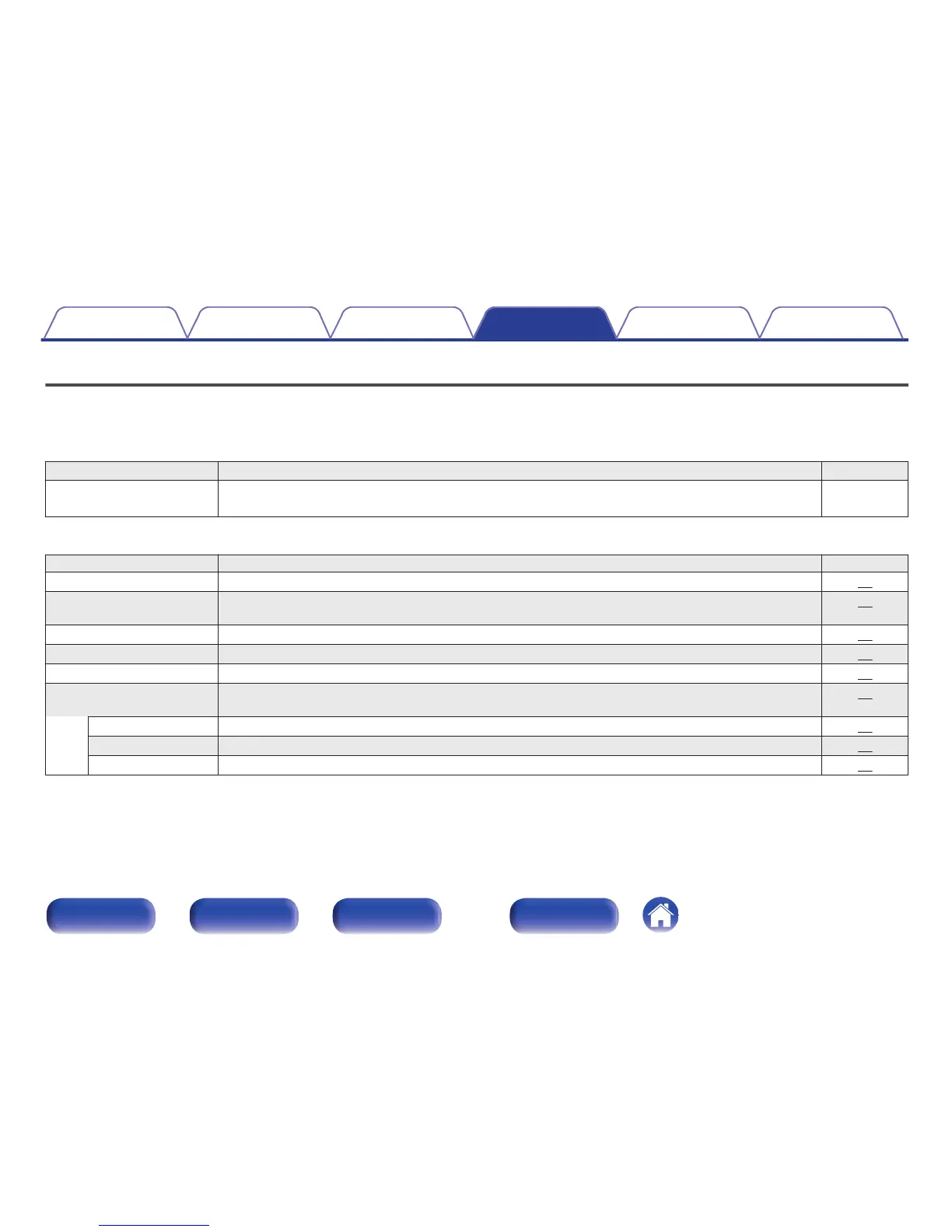
Setting items Description Page
Quick Setup Performs the network settings using a Wizard style window. For details on the operations, see the separate
“Quick Start Guide”.
–
o
General
Setting items Description Page
Audio Out You can set whether to “Fixed” or “Variable” the analog audio output level. 87
Volume Limit This sets the maximum analog audio output level that can be used when the analog audio output setting is
set to variable.
87
Language Sets the language for display the menu. 88
Auto-Standby Sets the unit power to standby when the unit is not in use. 88
Usage Data Selects whether or not to send anonymous usage data to Marantz. 89
Firmware Set whether or not to check for firmware update, update the firmware, and display update and upgrade
notifications.
89
Update Update the firmware of this unit. 89
Notifications Set the Update, Upgrade and Alerts notification on/off. 90
Add New Feature Display new features that can be downloaded to this unit and perform an upgrade. 90
Contents Connections Playback Settings Tips Appendix
Settings
82
Front panel Rear panel
Remote control
unit
Index



 To Next Page