n
Web Browser Setup
Use a web browser to set up Wi-Fi.
A Wi-Fi device that can perform web browse operations is required.
1
Read the precautions on the screen, and press ENTER.
2
Select Wi-Fi network called “Marantz NA6005” from
your Wi-Fi device.
The IP address (192.168.1.16) appears on the unit.
3
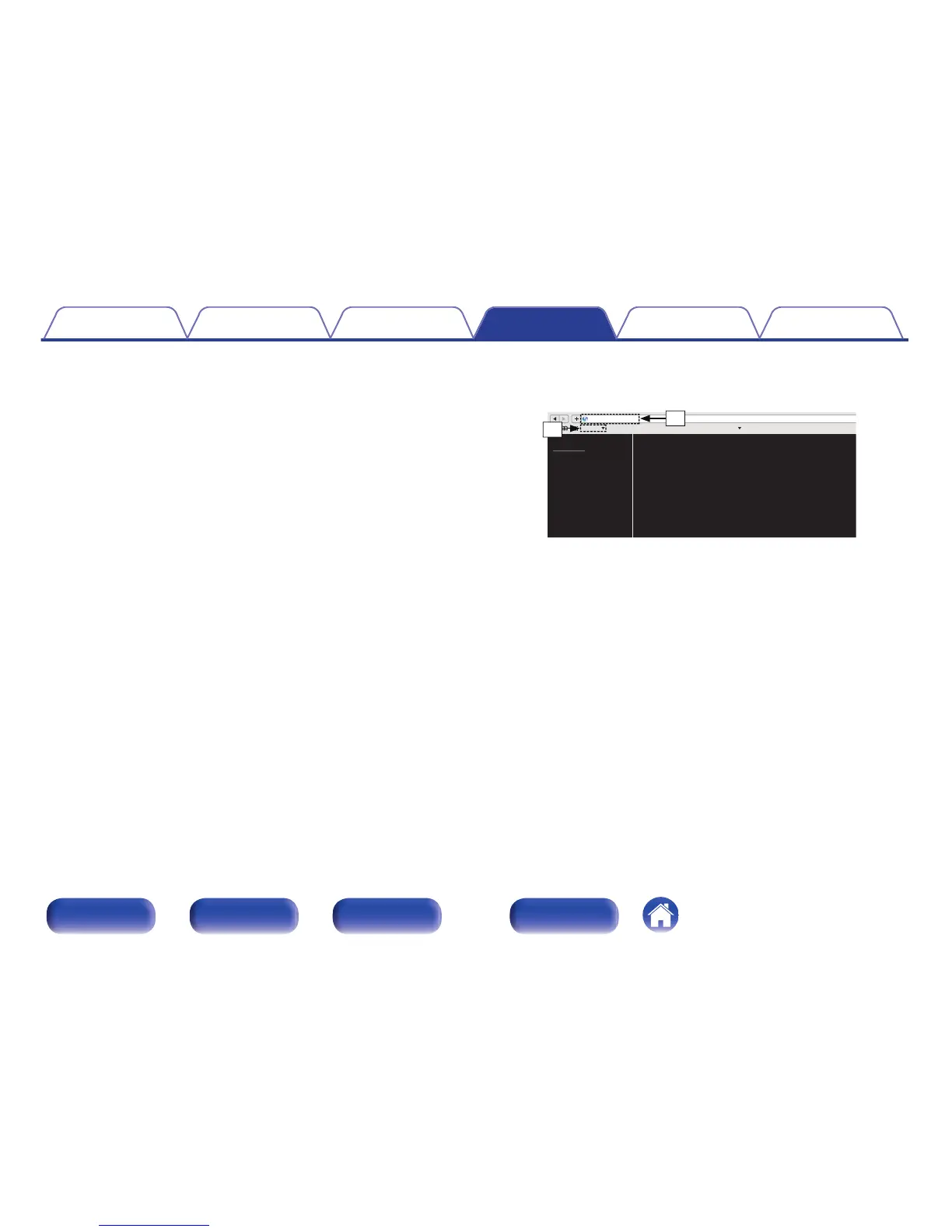
Enter the IP address of this unit in browser’s address
box.
.
A
Entering the IP address (192.168.1.16).
B
If you are using the Safari web browser, you can select “Bonjour”
and directly access the unit’s web control screen from the
overview section.
Contents Connections Playback Settings Tips Appendix
97
Front panel Rear panel
Remote control
unit
Index



 To Next Page