n
Network connection settings
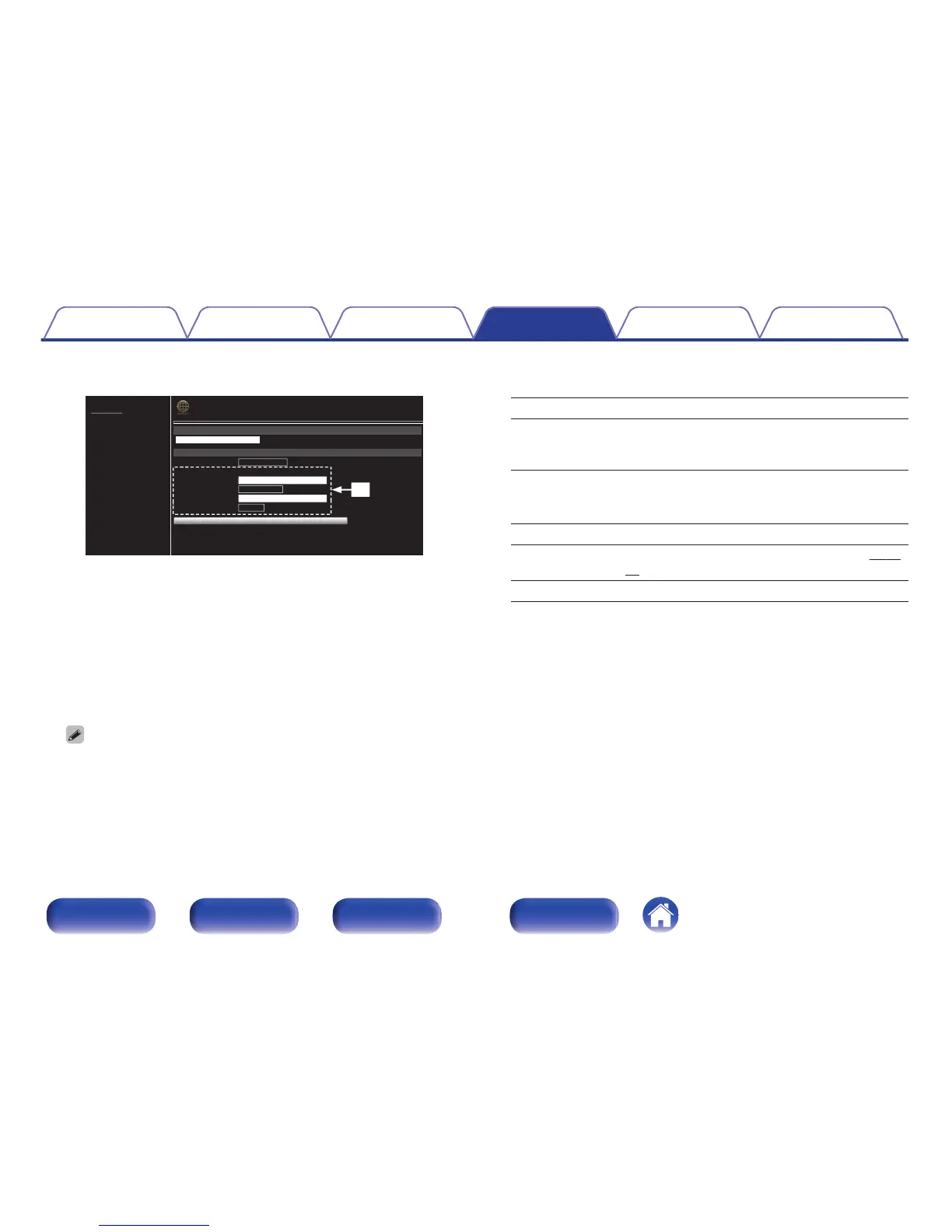
E GExample 2H - Displayed when “Wi-Fi” is selected in D. Select or
input items as necessary, and then click “Test Connection” to apply
the changes.
0
Items displayed may vary depending on selected items and
connection status.
0
After selecting each item, wait a moment for the display to be
updated.
To apply network connection settings, click “Test Connection” after making
changes.
n
Manual
Sets the wireless connection manually
SSID : Input the name of the wireless network (SSID).
Security:
Select the encryption method according to the
encryption setting of the access point you are
using.
Default Key:
Select the Default Key.
0
When connecting to a “WEP” encrypted
network, “Default Key” menu is displayed.
Password: Input the password.
DHCP/Proxy:
Performs the DHCP and proxy setting. (v p. 94,
95)
Test Connection: Test the connection.
Contents Connections Playback Settings Tips Appendix
99
Front panel Rear panel
Remote control
unit
Index



 To Next Page