3-3. Operation Info Mode
3-3.1. Actions
This mode enables the unit to display the accumulated operating time, power On count and each pro-
tection count.
3-3.2. Starting up
While holding down buttons "
TUNER PRESET CH+
" and "
STATUS
" simultaneously, press the power
button to turn on the power.
Select the "
4. OP INFO
" using the "
TUNER PRESET CH+
" button, then press the "
STATUS
" button
then to conrm.
3-3.3. Operations
Press the "
STATUS
" button after starting up this device in Operation Info mode.
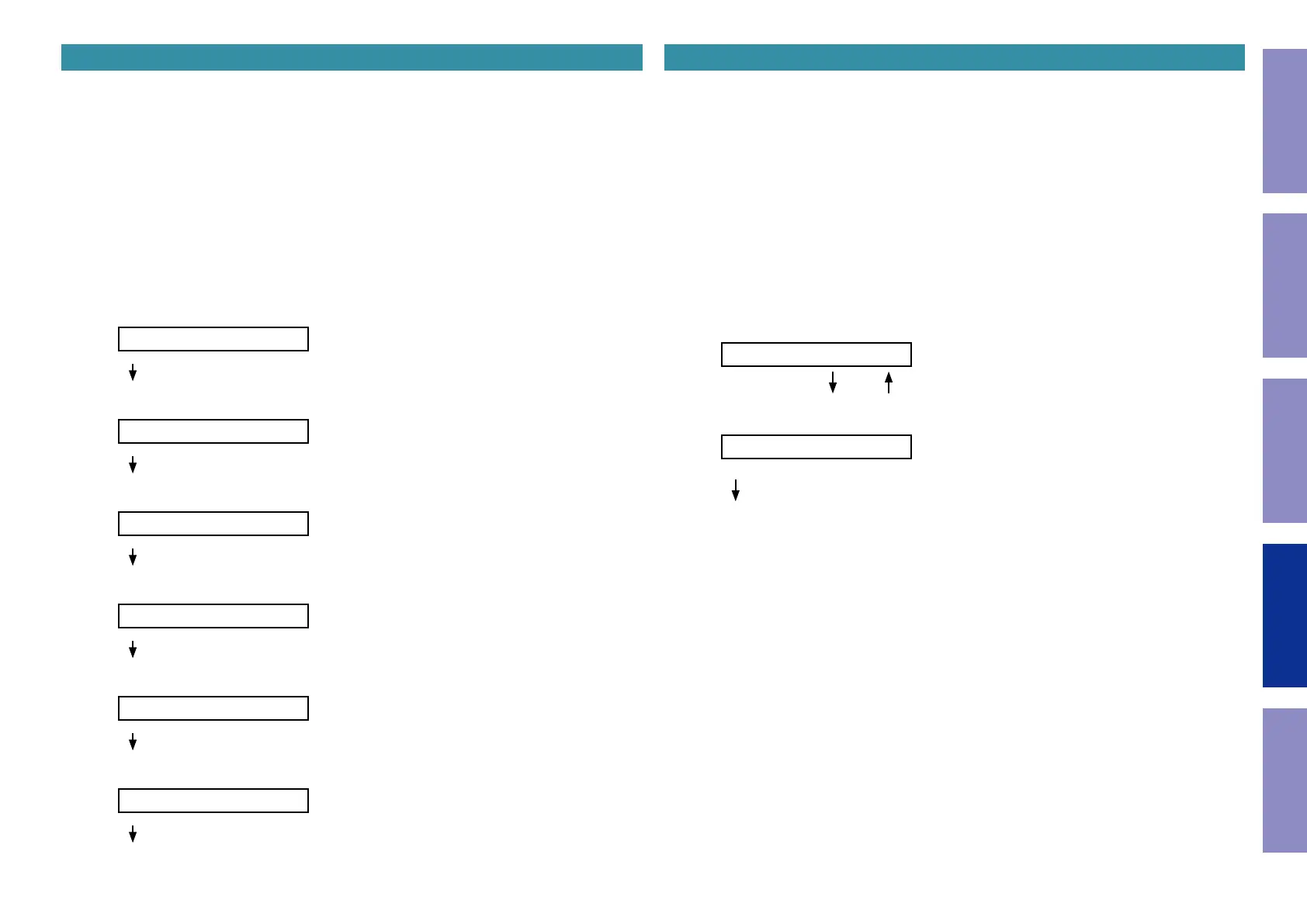
The following information is displayed in the following order.
(a) Accumulated operating time
OP Time ______H
↑ Time display
"
STATUS
"
(b) Power On count
P.On Time______
↑ Count display
"
STATUS
"
(c) DC / ASO Protection count
DC:___/ASO:___
"
STATUS
"
(d) Thermal Protection (A/B) count
THM A:___/B:___
"
STATUS
"
(e) Thermal Protection (E) count
THM E:___
"
STATUS
"
(f) Current Protection count
Current:___
"
STATUS
"
(Returns to normal display)
3-4. TUNER STEP mode (U / N only)
3-4.1. Actions
This is a special mode for enabling reception STEP of the ANALOG TUNER to be changed.
3-4.2. Starting up
While holding down buttons "
TUNER PRESET CH+
" and "
STATUS
" simultaneously, press the power
button to turn on the power.
Select the "
5. TUNER FRQ SET
" using the "
TUNER PRESET CH+
" button, then press the "
STATUS
"
button then to conrm.
3-4.3. Displays
Start up this unit in TUNER STEP mode, select the desired option using the "
TUNER PRESET CH+
" but-
ton, then enter using the "
STATUS
" button.
The following information is displayed in the following order.
(a) AM9 kHz / FM50 kHz is selected
< AM9/FM50 >
"
TUNER PRESET CH+
" "
TUNER PRESET CH-
"
(b) AM10 kHz / FM200 kHz is selected
< AM10/FM200 >
"
STATUS
"
(c) Press the power button to turn off the power.
(d) Press the power button to turn on the power.
116
Caution in
servicing
Electrical Mechanical Repair Information Updating



 To Next Page