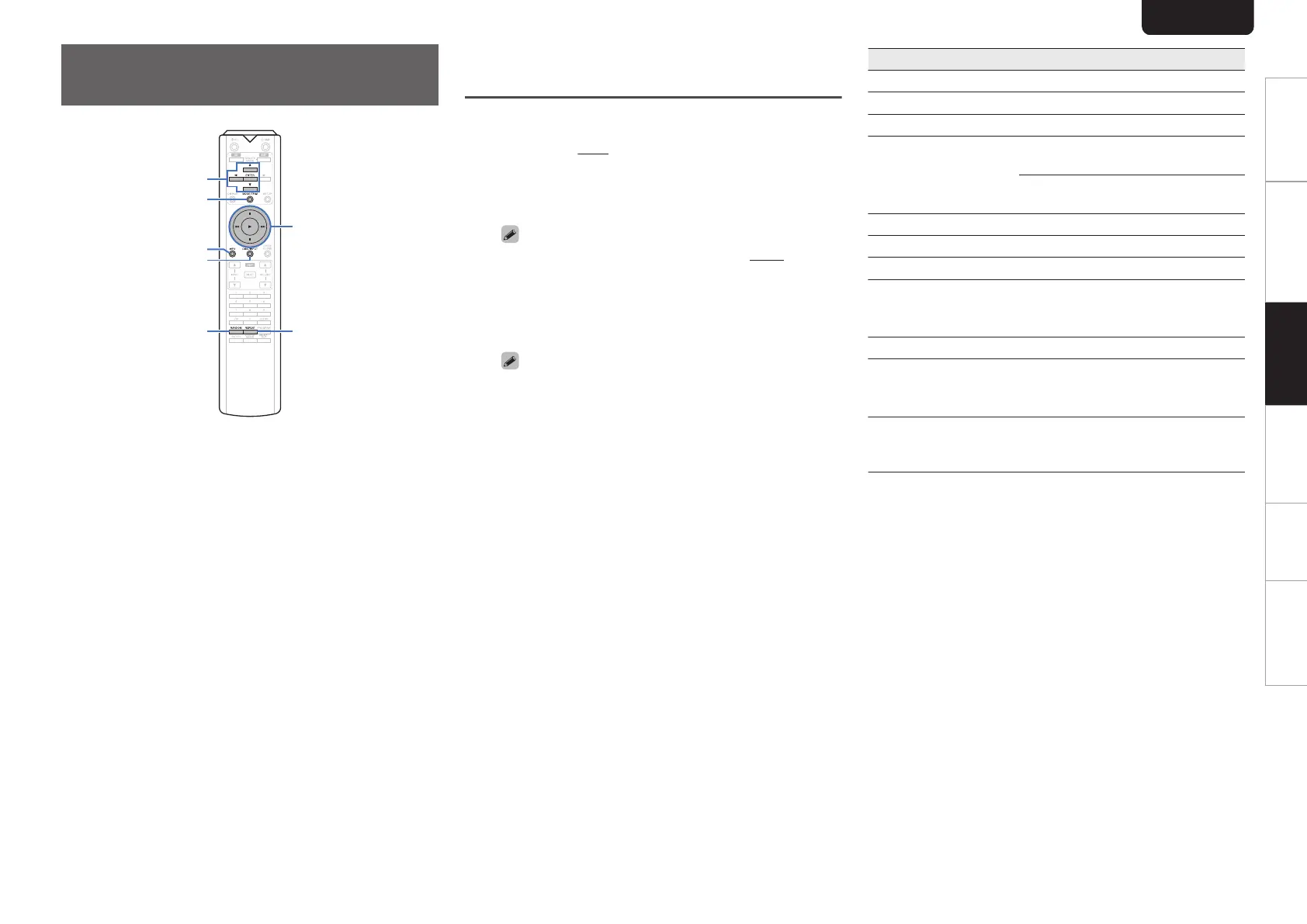
Playing a USB memory
device
.
REPEAT
RANDOM
MODE/TRIM
DISC/NPUT
INFO
1
8
9
3
2
uio
ENTER
0
Playing back music stored on a USB memory device.
0
Only USB memory devices conforming to mass storage
class standards can be played on this unit.
0
This unit is compatible with USB memory devices in
“FAT16” or “FAT32” format.
0
This unit can play back the following files.
0
MP3/WMA/AAC/WAV/FLAC/ALAC/AIFF/DSD
Playing files stored on USB memory
devices
1
Connect the USB memory device to the USB
port. (v p. 9)
2
Press DISC/INPUT to select the playback
media mode to “iPod/USB”.
0
When the menu’s “Resume Play” (v p. 27) is on,
playback starts automatically.
3
Press o.
The file/folder list appears in the display of this unit.
0
The file/folder list can also be displayed by pressing
2 to stop the playback.
4
Use ui to select the folder, then press
ENTER.
5
Use ui to select the file, then press ENTER.
Playback starts.
Operation buttons Function
1
Playback
3
Pause
2
Stop
8, 9
Skip to previous track / Skip to next
track
(Press and hold)
Fast-reverse / Fast-forward
o
Moving up a level in the folder tree
u i
Select the item
ENTER Enter the selected item / Playback
REPEAT
Repeat playback
0
Switching between All-track
repeat and Single-track repeat.
RANDOM Random playback
MODE/TRIM
Switch to Folder playback mode
0
Switching between “Folder” or
“All” mode.
INFO
Switch the display between the
elapsed playback time and text
information.
ENGLISH
18
Overview Connections Playback Settings Tips Appendix



 To Next Page