Using
as
a
D/A
converter
Digital audio signals input from
an
external device or computer
into this unit
can
be
converted
and
output
as
analog signals
using this unit
(D/A
converter).
Connect
and
playback
from
a
digital
device
LCoaxiai/Optical)
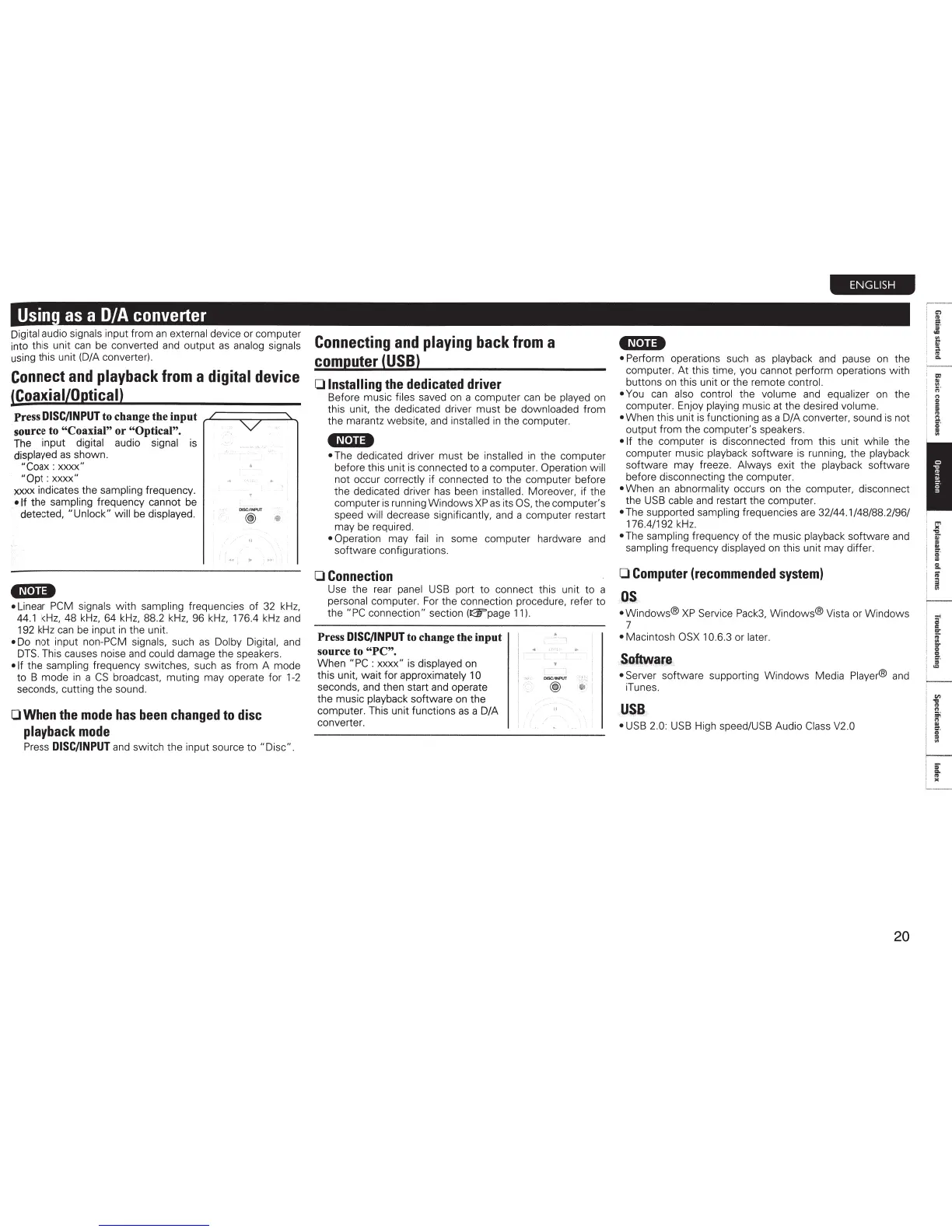
Press
DISC/INPUT
to change the input
,.L.=:::;:::::;=::::..._
source to "Coaxial" or "Optical".
The
input digital audio signal
is
displayed
as
shown.
"Coax : xxxx"
"Opt : xxxx"
xxxx indicates the sampling frequency.
•If
the sampling frequency cannot
be
detected, "Unlock" will
be
displayed.
•N•U*
DISC/ INPUT
@)
'Ill
• Linear
PCM
signals with sampling frequencies of
32
k
Hz,
44
.1
kHz
, 48
kHz
,
64
kHz,
88.2
kHz,
96
kHz,
176.4
kHz
and
192
kHz
can
be
input
in
the unit.
•
Do
not input non-PCM signals, such
as
Dolby Digital,
and
DTS
. This causes noise
and
could damage the speakers.
•If
the sampling frequency switches, such
as
from A mode
to B mode
in
a
CS
broadcast, muting may operate for
1-2
seconds, cutting the sound.
0
When
the
mode
has
been
changed
to
disc
playback
mode
Press
DISC/INPUT
and
switch the input source to "Disc" .
Connecting
and
playing
back
from
a
computer
(USB)
0
Installing
the
dedicated
driver
Before music files saved
on
a computer
can
be
played
on
this unit, the dedicated driver must
be
downloaded from
the marantz website,
and
installed
in
the computer.
•N•"*
•
The
dedicated driver must
be
installed
in
the computer
before this unit
is
connected to a computer. Operation will
not occur correctly if connected to the computer before
the dedicated driver
has
been installed. Moreover, if the
computer is running Windows XP
as
its
OS,
the computer's
speed will decrease significantly,
and
a computer restart
may
be
required.
• Operation may fail
in
some computer hardware
and
software configurations.
0
Connection
Use the rear
panel
USB
port to connect this unit to a
personal computer.
For
the connection procedure, refer to
the "PC connection " section
(~page
11)
.
Press
DISC/INPUT
to change the input
source to "PC".
When "PC : xxxx"
is
displayed
on
this unit, wait for approximately 1 0
seconds,
and
then start
and
operate
the music playback software
on
the
computer. This unit functions
as
a D/A
converter.
I
I •
----,
DISC/IN
PUT
@
"
ENGLISH
•N·u•
• Perform operations such
as
playback
and
pause
on
the
computer. At this time, you cannot perform operations with
buttons
on
this unit or the remote control.
•
You
can
also control the volume
and
equalizer
on
the
computer. Enjoy playing music at the desired volume.
• When this unit
is
functioning
as
a D/A converter, sound
is
not
output from the computer's speakers.
•If
the computer
is
disconnected from this unit while the
computer music playback software
is
running, the playback
software may freeze. Always exit the playback software
before disconnecting the computer.
• When
an
abnormality occurs
on
the computer, disconnect
the
USB
cable
and
restart the computer.
•
The
supported sampling frequencies
are
32/44.1/48/88.2/96/
176.4/192
kHz
.
•
The
sampling frequency of the music playback software
and
sampling frequency displayed
on
this unit may differ.
0
Computer
(recommended
system)
OS
• Windows®
XP
Service
Pack3,
Windows® Vista or Windows
7
• Macintosh
OSX
1 0.6.3 or later.
Software
• Server software supporting Windows Media Player®
and
iTunes.
USB
•
USB
2.0:
USB
High speed/USB Audio
Class
V2
.0
20
,-· -
,
..,
e;
;:;
·
g
5
g.
c
a
a
I
"
.,.
I
"
cr
.
=
"'
It
I
~
.
I
~
i



 To Next Page