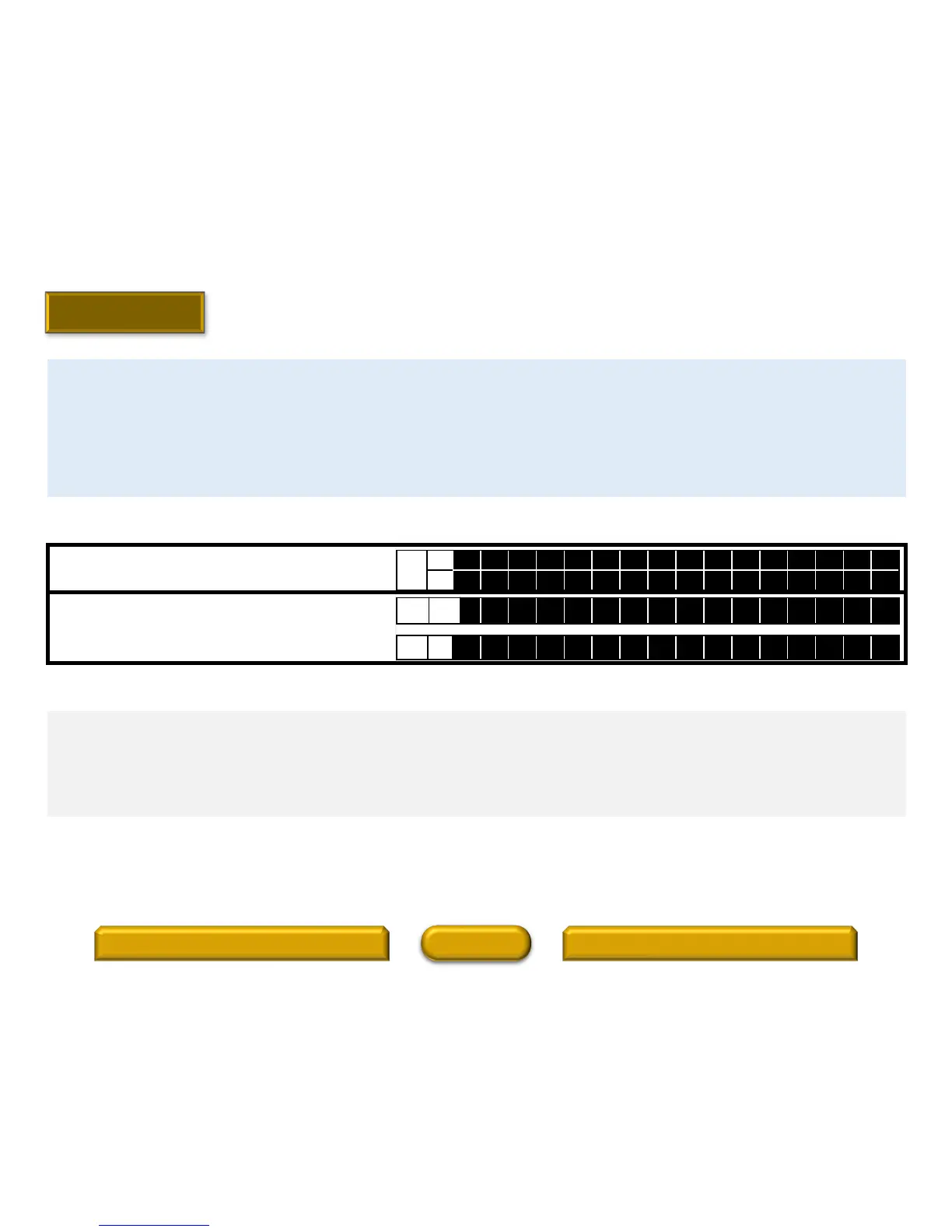
Press and hold "ENTER" for 3 seconds.
Press and hold "ENTER" for 3 seconds and “CLEAR”
is displayed followed by “NO PROTECT”. The unit’s
Protection History is now cleared.
Clearing the Protection History
If the unit is in “Protection History Display Mode”, just press and hold the “ENTER” button for 3 seconds. Note: If you do not mind
erasing your settings from this unit, you can also “Initialized/Micro Reset the unit to clear the Protection History from the unit’s
memory.
If the unit is not in “Protection History Display Mode”, enter the “Protection History Display Mode”:
Hold down buttons “BACK" and "ZONE SELECT" at the same time and press the power button to turn on the power.
Select the "2. PROTECTION" using the button "CURSOR ", and press the "ENTER" button.
Press the "STATUS" button and the unit will display the Protection History condition.
FLD
L1
P R O T E C T H I S T O R Y
L2
: D C
FLD L2
: C L E A R
FLD L2
: N O P R O T E C T
Warning Displays by POWER LED
If the power is turned off while a protection is detected, the POWER LED (red) flashes in the following ways as a warning according
to the protection status.
(a) ASO/DC protection: Flashes in 0.5-second cycles (0.25 seconds lit, 0.25 seconds unlit)
(b) THERMAL (E/F) protection: Flashes in 2-second cycles (1 seconds lit, 1 seconds unlit)
(c) CURRENT protection: Flashes in 4-second cycles (2 seconds lit, 2 seconds unlit)
SR7010 - Protection History Display Mode (3 of 3)
30
HOME
Front Panel and Button LocationsProtection History Display Mode Procedure
Model Information
Index



 To Next Page