17
© 2018
Ma
k
a
T
e
c
hnologie
s
G
roup
. A
ll Righ
ts
Re
s
er
v
ed
.
Getting
Started
Installation
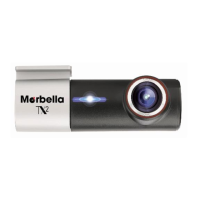
of your TX2mini
F
HD Digital
Roadcorder
TM
In
sta
ll
at
ion
1 Fixing the camera to the window mount
It is compulsory for window mount to be fixed up before using the
device in a car. Make sure that you place the recorder in an
appropriate place, so as not to obstruct the driver’s view.
2 Connecting charger to the cigarette lighter
Connect only the manufacturer-approved charger supplied with
your device. Use only Maka GPS Technologies Group-approved
charger specifically designed for your device. Incompatible
charger can cause serious injuries or damage to your device.
3 Inserting a memory card
You have to insert a memory card before you can start recording.
The recorder supports Micro SD cards with up to 64GB capacity.
You are advised to use a Class 10 memory card with at least
8GB capacity. DO NOT insert or remove the memory card when
operating the device.



 To Next Page