- 23
5. Tap to return to the previous screen.
TIME ZONE
Time Zone allows you to set the time zone your monitor is in. This is especially useful if you are using the app
in another time zone and you want to remotely acces your recorded les. Your sysem will know that your
request refers to the time zone the monitor is in. [Default = (GMT - 5:00) Eastern Time (USA & Canada)]
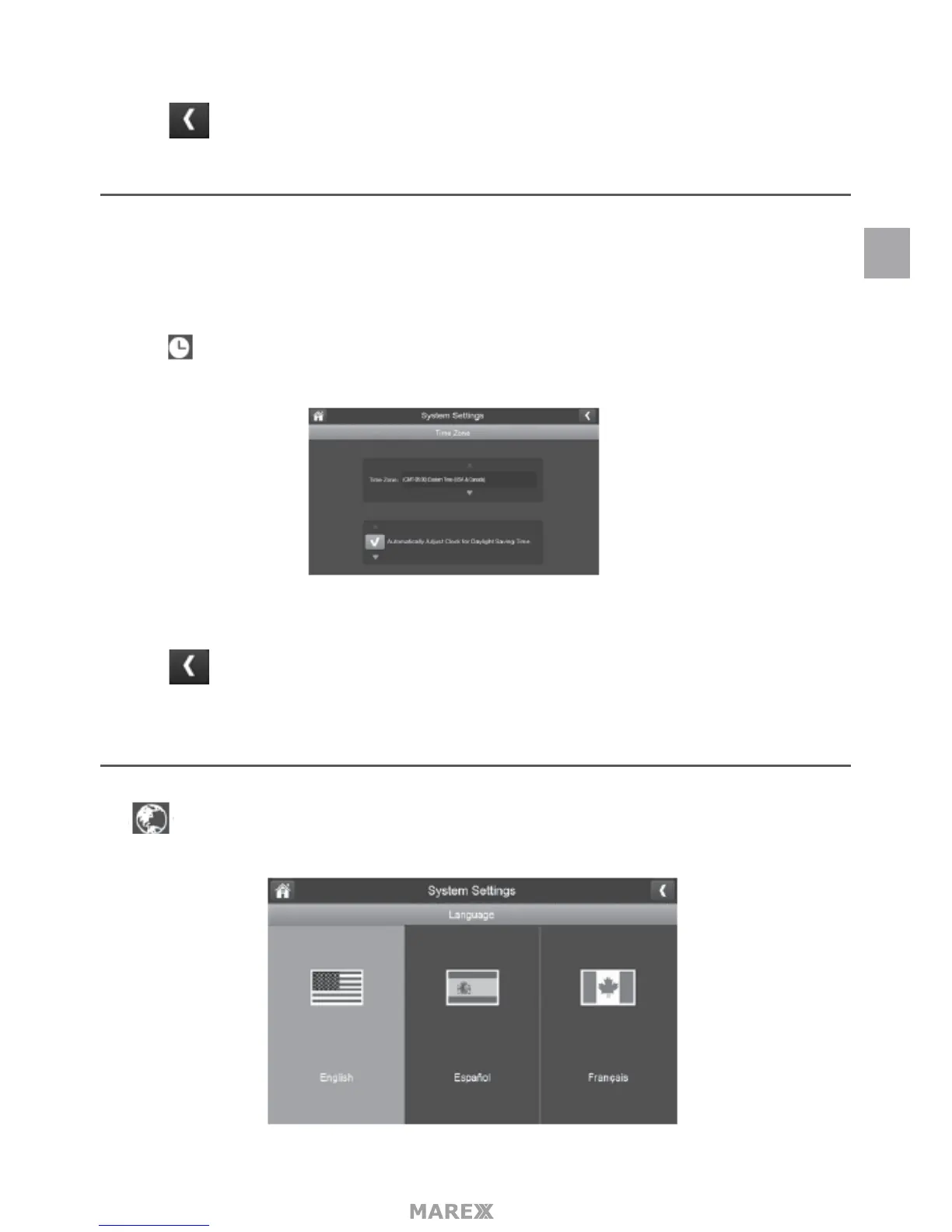
1. Tap The Time Zone screen will appear.
2. Scroll up and down to your camera’s time zone and then tap it.
3. Tap the next option to turn Daylight Savings Time on or o.
4. Tap to return to the previous screen.
LANGUAGE
Tap to set the language used on your system. Options are English, Spanish and French.
EN


 To Next Page