- 16
GENERAL SETTINGS
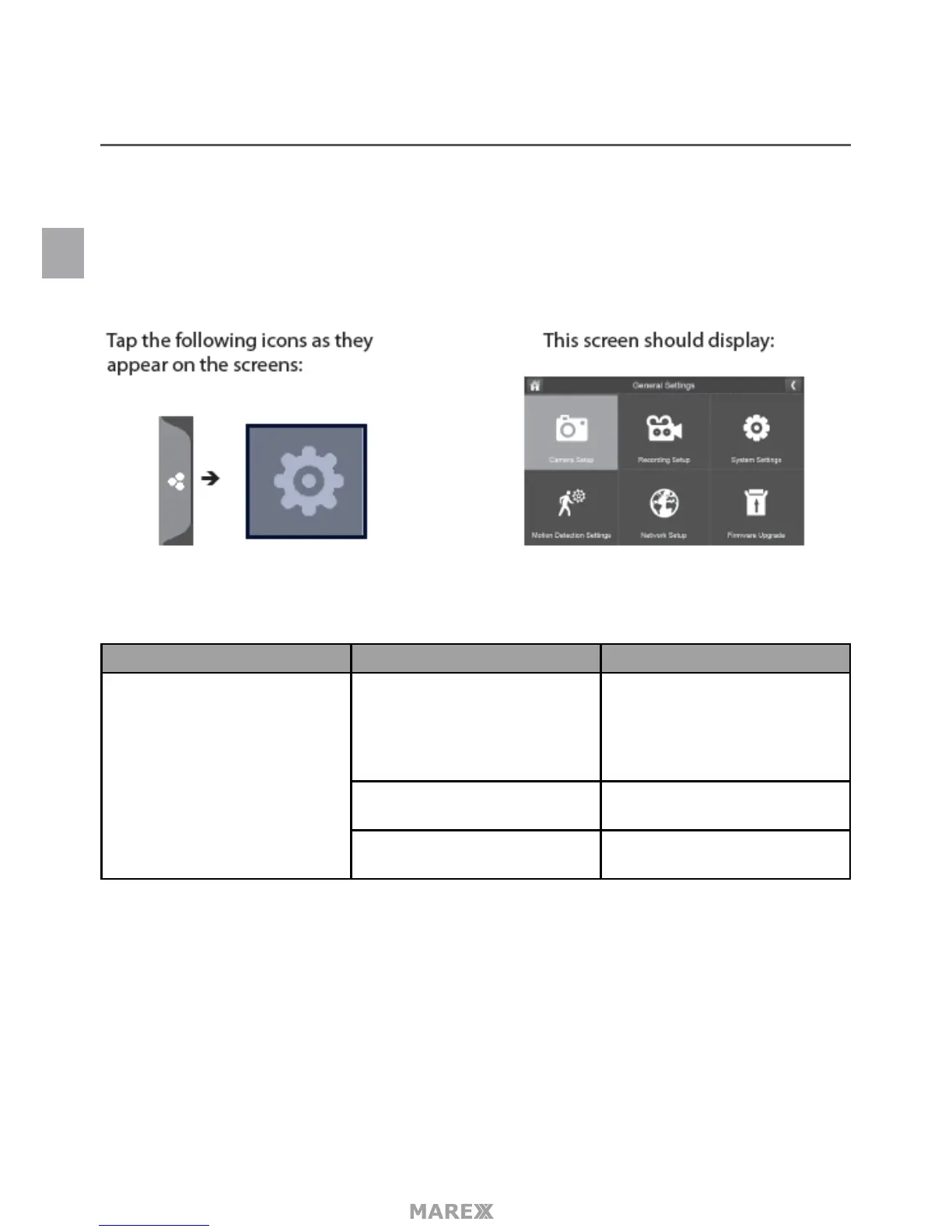
The General Settings menu contains 6 subsections, each of which may contain sub-menus. These sub-menus
let you set features about your system. You can turn cameras on and o, establish a specic schedule for
specic cameras to record, set the date and time, and motion detection sensitivity, among other features. The
rest of this section provides details using these menus.
Main Screen Sub-Screen What it Does
Camera Setup Paring This system comes with cameras
already paired. Use Pairing to
assign these cameras to dierent
channels or to pair additional
new cameras to the monitor.
ON/OFF Makes the cameras visible to the
monitor.
Resolution Adjusts the video quality of each
camera.
EN


 To Next Page