- 27
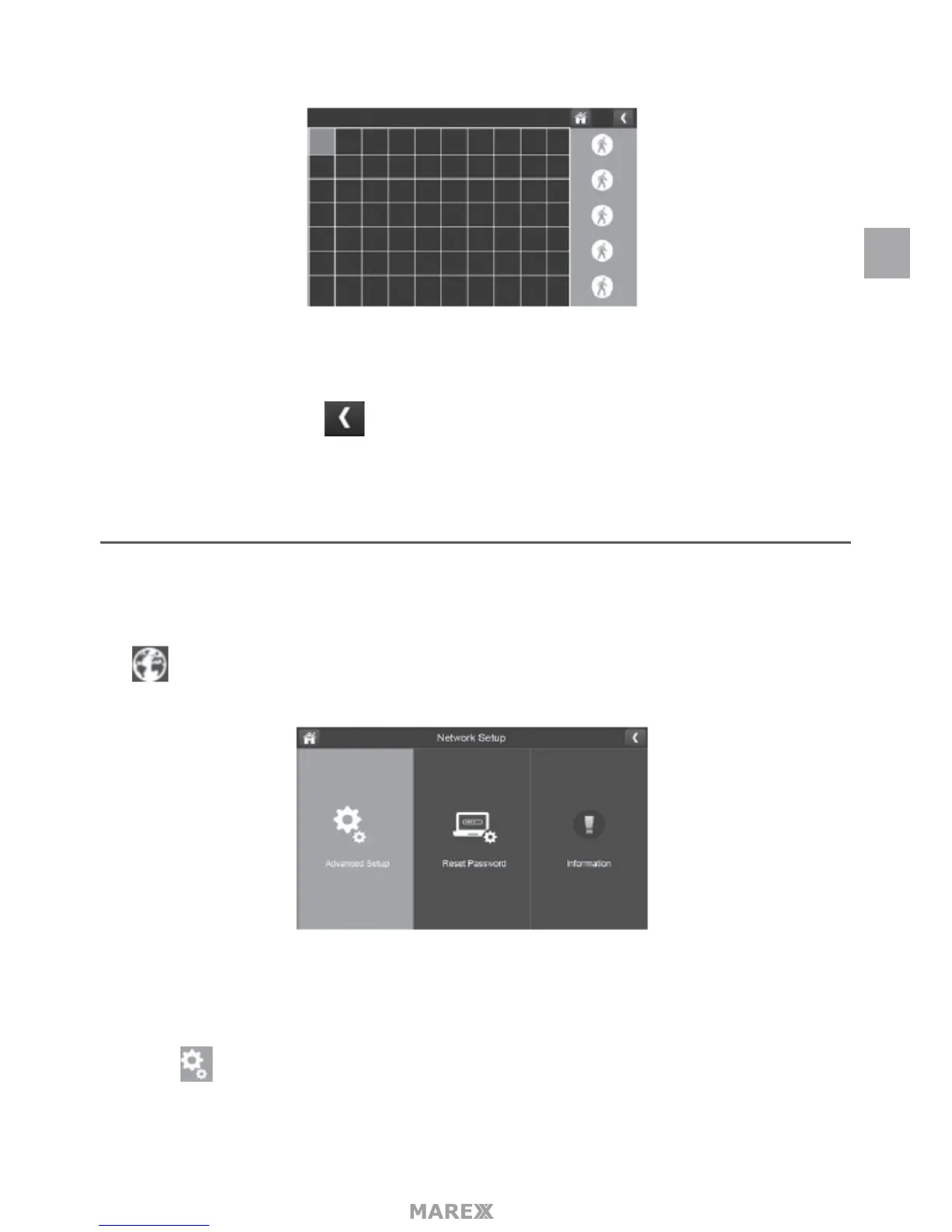
2. Tap the squares that cover the areas of the image you do not want aected by motion detection.
3. When you are nished tap to return to the Motion Detection Settings screen.
NETWORK SETUP SCREEN
This selection lets you determine your network connection type, reset the APP password, and review your
network details.
Tap to see the Network Setup screen and option.
ADVANCED SETUP
1. 1. Tap to display the Advanced Setup screen.
EN


 To Next Page