- 25
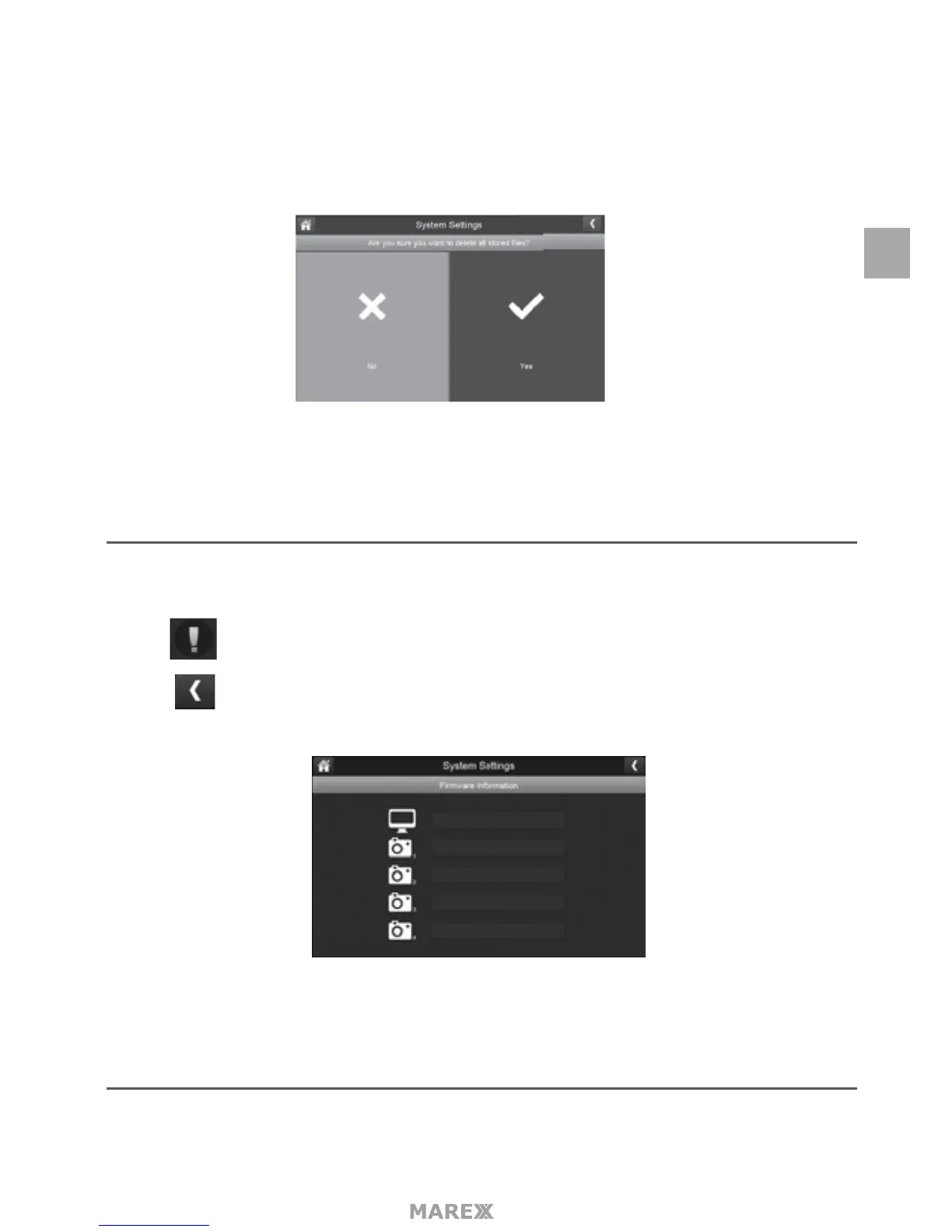
2. Tap YES on the All stored les will be deleted! screen (Default = NO). A conrmation screen appears. Tap
YES to it.
3. A progress bar displays on the screen. After formating is complete, a Format OK message will appear.
SYSTEM SETTINGS
This screen lists the rmware information of the montior and all cameras paired to it.
1. tap to display the screen.
2. Tap to return to the previous screen.
MOTION DETECTION SETTINGS MENU
Motion detection settings control how strong the motion needs to be to trigger recording. This settings
EN


 To Next Page