- 24
1. Tap the language you wantyour system to use.
2. Tap your system returns to the previous screen and automatically changes over to the
requested language; no reboot is necessary.
DEFAULT SETTINGS
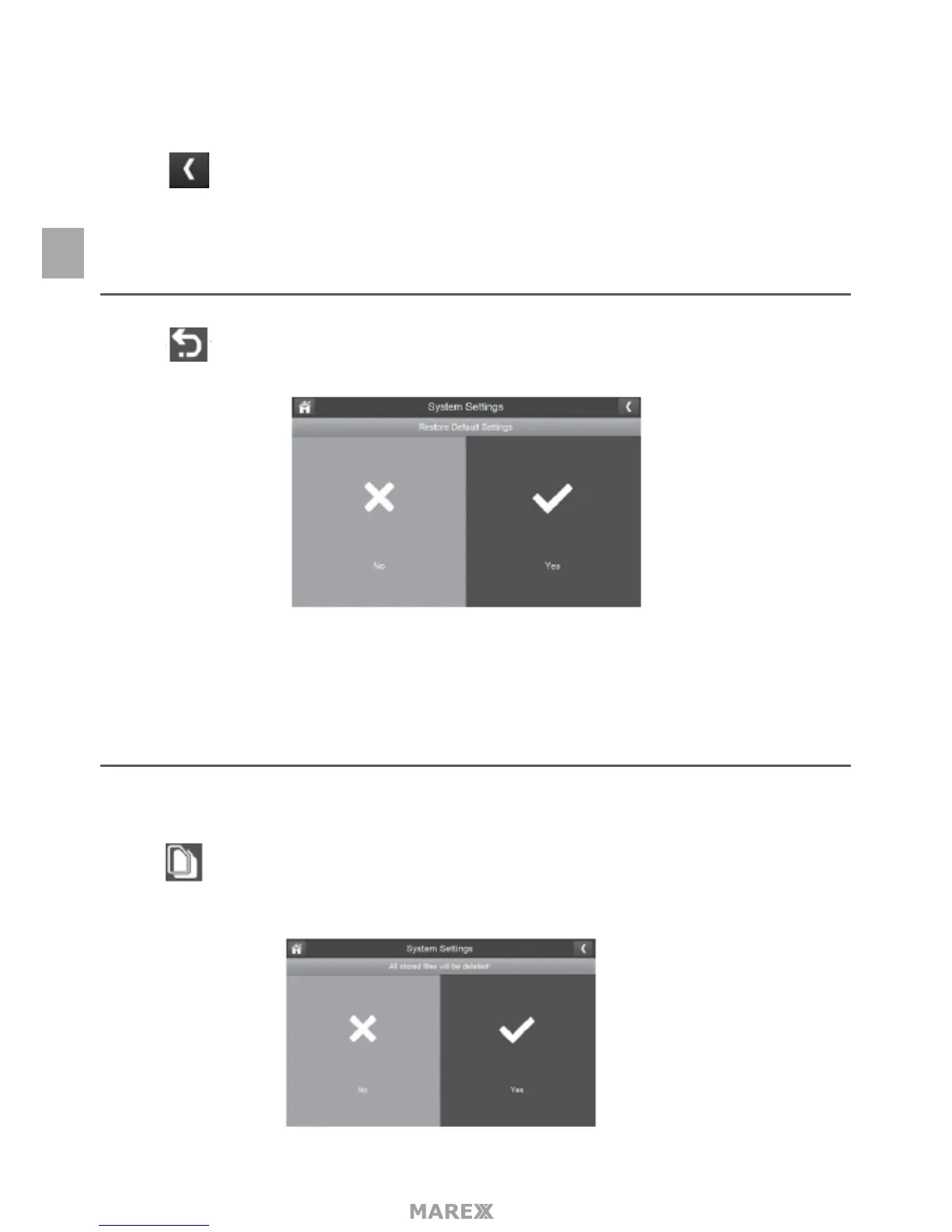
1. Tap to return your system to the originial default settings.
2. Tap YES on the Restore Default Settings screen.
3. Tap OK to conrm the reset.
FORMAT SD CARD
Formatting the SD card erases all data stored on the card. (Default = NO)
1. Tap to format your SD card.
EN



 To Next Page