- 30
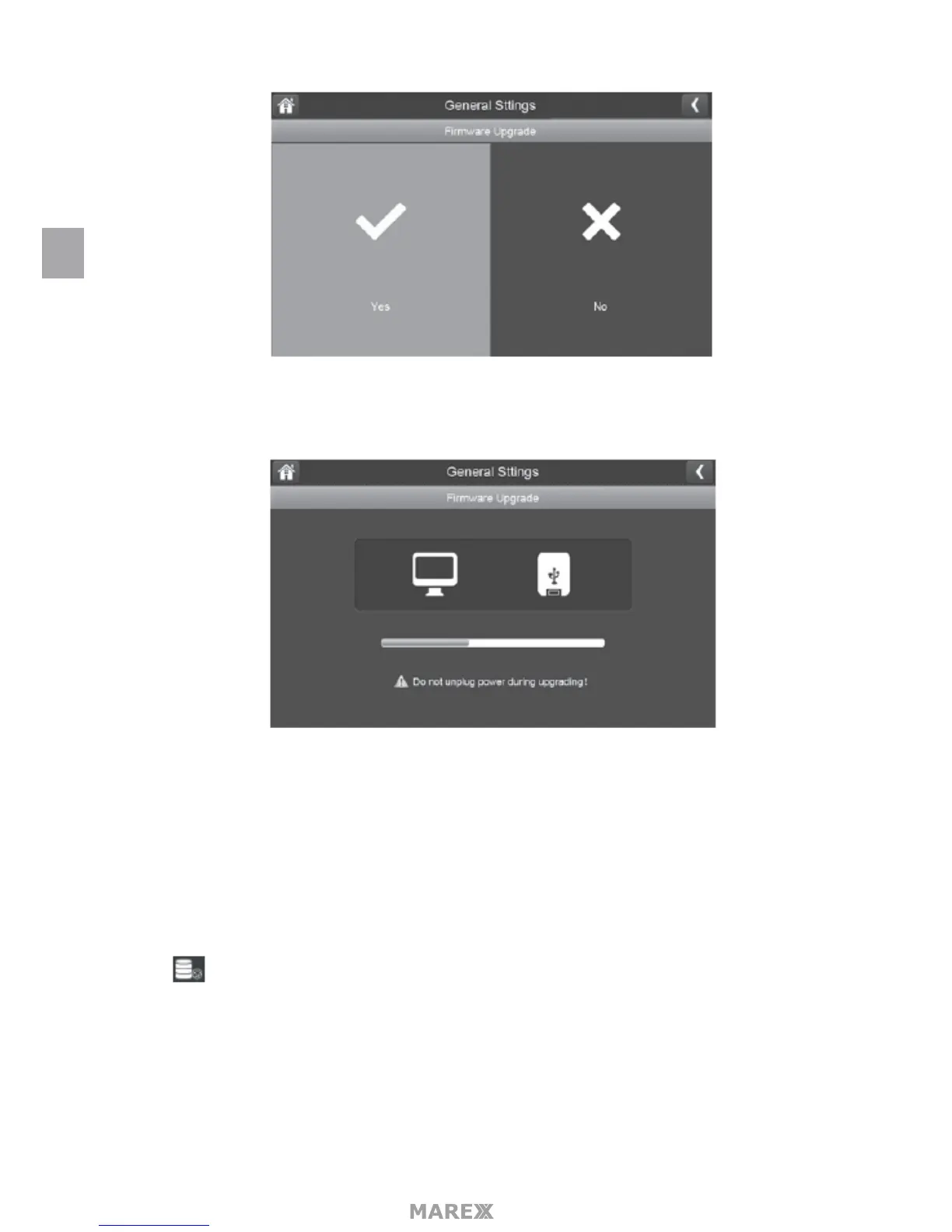
2. A progress screen displays.
3. When the update is complete, the monitor displays Firmware Upgrade Succesful and will automatically
reboot.
Upgrade from Server
1. Use the Ethernet cable (provided) to connect your monitor to your router.
2. Tap to upgrade the rmware through the Server.
3. A conrmation screen displays. Tap YES.
4. The system checks to see if new rmware is available. If new rmware is available, the monitor installs it
and automatically reboots.
EN


 To Next Page