Parking
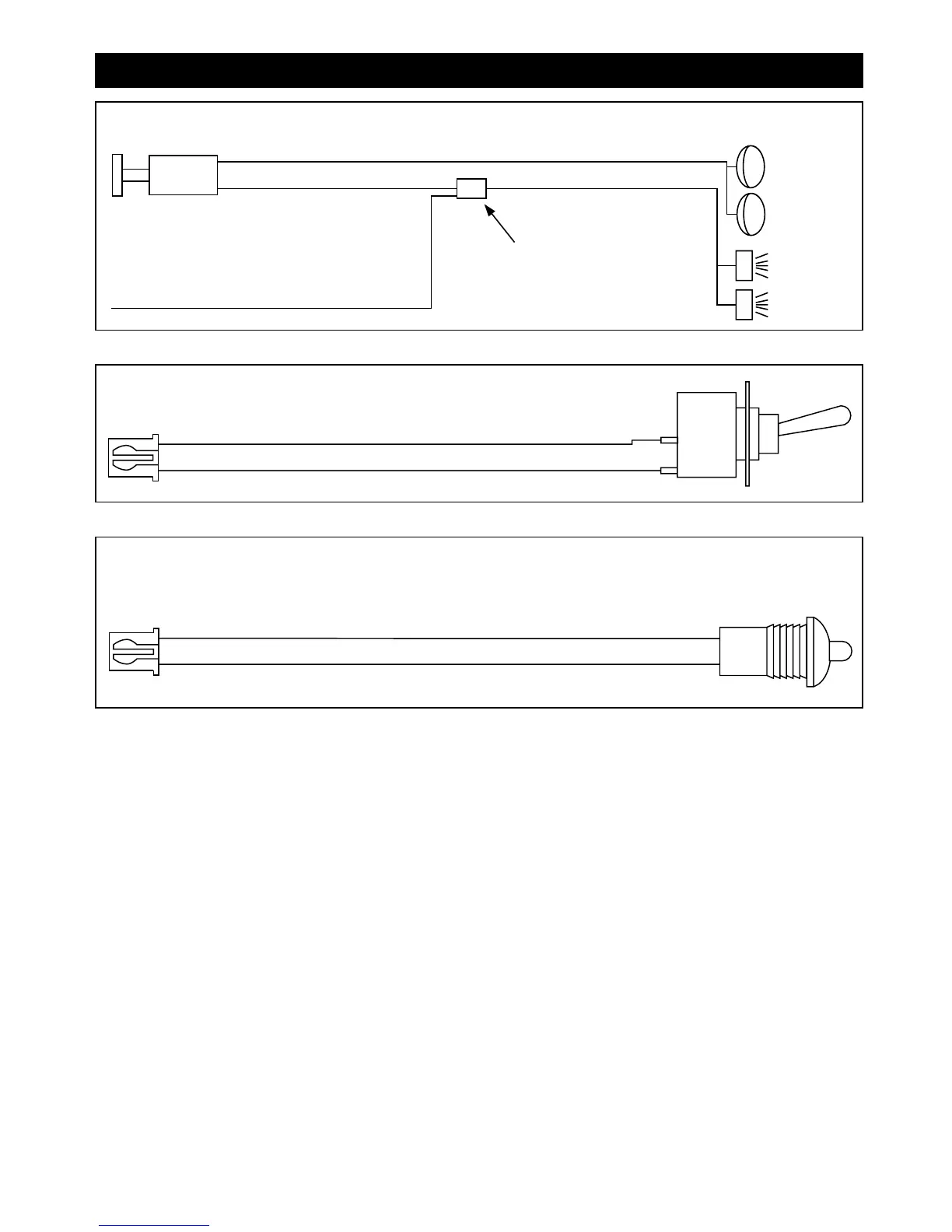
Lights
Only
Piggyback
Connection
Headlight Switch
Selectable + or –
Red Wire with White Stripe
Output from Alarm
Flashing Lights
Step 4: Optional Accessory Connections (continued)
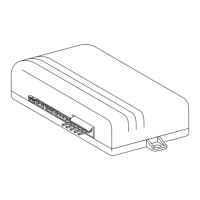
Valet/Override Switch with Blue 2-Pin Plug
9
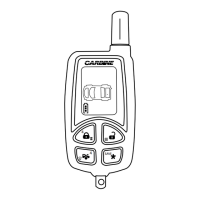
Alarm Status LED Indicator with White 2-Pin Plug:
Plug the white 2-pin plug into white receptacle located in the side of the control module.
M5A-IM 9/10/04 9:27 AM Page 9



 To Next Page