User Guide | BM1000P TOP
EN
5 Nov 2023
ABILITIES
BM1000P is not only an indicator, it can also:
♦ Create users for the indicator;
♦ Process weighings using tares;
♦ Attach products to weighings;
♦ Assign preset tares to products;
♦ Multiply the value of tares in a weighing;
♦ Perform counting based on a preset unitary weight;
♦ Communicate via several protocols;
♦ Alternate between two platforms*;
♦ Connect via WiFi and Bluetooth*.
INTERFACE | DISPLAY
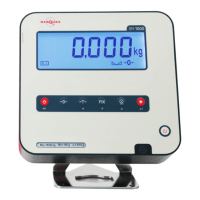
When in a neutral state, ready to perform weighings, the display can show infor-
mation other that the weight; on the bottom row two auxiliary numeric indicator
can be found, one 8-digit long, to the right, and a 13-digit long one to the left.
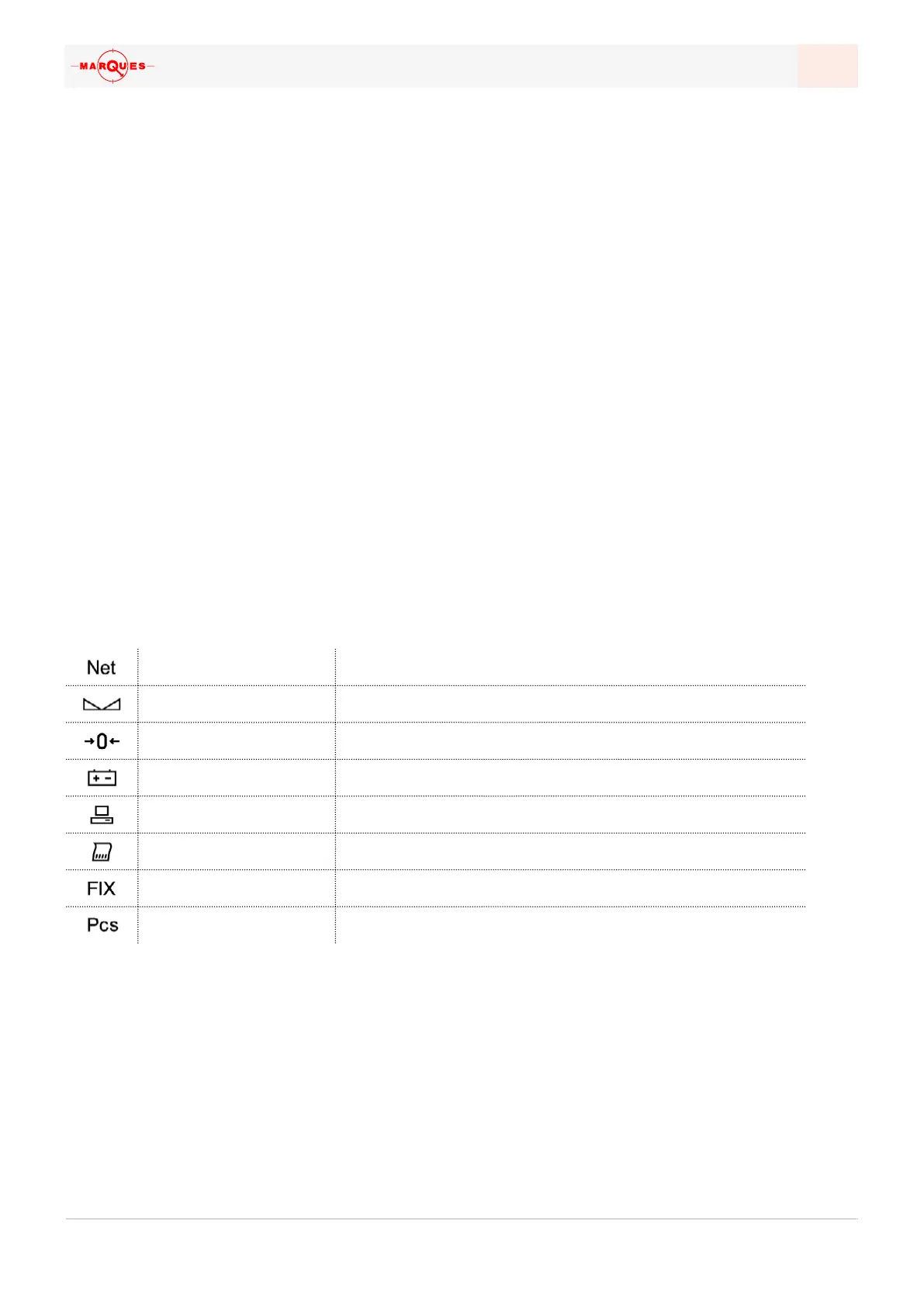
Above the main field there are several indicators which can show specific infor-
mation. Below a table can be found as to why each of those indicators mean:
net weight The viewed amount is the net weight
Stable weight The weighing is stabilized, without fluctuation
Zero weight The current zero amount is the real weight (no tare)
Battery in use The indicator is unplugged from the mains
Active communication There is an active connection to another device
Grand total The viewed amount is a calculated grand total
Fixed tare The current tare in use is fixed
Counting scale mode The Counting scale mode is on
The characters in the main field may be displayed in other configurations, namely
in the exploration of the system’s menus; these cases will be approached in the
relevant sections.
*
The existence of these features will
depend on the BM1000 model; it
isn't possible to add these features
afterwards.


 To Next Page