User Guide | BM1000
EN
7 Nov 2023
Operation
TURNING THE INDICATOR ON
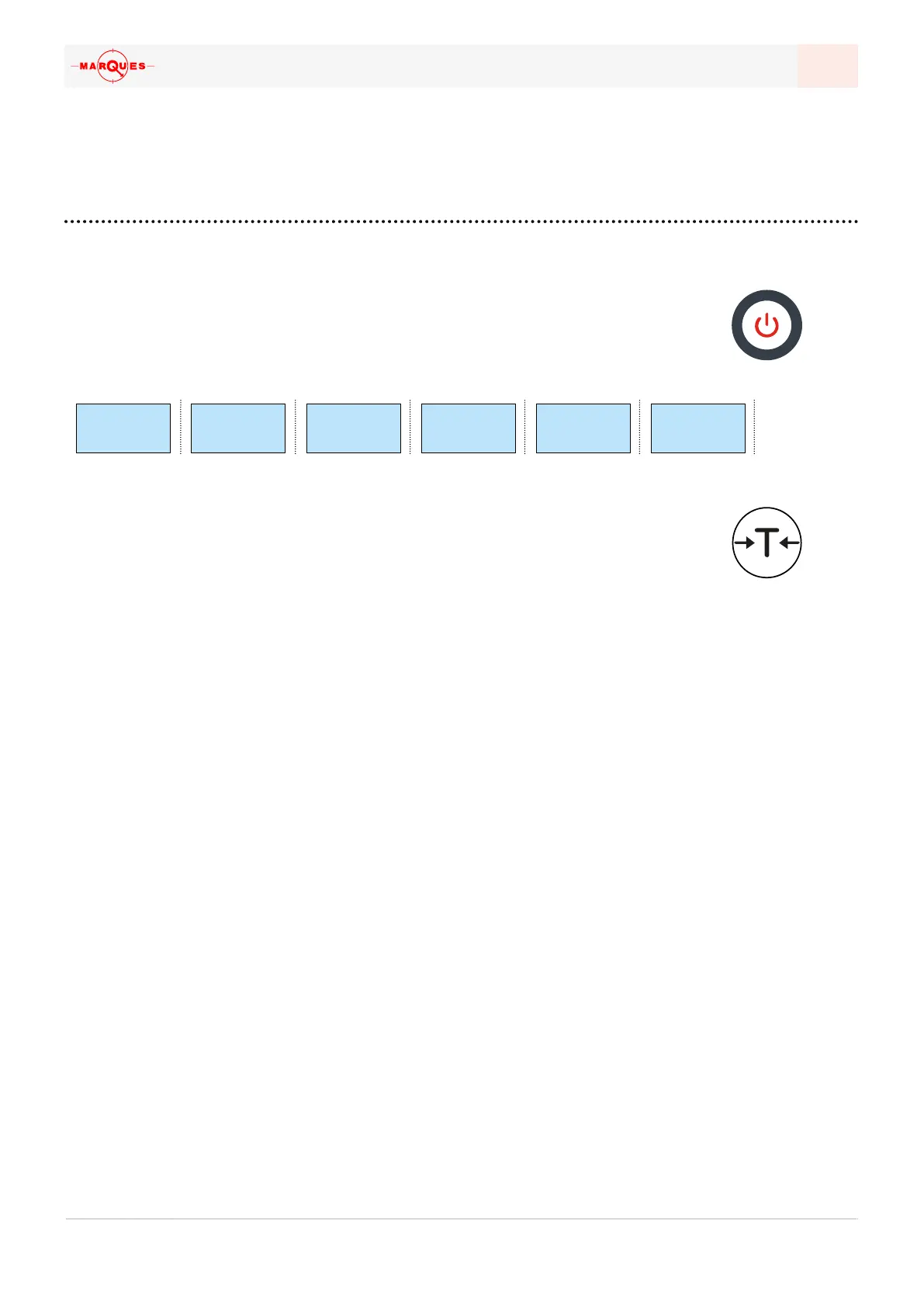
To turn it on: press the
ON/OFF button for two second; the indicator will sound a
signal, and then run a test to check whether it’s working properly. This includes
a countdown of all digits from 9 to 0. Some hyphens will be displayed still, and
only when the displays proceeds to displaying zeroes can one start weighing:
TARES
Tares exclude a given weight (for instance, one of a container) when weighing
something. The indicatior allows dierent types of tare:
NORMAL TARE | Put weight on the platform +
TARE button
• It takes the weight on the platform as the tare, so as to then perform
the weighing of the product itself; after the weighing, the tare also
disappears – the indicator goes back to true zero.
PRESET TARE | See prog-8 section
• It’s possible to set up to 4 tares that are stored in the indicator;
to call for them, press
ENTER and FIX. The intended tare can be
selected using the navigation keys, and pressing enter afterwards;
the tare will be deactivated after the weighing.
FIXED TARE | Weight on platform +
FIX
• The tare is fixed in the system for several weighings; the remove the
fixed tare, press the
ESC and F1 button in rapid succession.
GRAND TOTAL
Grand total presents the sum of the registered weighings. Anytime a weighing
is printed, either to a ticket or to another device, it is registered, and it only goes
back to zero when the user clears the data in the indicator.
ACCESS THE GRAND TOTAL SCREEN | press
ENTER twice;
VIEW | Access, and press
ENTER a third time; the indicator will show the number
of weighings and the sequentially accumulated weight;
PRINT | Access and press
PRINT;
CLEAR | Deletes the data, pressing the
ZERO key; the system will ask to confirm
the action, which is done by pressing the
ZERO key a second time.
✓
bm-1
888888888888888 88888888
u -100 999999
888888888888888 88888888
000000
000000000000000 0000000
------
--------------- --------
0~000
0000


 To Next Page