User Guide | BM1000P TOP
EN
6 Nov 2023
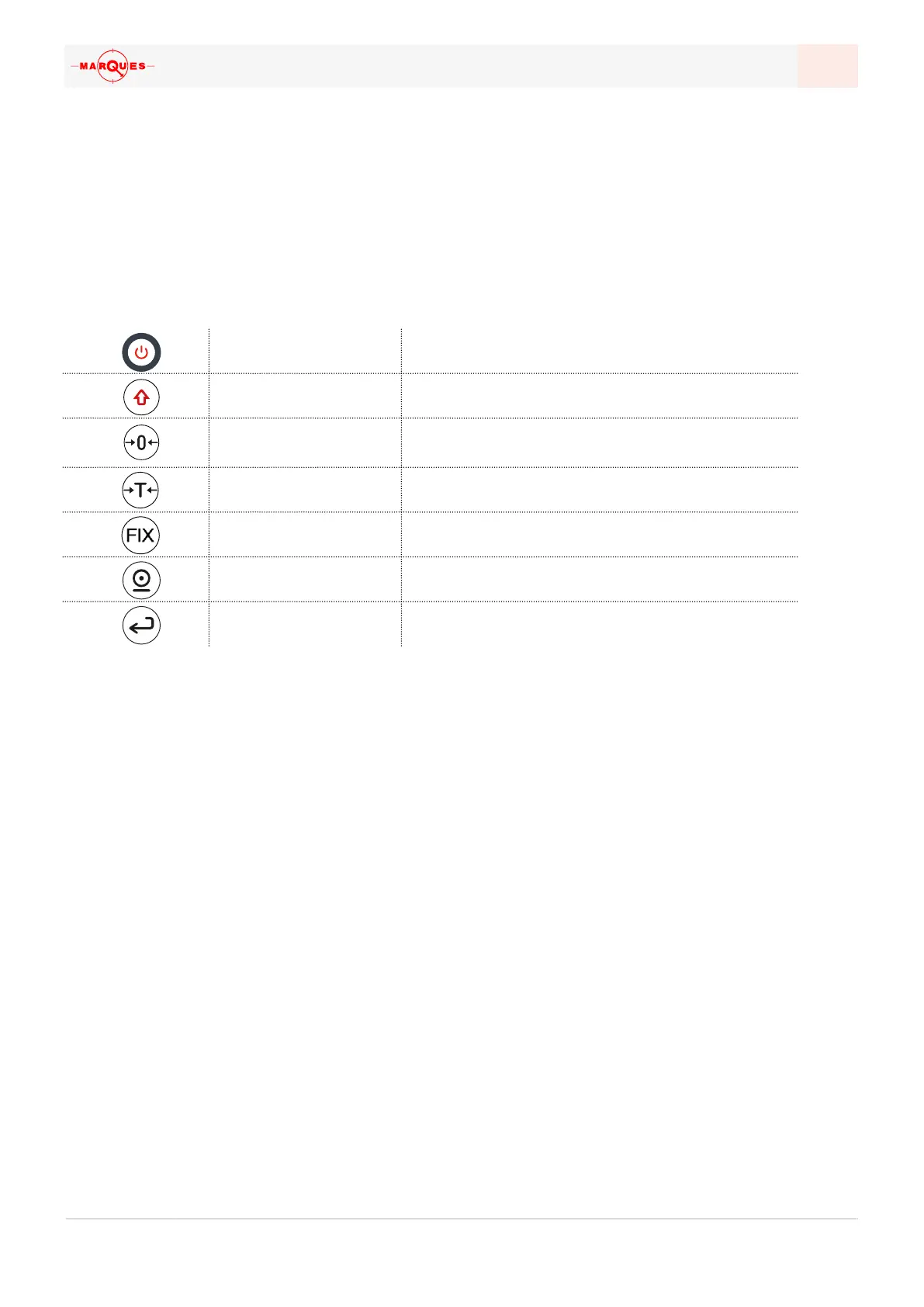
INTERFACE | KEYPAD
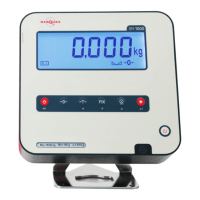
The 7-key pad provides a way to navigate through the menus and settings, often
using specific key combinations; some of the keys have a secondary indication for
this reason.
ON / OFF
Turns the device on or o, when pressed for 2s
SHIFT / ESCAPE
Cancels operations and goes back in menus
ZERO
Corrects residual weight, setting the indicator at
zero
TARE
Uses a semiautomatic tare
FIXED TARE
Sets a tare for repeated use
PRINT
Send the information to another device or to a printer
ENTER
Validates an operation or value


 To Next Page