Martin maxium & maxium Beamer Operating Instructions
V 2.0
28
5 Description of the Display Contents
5.1 Program Line
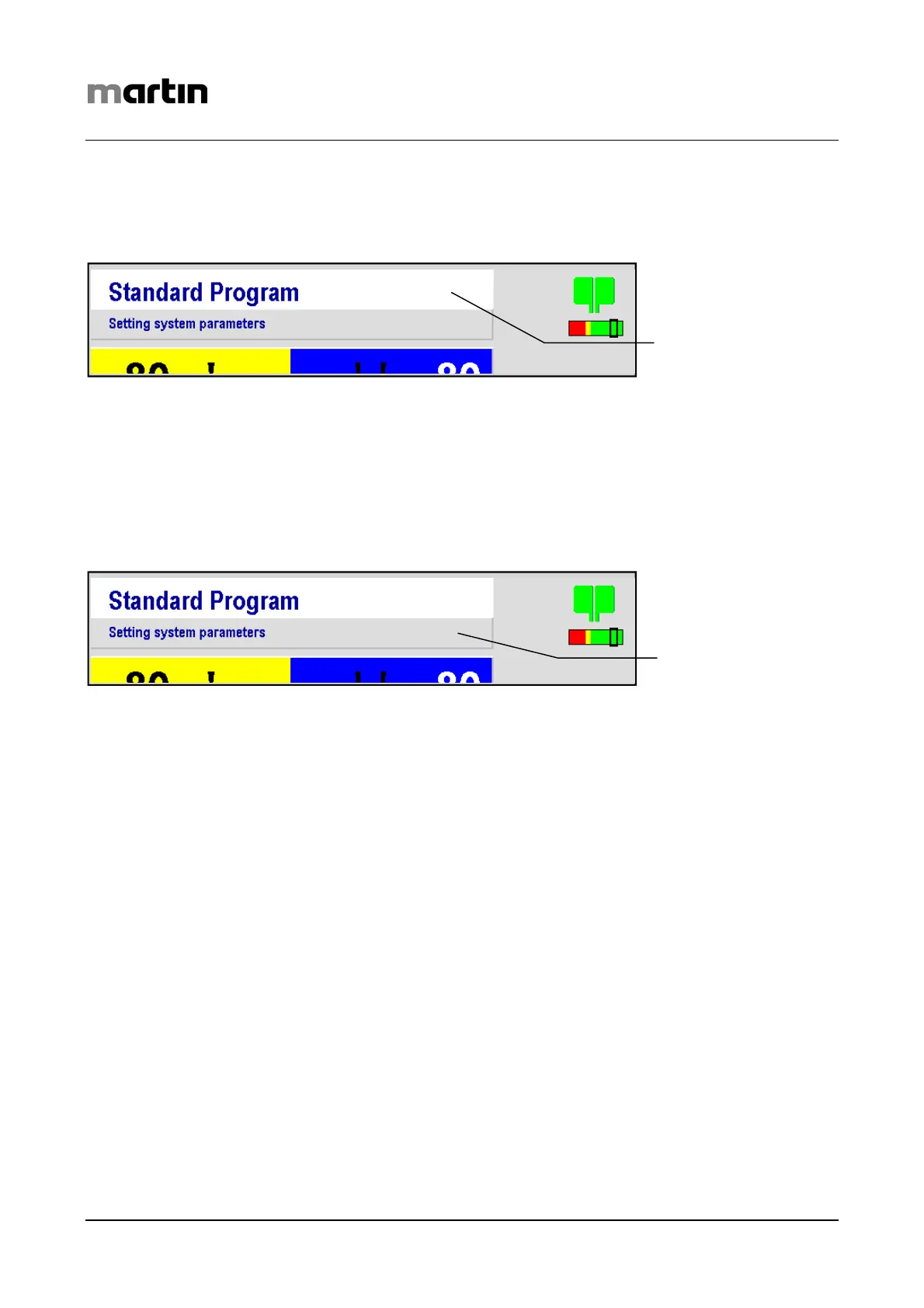
The Program line indicates the program currently used. When switching on the unit for the first
time, “Standard Program“ will be displayed here. If you select another program via the menu, this
text will be changed to the title of the program newly selected.
5.2 Context Line
The Context line describes the maxium’s current status.
This field is also used for explanations in connection with required user entries.
During the selection process as well as during current activation, the respective type of current is
indicated here. If you selected the Setup menu, the currently selected menu level is indicated in the
Context line.
Program line
Context line



 To Next Page