21
NEED NEW TBD
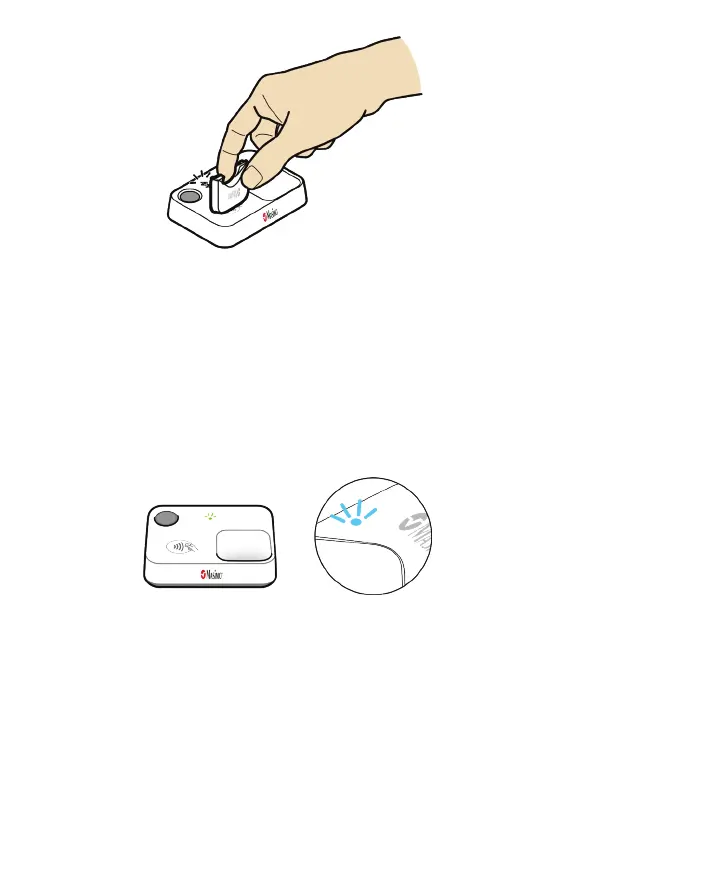
2. Confirm successful pairing once the chip is inserted into the sensor by observing the light
indicators.
Masimo Stork Hub:
• Bluetooth Status LED - turns off
• Status LED - turns green
Masimo Sensor:
• Light Indicator - turns blue TBD
NEED NEW TBD
• If the sensor and Masimo Stork Hub cannot pair, see Troubleshooting on page 33.
3. After connecting the Sensor, the Your System is Connected screen displays indicating the
<prod_name_ short> App setup is completed. Select Continue.



 To Next Page