20
• Pair the Sensor to the Masimo Stork Hub
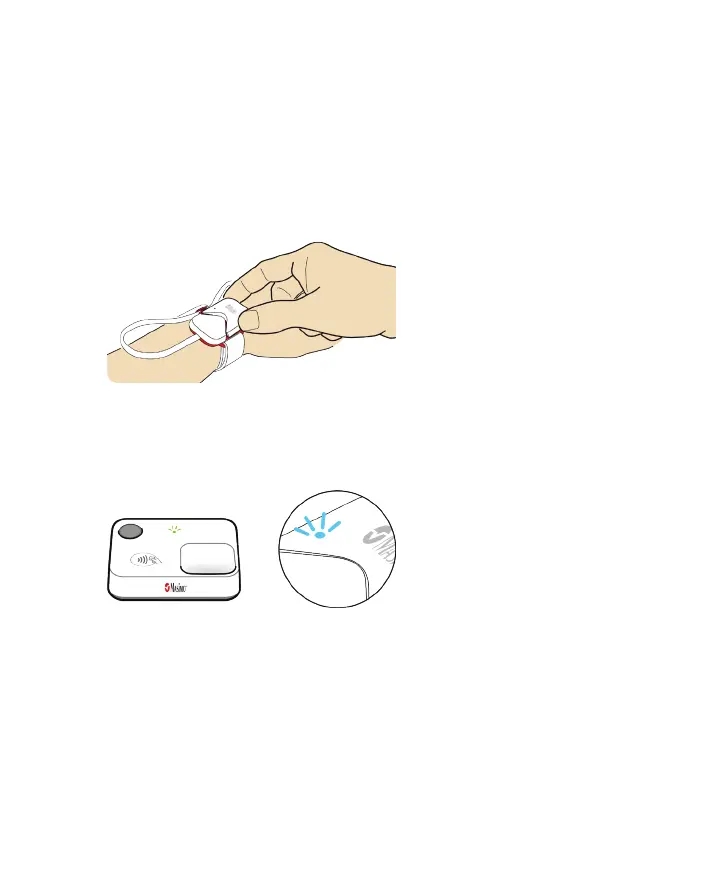
• Attach the Sensor to the Masimo Stork Boot.
• Attach the Boot with Sensor to the Baby's foot.
Charging the Masimo Sensor
1. To charge the Masimo Sensor, remove it from the Masimo Stork Boot.
2. Connect the Masimo Stork Sensor to a power outlet using the AC power cord and adapter
and connect the charging cable to the Sensor charging port.
NEED NEW
3. Confirm successful charging of the sensor by observing the light indicators.
• Light Indicator - turns blue TBD
NEED NEW FOR SENSOR
• If the sensor does not charge, see Troubleshooting on page 33.
Pairing the Masimo Sensor
ALL TBD NEED TO KNOW ON BOARDING PROCESS - SEE APP SCREENS
1. To pair the Masimo Sensor to the Masimo Stork Hub, follow the on-screen instructions to
scan the QR code on the sensor. Confirmation TBD.
Note: If the Sensor is not found when scanning the QR code, enter the Sensor serial code
(located on the Sensor) manually into the App and select Continue. If the Sensor still cannot
connect, see Troubleshooting on page 33.



 To Next Page