EasyManua.ls Logo

Masterflex MASTERSENSE MFLX07526-10 - User Manual

Masterflex MASTERSENSE MFLX07526-10
59 pages
Print Icon
To Next Page IconTo Next Page
Loading...
OPERATING MANUAL:
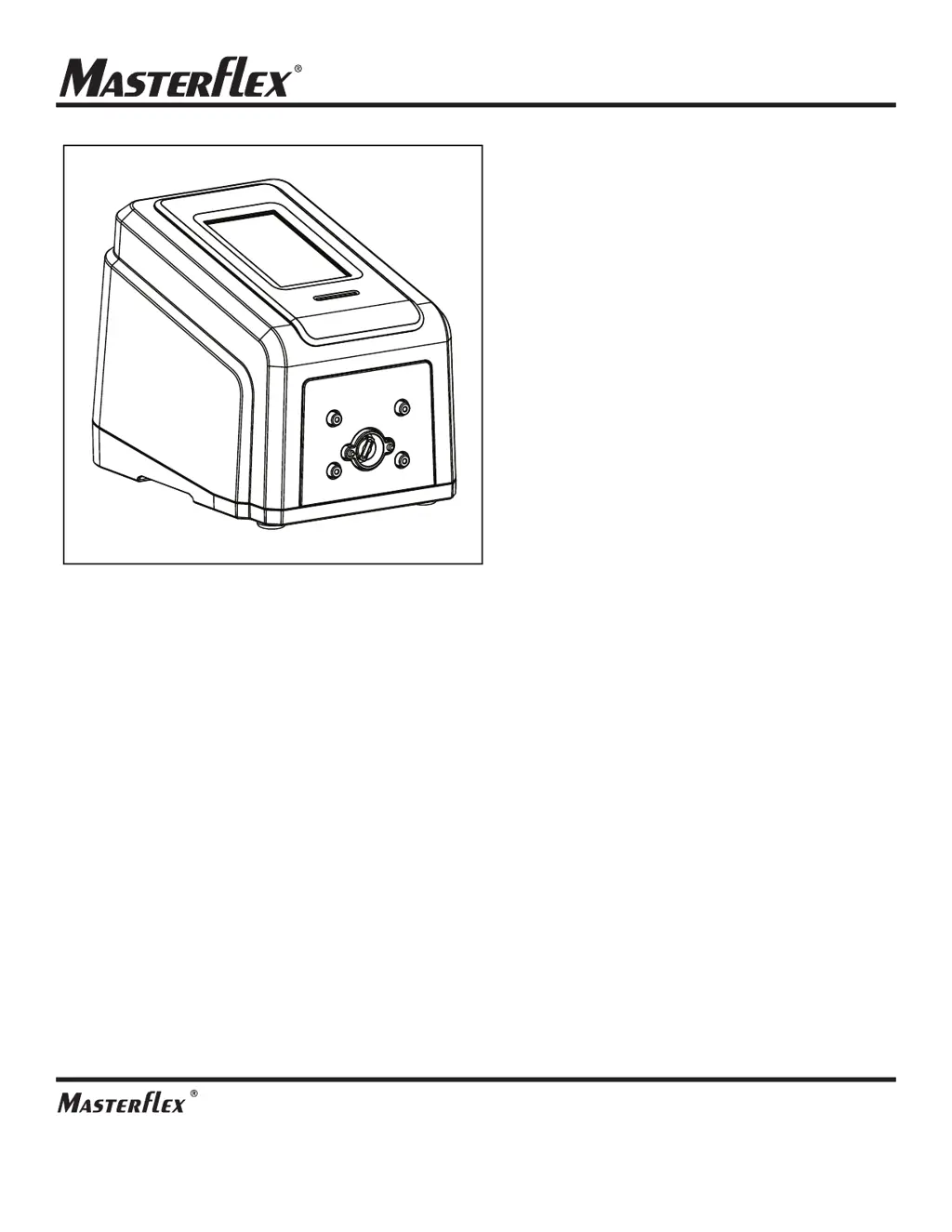
MASTERSENSE™
MFLX0
7526-10
MASTERSENSE™ L/S
®
DIGITAL
PUMP DRIVES
WITH ADVANCED
CONNECTIVITY
Model Nos.
MFLX07526-10
MFLX07526-12
MFLX07526-20
MFLX07526-22
A-1299-5207
Edition 05
(US & Canada only) Toll Free 1-800-MASTERFLEX • 1-800-637-3739
(Outside US & Canada) 1-847-381-7050
masterflex.tech@avantorsciences.com
www.avantorsciences.com/masterflex

Table of Contents

Questions and Answers

Summary

Introduction to Masterflex L;S Pump Drive

Safe Operation Guidelines

Essential safety precautions and warnings for operating the Masterflex pump drive.

About the MasterSense L;S Pump Drive

Overview of the MasterSense L/S pump drive, its capabilities, and applications.

Key Features of the Pump Drive

Highlights key features and benefits of the MasterSense L/S pump drive.

Basic Setup and Settings Configuration

Touchscreen Interface Icons

Visual guide to the icons used on the pump drive's touchscreen interface.

Before Starting the Pump Drive

Important preparatory steps and precautions before initial operation.

Switching the Pump Drive On

Step-by-step instructions for powering on the pump drive.

System Settings Configuration

Guides for setting language, time, date, brightness, alerts, and analog output.

Device Information Access

Accessing details like MAC address, IP, software version, and firmware.

Wi-Fi Network Configuration

Configuring network connectivity via Wi-Fi for the pump drive.

Ethernet Network Configuration

Setting up network connection using an Ethernet cable.

User Management and Permissions

Controlling user access levels and permissions for the pump drive.

Pump Head Selection Procedure

How to select and configure the installed pump head.

Priming the Pump Drive

Procedure for filling the tubing with fluid and removing air pockets.

Tube Calibration Process

Essential steps for calibrating tubing to ensure accurate fluid dispensing.

Pump Drive Operation Modes

Mode Selection Screen Overview

Accessing the different operating modes of the pump drive.

Continuous Mode Operation

Running the pump at a constant speed or flow rate.

Time Mode Operation Guide

Operating the pump for a specific duration or number of cycles.

Volume Mode Dispensing

Dispensing a precise volume of fluid.

Analog Input Mode Control

Controlling and monitoring the pump via external analog signals.

Custom Program Mode Creation

Creating and saving custom operating programs for frequent use.

Editing Custom Programs

Modifying existing custom programs for the pump drive.

Communication Specifications and Setup

Ethernet;IP Communication Setup

Configuring the pump drive for Ethernet/IP communication with a PLC.

Masterflex Ethernet;IP Data

Details on input and output data for Ethernet/IP communication.

Profibus Communication Mode

Operating the pump drive remotely using Profibus communication.

Profibus Communication Data

Data mapping and byte definitions for Profibus communication.

Service and Maintenance Procedures

Firmware Update Instructions

Procedures for updating the pump drive's firmware.

Restoring Factory Settings

Resetting the pump drive to its original factory default configuration.

Cleaning the Pump Drive

Guidelines for safely cleaning the pump drive unit.

Troubleshooting Common Issues

Identifying and resolving common issues with the pump drive.

Error Code Definitions

Explanations of error codes and their recommended actions.

Technical Specifications

Technical specifications including output, input, and construction details.

Technical Assistance Contact

Information on how to obtain support for product-related questions.

Masterflex MASTERSENSE MFLX07526-10 Specifications

General IconGeneral
ModelMASTERSENSE MFLX07526-10
TypePeristaltic Pump
Motor TypeBrushless DC
Power Supply100 to 240 VAC, 50/60 Hz
DisplayDigital
Tubing SizeL/S 13, L/S 14, L/S 16, L/S 25, L/S 17, L/S 18
CommunicationRS-485, USB

Related product manuals