Live Data Mode
VIEWING LIVE DATA
32
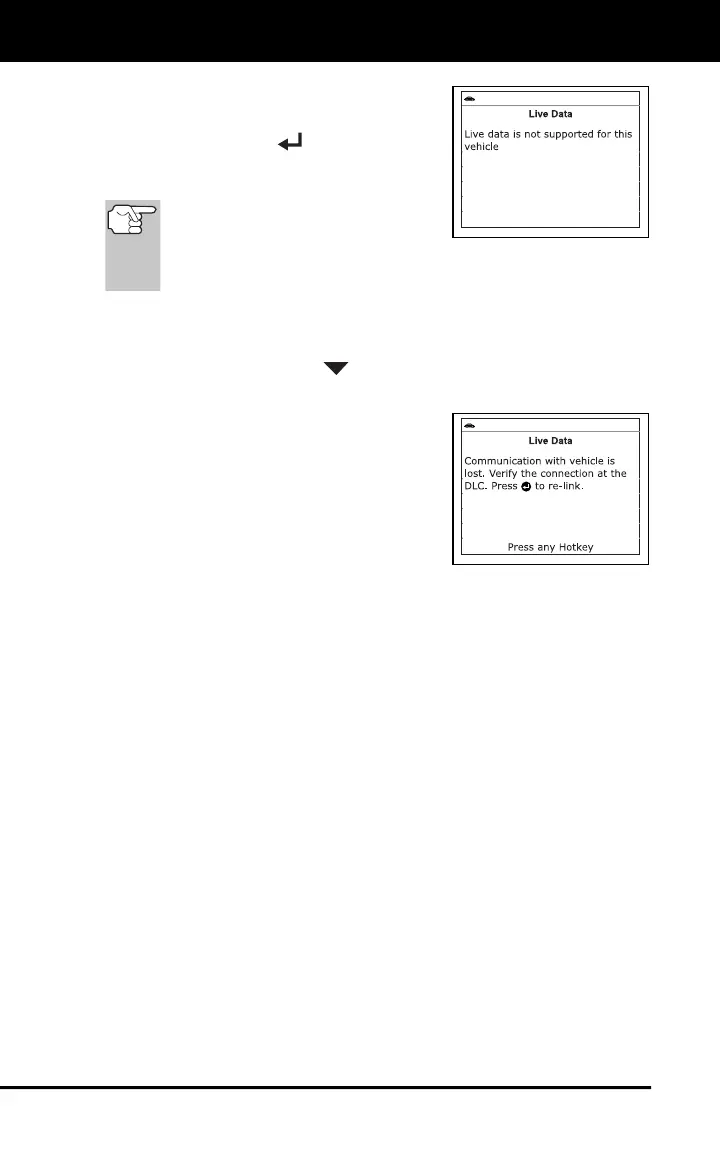
If Live Data is not supported by the
vehicle under test, an advisory
message displays. Press the
MENU/ENTER
button to return
to the Main Menu. Live Data is not
available for your vehicle.
Remember, what you are viewing is
"real-time" Live Data. The values
(volts, rpm, temperature, vehicle
speed, system status etc) for the various PIDS displayed may
change as the vehicle's operating conditions change.
4. A vehicle usually supports several PIDs, however, only a limited
amount of PID data can be displayed on the screen at one time. If
additional PID data is available, a small arrow will be shown on the
display. Use the DOWN
button to scroll up or down to view all
available PID data.
If communication with the vehicle is
lost while viewing Live Data, a
Communication Lost" message
shows on the Scan Tool's display.
5. If you experience vehicle problems,
view and/or compare the Live Data (PID)
information displayed on the Scan Tool
to specifications in the vehicle's repair
manual.



 To Next Page