Additional Functions
LED DEFINITIONS - DISPLAY LANGUAGE - DISPLAY BRIGHTNESS
39
Red = Excessive over charging or under charging
If the alternator voltage is less than 9 V, the red, yellow and
green SYSTEM STATUS LEDs will flash on and off.
6. Press MENU/ENTER
to return to the Main Menu.
VIEWING LED DEFINITIONS
The SYSTEM STATUS LEDs on the scan tool provide a visual
indication of the I/M Readiness status of the vehicle under test. The
LED Definitions function provides a description of the meanings of the
green, yellow and red SYSTEM STATUS LEDs.
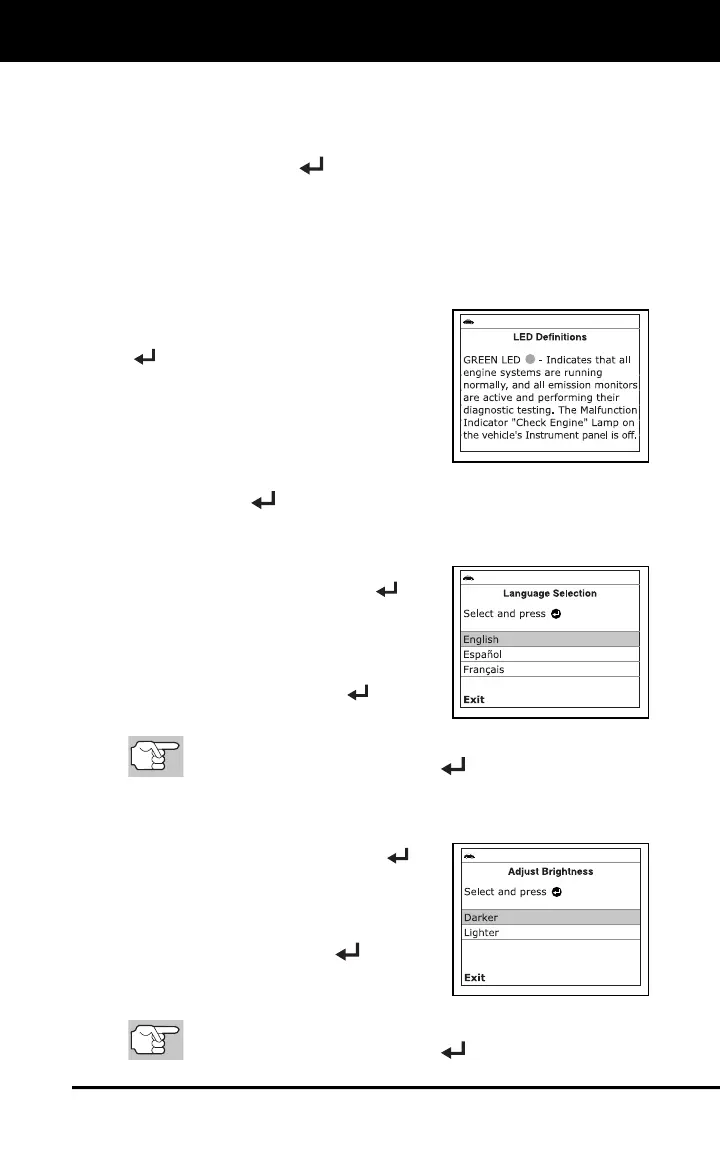
7. From the Main Menu, select LED
Definitions, then press MENU/ENTER
.
The LED Definitions screen displays.
The screen provides a description of
the meanings of the green, yellow
and red SYSTEM STATUS LEDs.
8. When you have finished viewing the LED meanings, press
MENU/ENTER
to return to the Main Menu.
SELECTING THE DISPLAY LANGUAGE
1. Select Language Selection in the Main
Menu, then press MENU/ENTER
.
The Language Selection screen dis-
plays.
2. Select the desired display language,
then press MENU/ENTER
to save
your changes.
To return to the Main Menu without making changes, select
Exit, then press MENU/ENTER
.
ADJUSTING DISPLAY BRIGHTNESS
1. Select Adjust Brightness in the Main
Menu, then press MENU/ENTER
.
The Adjust Brightness screen
displays.
2. Select Darker or Lighter, as desired,
then press MENU/ENTER
.
3. Repeat steps 1 and 2 as needed until
the desired brightness is obtained.
To return to the Main Menu without making changes, select
Exit, then press MENU/ENTER
.



 To Next Page