Additional Functions
AUDIBLE TONE - FOOTERS - HOTKEY LEGEND – UNIT OF MEASURE
40
ENABLING/DISABLING THE AUDIBLE TONE
1. Select Audible Tone in the Main Menu,
then press MENU/ENTER
.
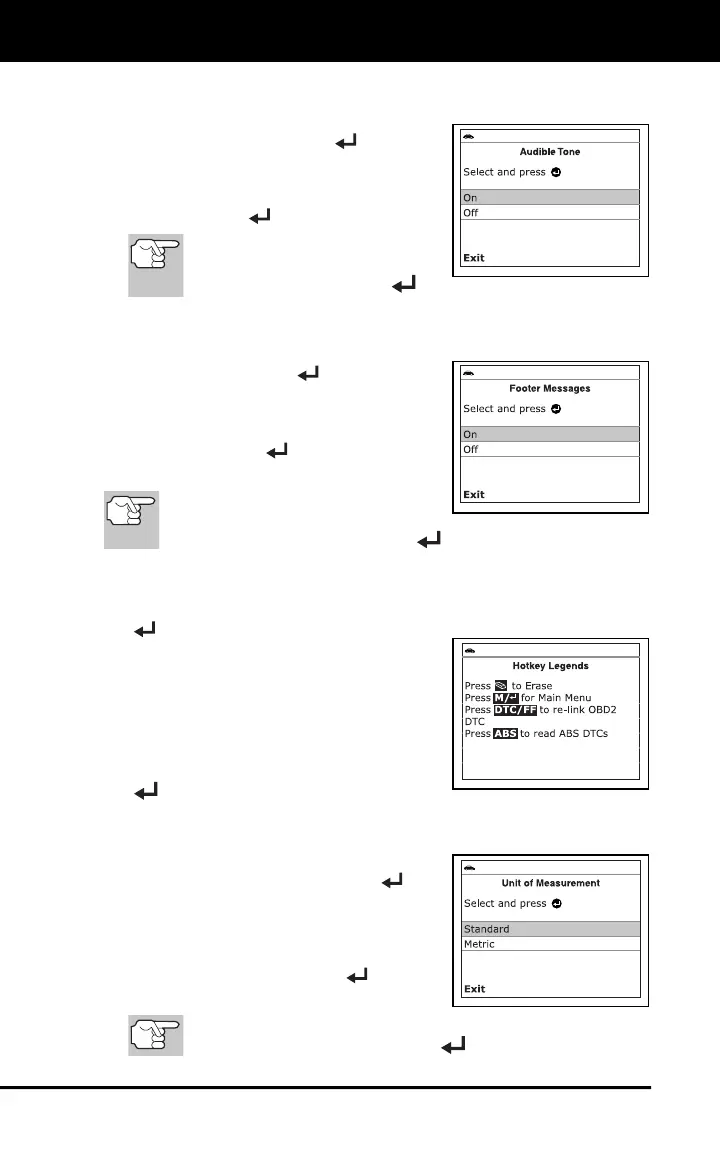
The Audible Tone screen displays.
2. Select On or Off as desired, then press
MENU/ENTER
to save your changes.
To return to the Main Menu with-
out making changes, select Exit,
then press MENU/ENTER
.
ENABLING/DISABLING NAVIGATIONAL FOOTERS
1. Select Footer in the Main Menu, then
press MENU/ENTER
.
The Footer screen displays.
2. Select On of Off as desired, then press
MENU/ENTER
to save your
changes.
To return to the Main Menu
without making changes, select
Exit, then press MENU/ENTER
.
VIEWING THE HOTKEY LEGEND
1. Select Hotkey Legend in the Main Menu, then press MENU/ENTER
.
The Hotkey Legends screen displays.
The screen shows a functional
description of each of the scan
tool’s hotkeys.
2. When you have finished viewing the
Hotkey Legend, press MENU/ENTER
.
SETTING THE UNIT OF MEASUREMENT
1. Select Unit of Measurement in the Main
Menu, then press MENU/ENTER
.
The Unit of Measurement screen
displays.
2. Select the desired unit of measurement,
then press MENU/ENTER
to save
your changes.
To return to the Main Menu without making changes, select
Exit, then press MENU/ENTER
.



 To Next Page