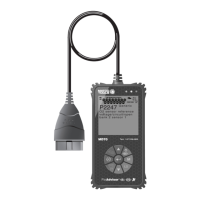
About the FixAdvisor
™
ADJUSTMENTS AND SETTINGS
MD70 9
3. When the desired display language is highlighted, press the ENTER
button to save your changes and return to the Tool Settings
Menu (shown in the selected display language).
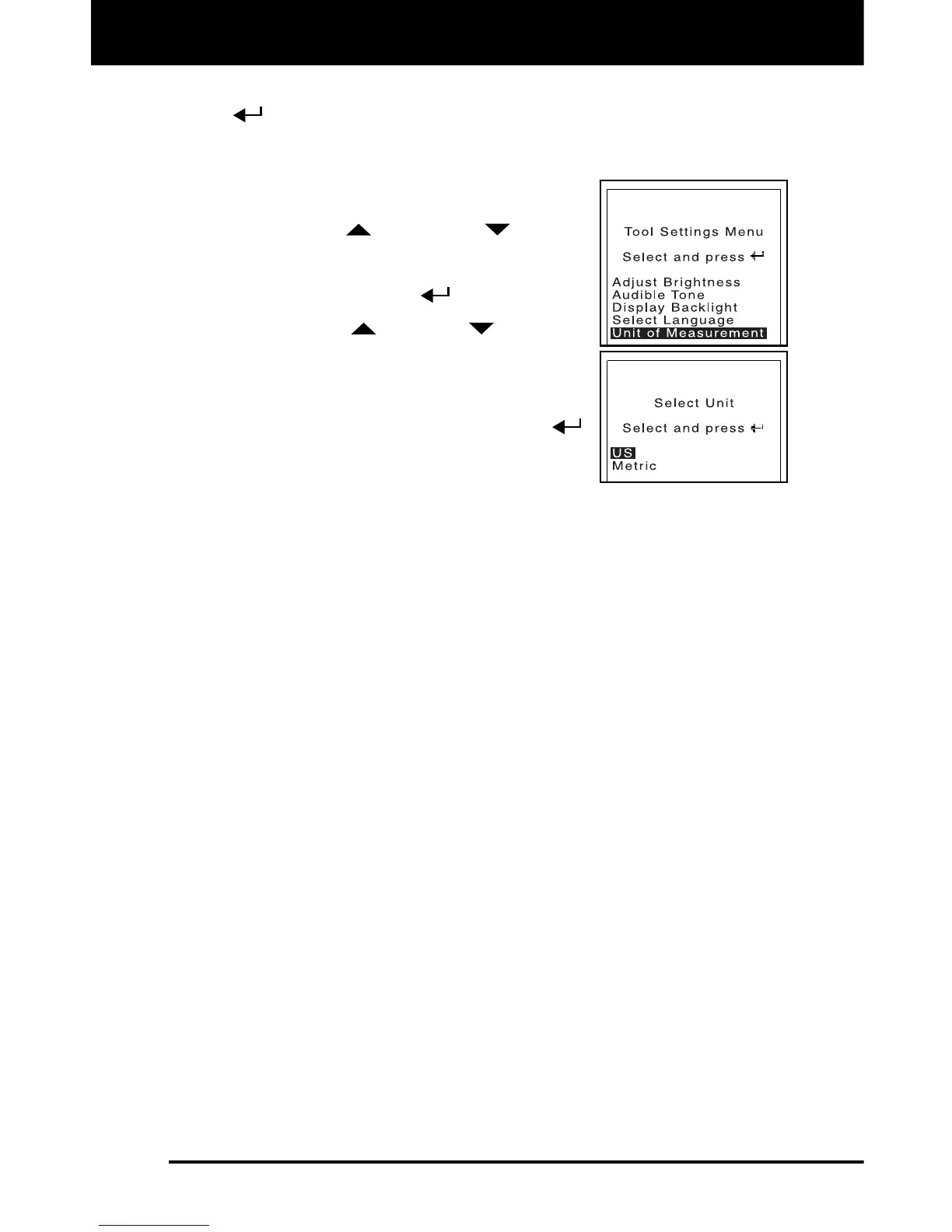
Setting the Unit of Measurement
1. Use the UP
and DOWN buttons,
as necessary, to highlight Unit of
Measurement in the Tool Settings Menu,
then press the ENTER
button.
2. Press the UP
or DOWN button, as
necessary, to highlight the desired Unit of
Measurement.
3. When the desired Unit of Measurement
value is selected, press the ENTER
button to save your changes.
Exiting the Tool Settings Menu:
1. Press the M button to return to the Main Menu.


 To Next Page