Using the FixAdvisor Pro
™
VIEWING SRS DTCS
52 MD70
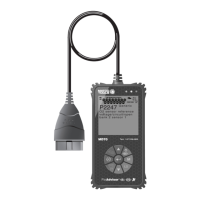
Refer to DISPLAY FUNCTIONS on page 11 for a description
of LCD display elements.
A visible icon indicates that the FixAdvisor is being powered
through the vehicle’s DLC connector.
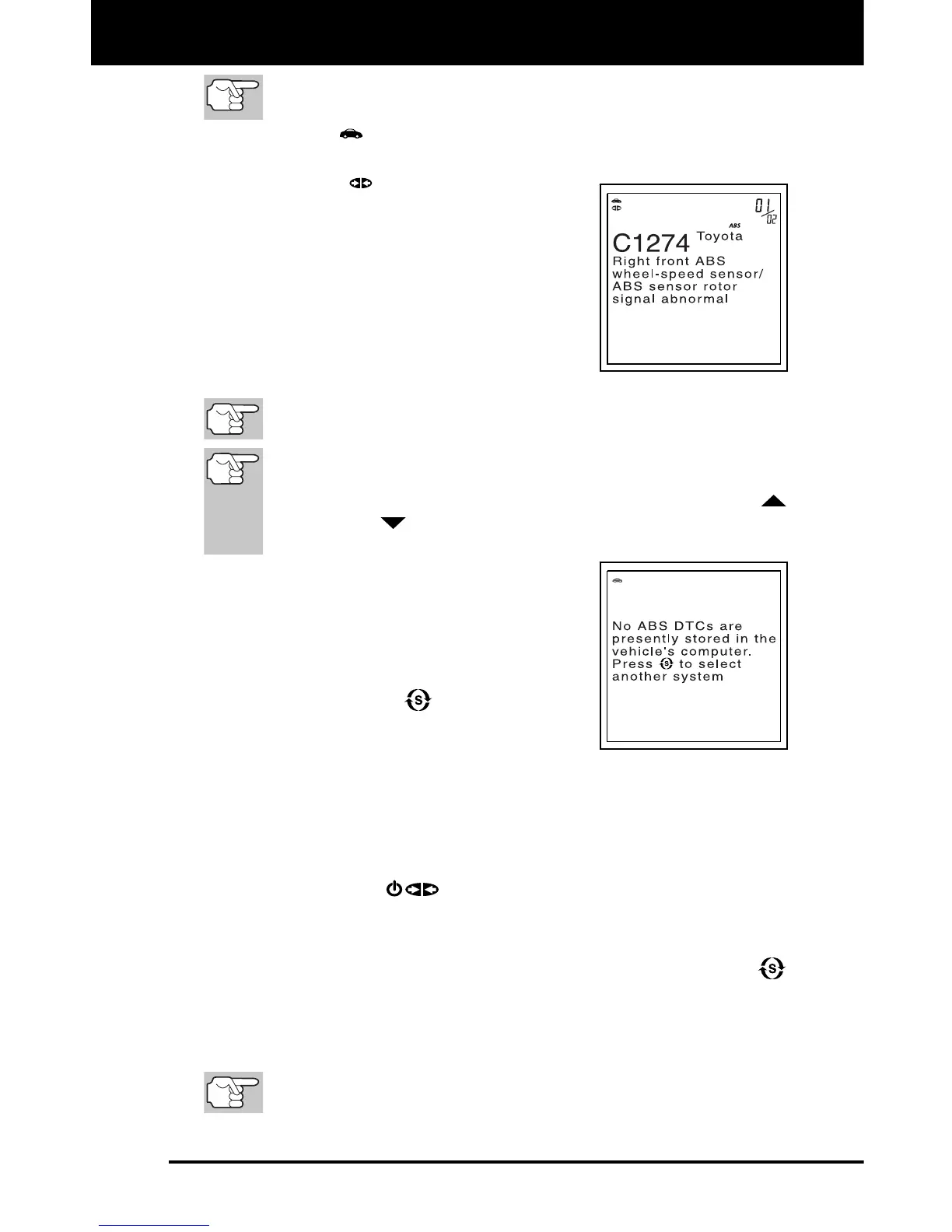
A visible icon indicates that the
FixAdvisor is linked to (communicating
with) the vehicle’s computer.
The upper right hand corner of the
display shows the number of the code
currently being displayed, the total
number of codes retrieved.
The Diagnostic Trouble Code (DTC)
and related code definition are shown
in the lower section of the LCD display.
I/M MONITOR STATUS icons are not displayed when viewing
ABS DTCs.
In the case of long code definitions, a small arrow is shown in
the upper/lower right-hand corner of the code display area to
indicate the presence of additional information. Use the UP
and DOWN
buttons, as necessary, to view the additional
information.
The FixAdvisor will display a code only
if codes are present in the vehicle’s
computer memory. If no codes are
present, a "No ABS DTC’s are
presently stored in the vehicle’s
computer" is displayed. Press the
SYSTEM MENU
button to return to
the System Menu.
3. If more than one code was retrieved press
the DTC/FF button, as necessary, to display additional codes one at
a time.
Whenever the Scroll function is used to view additional codes,
the FixAdvisor’s communication link with the vehicle’s computer
disconnects. To re-establish communication, press the
POWER/LINK
button again.
4. When the last retrieved DTC has been displayed and the DTC/FF
button is pressed, the FixAdvisor returns to the first DTC.
To exit the enhanced mode, press the SYSTEM MENU
button. The FixAdvisor returns to the System Menu.
VIEWING SRS DTCs
Refer to Vehicle Applications - SRS on page 91 for vehicles
covered.


 To Next Page