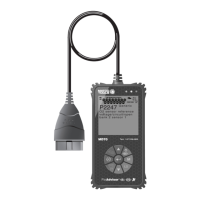
About the FixAdvisor
™
BATTERY REPLACEMENT
6 MD70
On some Asian and European vehicles the DLC is located
behind the “ashtray” (the ashtray must be removed to
access it) or on the far left corner of the dash. If the DLC
cannot be located, consult the vehicle’s service manual for
the location.
BATTERY REPLACEMENT
Replace batteries when the battery symbol is visible on display
and/or the 3 LEDS are all lit and no other data is visible on screen.
1. Locate the battery cover on the back of the FixAdvisor.
2. Remove the screw and lift the battery cover off.
3. Replace batteries with three AA-size batteries (for longer life, use
Alkaline-type batteries).
4. Place the battery cover on the back of the FixAdvisor, and reinstall
the screw.
Language Selection After Battery Installation
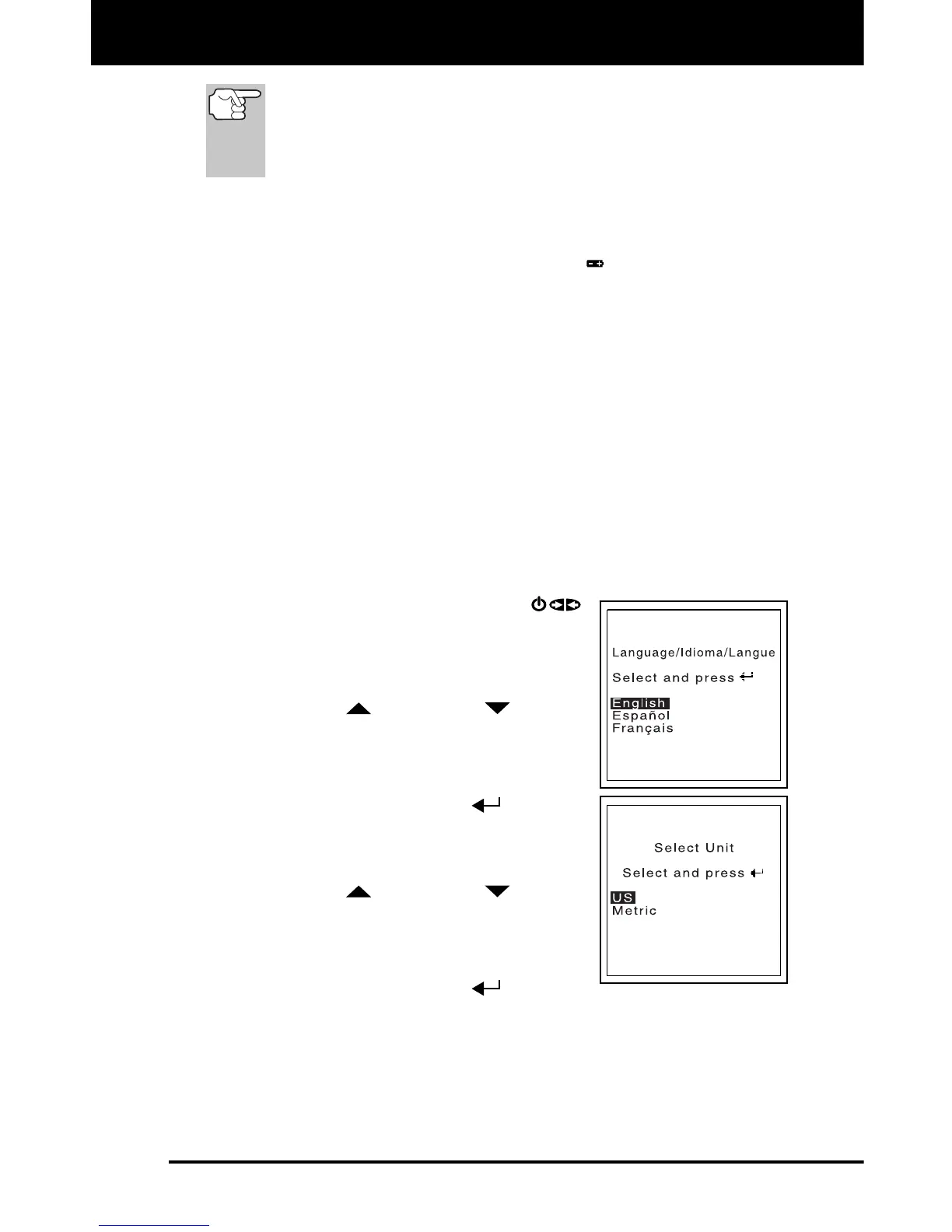
The first time the FixAdvisor is turned on, you must select the desired
display language (English, French or Spanish) and unit of measurement
(USA or metric) as follows:
1. Press and hold the POWER/LINK
button for approximately 3 seconds to turn
the Scan Tool “ON.”
The Select Language screen displays.
2. Use the UP
and DOWN buttons,
as necessary, to highlight the desired
display language.
3. When the desired display language is
selected, press the ENTER
button to
confirm your selection.
The Select Unit screen displays.
4. Use the UP
and DOWN buttons,
as necessary, to highlight the desired unit
of measurement.
5. When the desired unit of measurement is
selected, press the ENTER
button to
confirm your selection.
After the initial language selection is performed, it as well as
other settings can be changed as desired. See ADJUSTMENTS
AND SETTINGS on page 7 for further instructions.


 To Next Page