Using the FixAdvisor
™
CODE RETRIEVAL PROCEDURE
40 MD70
Refer to DISPLAY FUNCTIONS on page 11 for a description
of display elements.
A visible icon indicates that the FixAdvisor is being powered
through the vehicle’s DLC connector.
A visible icon indicates that the FixAdvisor is linked to
(communicating with) the vehicle’s computer.
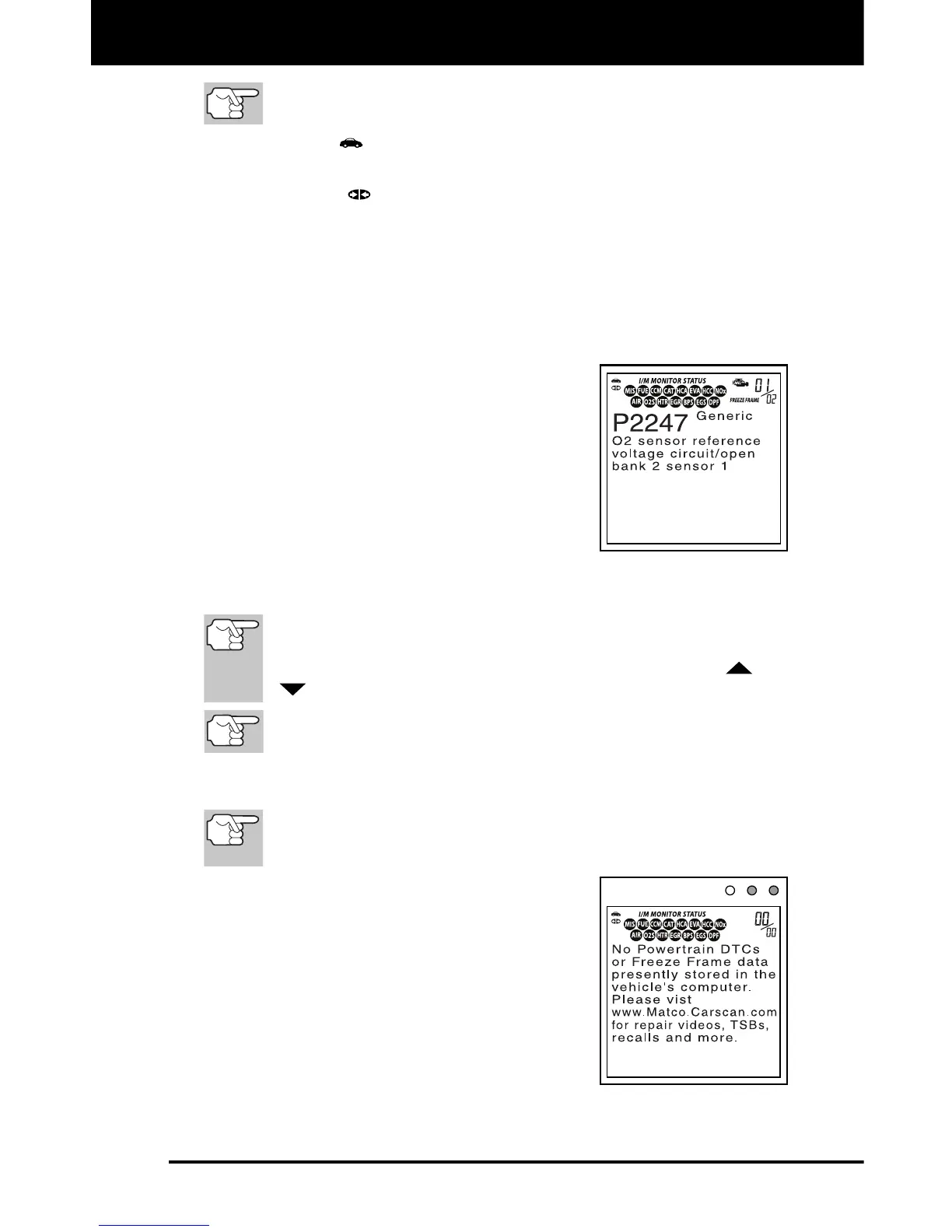
The I/M Monitor Status icons indicate the type and number of
Monitors the vehicle supports, and provides indications of the
current status of the vehicle’s Monitors. A solid Monitor icon
indicates the associated Monitor has run and completed its
testing. A blinking Monitor icon indicates the associated Monitor
has not run and completed its testing.
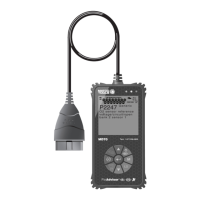
The upper right hand corner of the
display shows the number of the code
currently being displayed, the total
number of codes retrieved, and whether
or not the displayed code commanded
the MIL on. If the code being displayed
is a PENDING code, the PENDING
icon is shown. If the code being
displayed is a PERMANENT code, the
PERMANENT icon is shown.
The Diagnostic Trouble Code (DTC) and related code definition
are shown in the lower section of the display.
In the case of long code definitions, a small arrow is shown in the
upper/lower right-hand corner of the FixAdvisor display area to
indicate the presence of additional information. Use the
and
buttons, as necessary, to view the additional information.
If a definition for the currently displayed code is not available,
an advisory message shows on the FixAdvisor’s display.
18. Read and interpret Diagnostic Trouble Codes/system condition
using the display and the green, yellow and red LEDs.
The green, yellow and red LEDs are used (with the display) as
visual aids to make it easier to determine engine system
conditions.
Green LED – Indicates that all engine
systems are “OK” and operating
normally. All monitors supported by the
vehicle have run and performed their
diagnostic testing, and no trouble
codes are present. All Monitor icons
will be solid.
Yellow LED – Indicates one of the
following conditions:


 To Next Page